
Last updated:
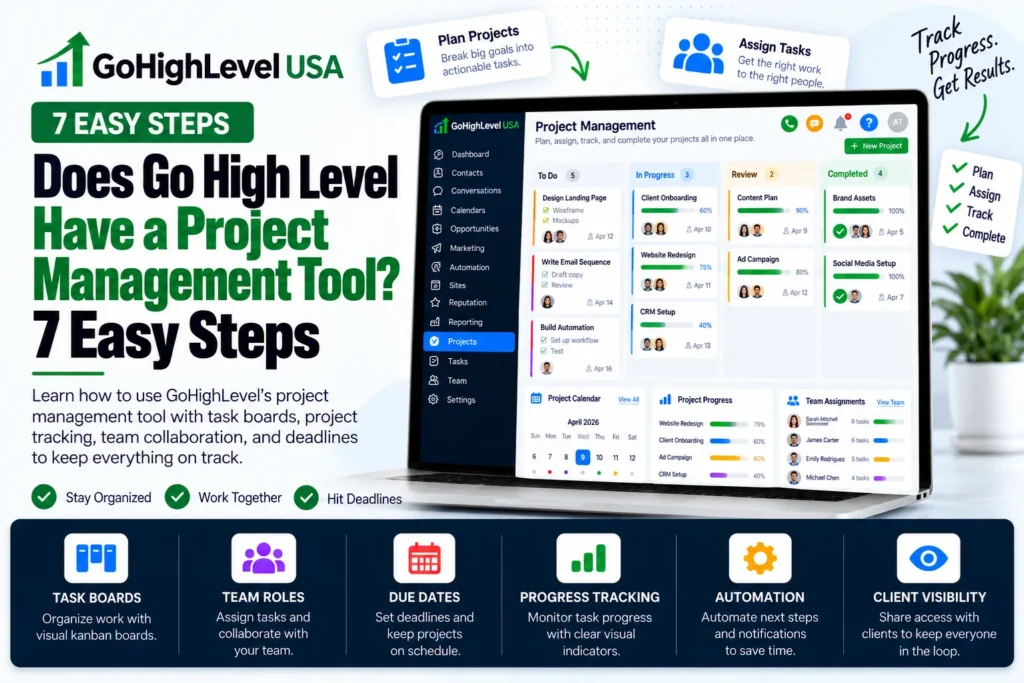
Does Go High Level have a project management tool? Not a full one. HighLevel has strong built in tasks, pipelines, and workflow automations that can track client work, but it does not have a separate “Projects” module like Asana or ClickUp.
That is the short answer. In this guide, you will see what HighLevel really gives you, how to set up a simple project system in 7 easy steps, where the limits are, and when to connect an outside tool.
Does Go High Level Have a Project Management Tool? The Honest Answer
When people ask “does go high level have a project management tool,” they usually want one place to track client jobs. HighLevel can do that, but you build it from parts. There is no single screen called Projects.
We checked the official HighLevel help center and the HighLevel ideas board. The ideas board has a public request for a “Built in Project Management Module for Agencies and Clients.”
Its status shows as under review, with a lot of user votes. Many of those users asked the same thing: does Go High Level have a project management tool? Their comments say they use other apps for now.
That request tells you a lot. If a full project module already existed, users would not be asking for it.
So the true answer to does Go High Level have a project management tool is “partly.” You get the building blocks, not a finished product.
What Users Want From a Project Tool
Before you judge does Go High Level have a project management tool, list your needs. Most agencies want a few simple things.
They want to make a project, add tasks, assign people, set due dates, and let clients see progress. HighLevel covers many of these, but not all of them in one place.
What Project Features Does GoHighLevel Have?
To answer does Go High Level have a project management tool fully, look at the parts. HighLevel gives you four main tools for project work. Each one is in the HighLevel help center.
1. Tasks
Tasks live inside contact and opportunity records. The HighLevel guide on unified task management says each task has a title, a description, a due date and time, and an assignee.
You can filter tasks by assignee or status. You can sort them by due date or creation date. You can also turn on recurring tasks, so a task repeats on a schedule you pick.
2. Opportunities and Pipelines
Pipelines show work as cards that move from left to right through stages. HighLevel built them for sales, but the official pipelines guide also shows service stages like Discovery Call, Payment, and Onboarding.
For anyone asking does Go High Level have a project management tool, pipelines are the closest match.
They fit project stages well. Each client project can be one opportunity card. Each stage can be one phase of the job, like Kickoff, In Progress, Review, and Done.
3. Workflow Automations
Workflows do the busy work for you. The Add Task workflow action creates a task, assigns it to a user, and sets a due date in days, weeks, months, or years. It can even skip weekends.
There is also a Task Completed trigger. That means when someone finishes a task, the workflow can start the next step on its own.
4. Internal Notifications
Workflows can also send internal notifications to your team. This keeps people in the loop when a project moves to a new stage or a task is due.
New to GoHighLevel? Try it free for 30 days
HighLevel's standard free trial is 14 days. Through our partner link you get 30 days plus HighLevel's free onboarding bootcamp. Rather have it built for you? Our US team sets up GoHighLevel accounts, websites, funnels and automations.
Partner link: we may earn a commission at no extra cost to you. Disclosure
GoHighLevel Project Management vs Dedicated Tools
So how does GoHighLevel project management compare? If you still wonder does Go High Level have a project management tool that can replace Asana, the table below sums it up based on what the official docs confirm.
| Feature | HighLevel | Dedicated Tool (Asana, ClickUp, Trello) |
|---|---|---|
| Tasks with due dates and assignees | Yes | Yes |
| Recurring tasks | Yes | Yes |
| Board view of stages | Yes, through pipelines | Yes |
| Automatic task creation | Yes, through workflows | Varies by plan |
| Separate Projects module | No | Yes |
| Subtasks and task dependencies | Not confirmed in docs | Yes |
| Client contact and CRM data | Yes, built in | Limited or none |
The big win for HighLevel is that your client data, messages, and tasks sit in one place. The big gap is that it lacks a true project view with subtasks and timelines.
How to Manage Projects in GoHighLevel in 7 Easy Steps
You can still build a smart project system inside HighLevel. Here is a simple setup that many agencies use. It turns the answer to does go high level have a project management tool into a clear “yes, with a little setup.”
- Create a project pipeline. Go to Opportunities and add a new pipeline. Name it something like “Client Projects.”
- Add your stages. Use stages such as Kickoff, Planning, In Progress, Client Review, and Complete.
- Add one card per project. Create an opportunity for each client project and link it to the client contact.
- Build a task workflow. Use a Pipeline Stage Changed trigger. Then add the Add Task action to create the tasks for that stage.
- Assign the right person. In each Add Task action, pick the team member who owns that task and set the due time.
- Use Task Completed triggers. When a key task is done, have the workflow move the card or alert the next person.
- Review tasks every day. Filter tasks by assignee and status so each person sees only what they must do today.
So does Go High Level have a project management tool that fits repeat work? With this setup, yes. It works well for jobs that follow the same path each time. Think website builds, funnel launches, or client onboarding.
A Simple Example
Say you build funnels for local businesses. When a new client pays, the card enters Kickoff. A workflow then adds three tasks: collect logins, gather brand files, and book a strategy call.
When the strategy call task is marked done, the workflow moves the card to In Progress. Then it adds build tasks for your designer. No one has to remember the next step.
What Are the Limits of Project Management in GoHighLevel?
Even after setup, does Go High Level have a project management tool that does everything? No. It is important to know the limits before you commit. Here are the main ones we found while checking the official docs.
- No dedicated Projects area. You build projects from pipelines and tasks.
- Tasks link to contacts and opportunities. They are not grouped under a project folder.
- No confirmed subtasks or dependencies. The help docs we checked do not list them.
- No built in client project portal. The ideas board request asks for client visibility, which shows it is not a standard feature yet.
- Setup takes time. Good results depend on well planned pipelines and workflows.
For simple, repeat jobs, these limits rarely hurt. For big, complex projects with many moving parts, they can slow your team down.
Can You Connect GoHighLevel to Asana, ClickUp, or Trello?
Yes. If the answer to does Go High Level have a project management tool is not enough for your team, and you need deeper project tools, you can connect HighLevel to them. There are two common ways to do it.
Option 1: Zapier
Zapier lists a ClickUp and HighLevel integration, where HighLevel shows up as LeadConnector. A common setup creates a ClickUp task when a HighLevel pipeline stage changes. Zapier also supports Asana and Trello in a similar way.
Option 2: Webhooks
HighLevel workflows include webhook actions that send data to other tools. A developer can use these to push project details into almost any app that accepts webhooks.
Many teams use a mix. They keep sales, messages, and client data in HighLevel. Then they send the production work to ClickUp or Asana, where the team does the detailed work.
Is GoHighLevel Project Management Right for You?
Here is a simple way to decide. The question is not just does Go High Level have a project management tool, but whether it fits your work. Your answer depends on the size and type of your projects.
- Use HighLevel alone if your projects follow the same steps each time and you want everything in one place.
- Add an outside tool if you need subtasks, task dependencies, or detailed timelines.
- Use both if sales lives in HighLevel but a big production team does the work.
For most small service businesses, the answer to does Go High Level have a project management tool is good enough. HighLevel alone will do. A clean pipeline plus smart task workflows will cover the basics well.
Does Go High Level Have a Project Management Tool That Works Out of the Box?
People who ask does Go High Level have a project management tool often forget one thing.
Since there is no ready made project module, your results depend on how well HighLevel is set up. A messy pipeline or broken workflow can cause missed tasks and unhappy clients.
That is why many owners get expert help. Our GoHighLevel consultant service can map your project steps and turn them into clean workflows. If you need custom webhooks or app links, you can also hire a GoHighLevel developer.
Final Thoughts
So, does Go High Level have a project management tool? It does not have a full Projects module. But it has tasks, pipelines, and workflows that can run most client projects well.
For complex jobs, you can connect ClickUp, Asana, or Trello through Zapier or webhooks.
Your next step is to sketch your project stages on paper. Then build them as a pipeline with task workflows. If you want this done right the first time, our done for you GoHighLevel setup team can build it for you.