
Hire a GoHighLevel developer when your job needs code: API integrations, webhooks, custom apps or bulk data work. Most people who go looking for a developer don’t need one. They need someone to finish their setup.
Those are two different jobs, with two different price tags. Get the difference wrong and you either overpay by thousands, or you hire someone who cannot do the work you need.
This guide explains what a GoHighLevel developer does, when you need one, what it costs, and how to test someone before you send money.
What does a GoHighLevel developer do?
When you hire a GoHighLevel developer, you pay for someone who writes code that connects GoHighLevel to things it was not built to talk to. They work with the API, webhooks, custom objects, and the HighLevel developer marketplace. They build the parts that no amount of clicking inside the platform can produce.
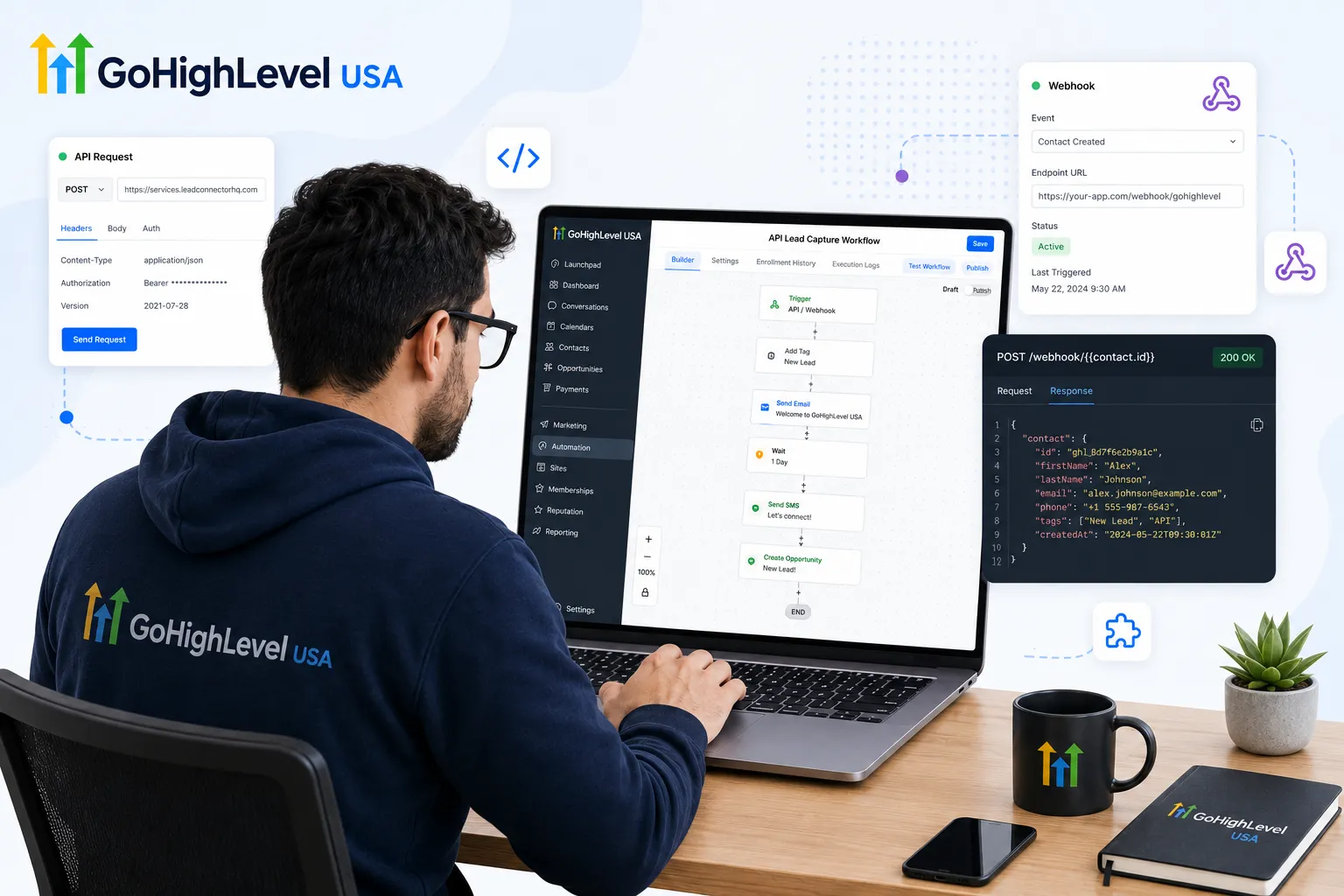
Typical developer work looks like this:
- Sending data between GoHighLevel and software your industry uses, like a booking system or a job management tool.
- Building a custom dashboard that pulls live numbers out of GoHighLevel.
- Creating an app or a snapshot listing for the HighLevel marketplace.
- Writing custom code inside a funnel or a form for logic the builder cannot handle.
- Moving thousands of records between systems with a script instead of by hand.
If your problem does not involve one of those, you probably do not need a developer yet.
GoHighLevel development services in the USA
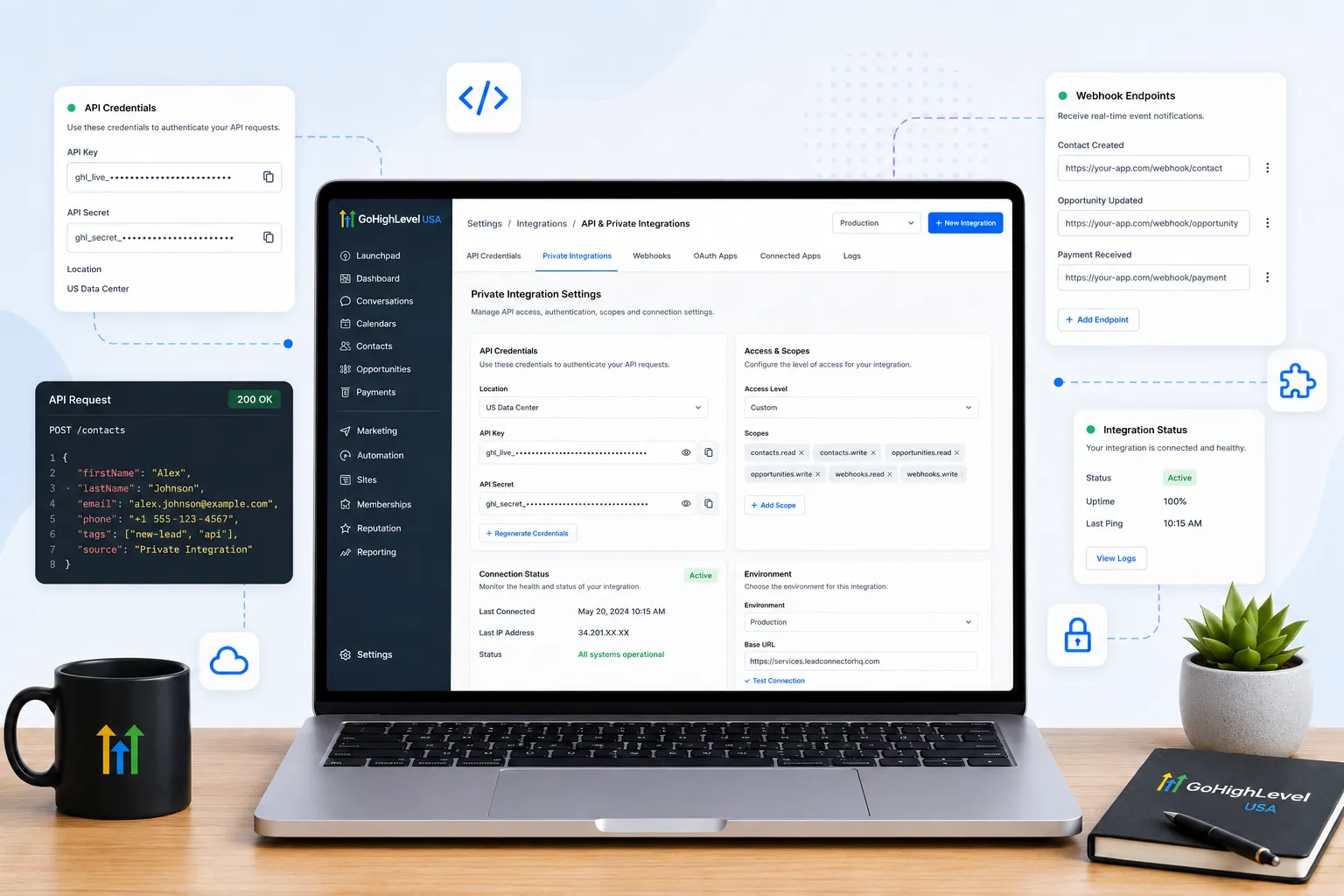
GoHighLevel development in the USA covers the technical work that sits on top of a normal account build. That includes two-way integrations, private integrations, custom webhooks, marketplace apps and data migrations. When US businesses ask us for a developer, the request usually falls into one of these service types.
| Service | What it involves | What you should receive |
|---|---|---|
| Two-way integrations | Syncing contacts, opportunities or appointments with industry software through the HighLevel API and webhooks | A working sync, an error log and handover notes |
| Private integrations | An internal tool connected to one agency or sub-account with a scoped Private Integration token | A token limited to the scopes the job needs, plus a rotation plan |
| Marketplace apps | An OAuth 2.0 app built in the HighLevel developer portal, either private or public | The app, its install flow and, for public apps, the review submission |
| Custom code in workflows | Logic or data formatting the workflow builder cannot do on its own | A documented code step that is tested inside the workflow |
| Reporting builds | Pulling GoHighLevel data into an outside dashboard next to ad spend or accounting data | A dashboard and a clear data refresh schedule |
| Bulk data work | Scripted migration or cleanup of large record sets | An import log and a list of records that failed |
US projects add a few requirements that are easy to miss. Anything that sends text messages has to respect A2P 10DLC registration and consent rules, so an integration should never send SMS from an unregistered number.
Time zones matter too. Appointment syncs break quietly when one system stores Eastern time and the other stores UTC. We check time zone handling on every sync we review.
If you are not sure yet whether your problem needs code or a better process, a GoHighLevel consultant review is the cheaper first step. It is easier to find out on paper.
New to GoHighLevel? Try it free for 30 days
HighLevel's standard free trial is 14 days. Through our partner link you get 30 days plus HighLevel's free onboarding bootcamp. Rather have it built for you? Our US team sets up GoHighLevel accounts, websites, funnels and automations.
Partner link: we may earn a commission at no extra cost to you. Disclosure
Developer, setup expert or virtual assistant: which do you need?
There are three roles in this market and they get confused constantly. A setup expert builds inside the platform. Funnels, workflows, calendars, pipelines, compliance, and imports. No code. This is what most businesses need. A virtual assistant runs the account after it is built.
They tidy contacts, send campaigns, chase replies, and update pipelines. They keep the machine fed.
A developer extends the platform with code. They are the most expensive of the three and the least often needed.
A useful test is to describe your problem in one sentence. If the sentence contains the words connect, sync, custom, or automatically pull, you may need a developer. If it contains build, set up, fix, or clean, you need a setup expert.
When should you hire a GoHighLevel developer?
Here are the four situations where a developer earns the money. 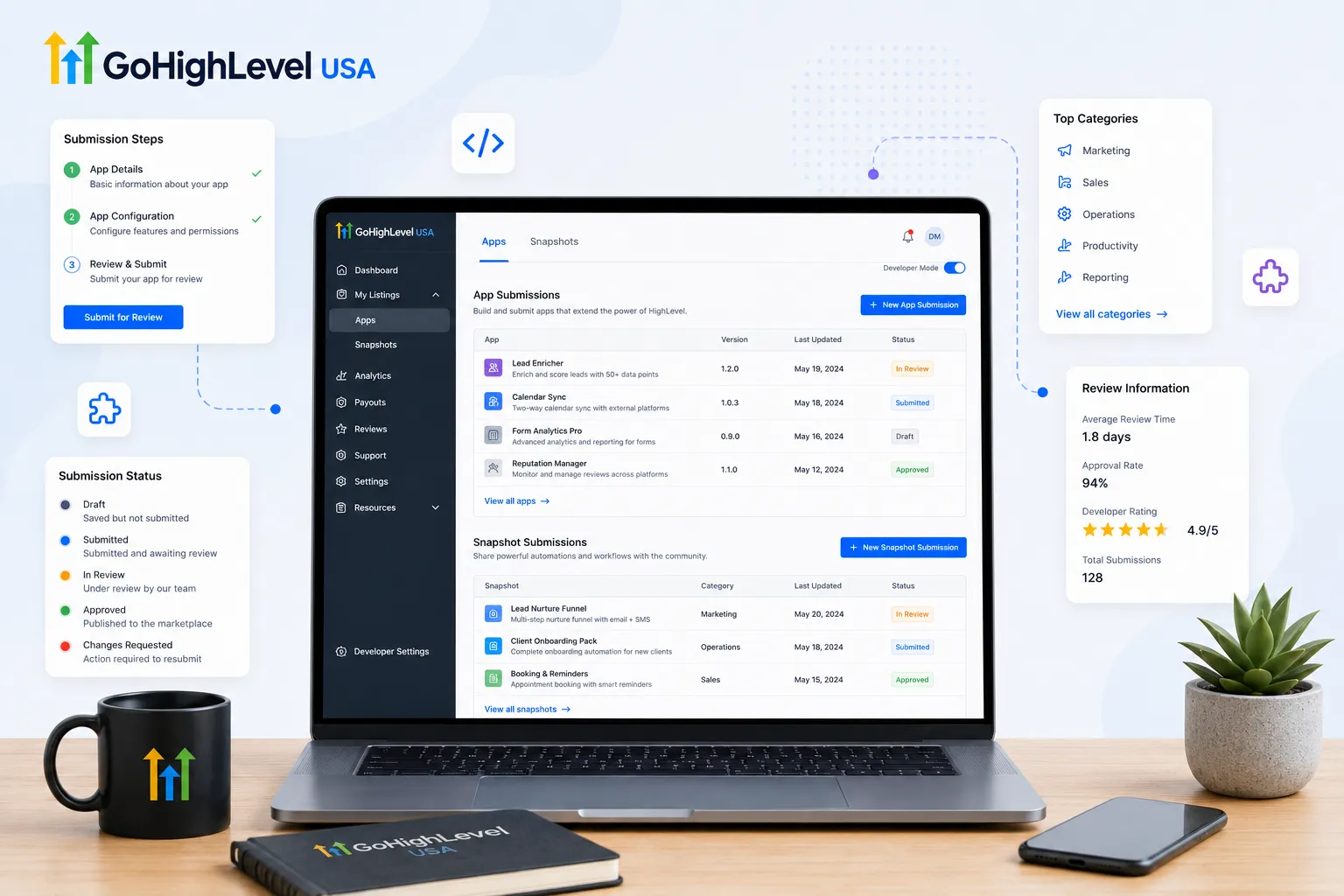 Your industry software does not integrate. Plenty of tools used by clinics, contractors, and law firms have no native GoHighLevel connection. A developer builds that bridge so jobs, patients, or cases flow into your CRM.
You want to sell on the marketplace. Listing an app or a paid snapshot means registering in the developer portal, configuring the listing and passing review. HighLevel docs quote a review window of roughly 7 to 10 days for snapshot apps. Public apps can take up to 10 business days, so the work has to be right the first time.
You need reporting the platform will not give you. Custom dashboards that combine GoHighLevel data with ad spend or accounting data need an API build.
You are migrating a large database. A few hundred contacts move fine with a CSV file. Tens of thousands of records with linked notes, deals, and history need a script.
One important detail before you hire anyone. API access depends on your plan. The official HighLevel pricing page lists basic API access on the Unlimited plan at $297 a month. Advanced API access comes with the Agency Pro plan at $497 a month. HighLevel help docs add that Starter and Unlimited get basic, sub-account level API access. OAuth 2.0 and agency-level tokens need Agency Pro, so agency-wide work may not run until you upgrade. Confirm this before anyone starts.
API and custom code projects
New GoHighLevel development runs on API v2. HighLevel ended support for API v1 on December 31, 2025, and new v1 API keys can no longer be created. Older v1 integrations may still run, but HighLevel no longer fixes or troubleshoots them.
If one of your integrations still uses a v1 key, move it to v2 before it breaks rather than after.
Private Integration tokens or OAuth 2.0
API v2 offers two ways in. A Private Integration token is a fixed token created inside an agency or sub-account and limited to the scopes you choose. It suits an internal tool that connects to your own account.
OAuth 2.0 is for apps that many accounts install, including marketplace apps. Access tokens last about 24 hours and are renewed with a refresh token, so the developer has to build token storage and refresh correctly.
HighLevel recommends rotating Private Integration tokens every 90 days. Ask who will handle rotation and where the token will be stored.
Limits a developer should plan around
- Rate limits. HighLevel allows 100 API requests per 10 seconds and 200,000 per day, counted per app for each sub-account or agency. Bulk jobs need queuing and retries.
- Plan level. HighLevel help docs list basic, sub-account level API access on Starter and Unlimited. OAuth 2.0 and agency-level tokens need Agency Pro.
- Scopes. An integration should request only the permissions it uses. A developer who asks for access to everything is guessing or cutting corners.
- Marketplace review. Public apps are reviewed by HighLevel before customers can install them. Private apps skip review but are not publicly visible.
Custom code inside the platform
Not every custom job needs an outside server. The Custom Code workflow action runs JavaScript inside a workflow and passes its output to later steps. HighLevel lists it as a premium action, so check how premium actions are billed on your account.
Funnels and websites also accept custom HTML, CSS and JavaScript for things like tracking scripts or calculators. When we review code like this, we check that it is commented, stored somewhere you control and tested on mobile.
How much does it cost to hire a GoHighLevel developer?
Rates are all over the map, so ignore anyone who quotes you a single number as the market rate. Freelance marketplaces list GoHighLevel profiles across a wide range of hourly rates. Those profiles are usually general platform help rather than deep API work.
Experienced US developers and agencies usually price by project rather than by hour. The price depends on how many systems are involved and whether data syncs one way or both ways. The number of records and the error handling and logging required matter too. So does whether support is included when either API changes. A public marketplace app costs more again because it has to pass HighLevel review.
Cheap is not automatically bad and expensive is not automatically good. What matters is whether the person has shipped the exact thing you are asking for before. Ask to see it working.
Where can you hire a GHL developer?
You can hire a GHL developer through freelance marketplaces, the HighLevel developer marketplace, agencies that specialise in GoHighLevel, or referrals from other HighLevel users. Each source suits a different size of job. Small defined tasks fit marketplaces, while larger builds suit agencies. Four places are worth your time.
- Freelance marketplaces. Large pool, wide quality range, easy escrow. Best for small defined jobs.
- The HighLevel developer marketplace. The people listing apps there have already passed an official review process.
- Agencies that specialise in GoHighLevel. More expensive, but you get cover when one person gets sick and a contract that says who owns the work.
- Community groups. Referrals from other agency owners tend to be the most reliable source of all.
How to test a developer before you pay in full
Never hand over a big project as the first job. The first time you hire a developer, give them a paid test task instead. A good test task is small, real, and finished in a day. For example, ask them to push a form submission from your website into a custom field in GoHighLevel and tag the contact.
It costs you little and tells you almost everything.
Watch four things while they do it.
Do they ask questions first? A developer who starts building without asking what happens to duplicate records is guessing.
Do they test their own work? Ask for proof. A short screen recording of the data moving is the standard.
Do they document anything? Even three lines explaining what the code does and where it lives will save you a fortune later.
Do they reply on time? Communication in week one is the best available preview of communication in month six.
There is one more thing to check that people forget. Ask whether the developer has worked inside a sub account, an agency account, or both. They behave differently. Permissions, snapshots and API scopes are not the same at those two levels. Someone who has only ever worked in a single sub account can get stuck fast on agency level work.
Red flags worth walking away from
Walk away from a GoHighLevel developer who wants full payment upfront, builds in their own agency account or cannot explain the work in plain words. Hidden API keys and promised features that HighLevel does not have are just as serious. Any one of these signs is enough to pause the project.
- They ask for full payment before any work is delivered.
- They want to build inside their own agency account instead of yours.
- They cannot explain in plain words what they are going to do.
- They promise a feature GoHighLevel does not have and say they will make it appear.
- They refuse to record a walkthrough of the finished work.
- They store your Private Integration tokens or API keys somewhere you cannot see or revoke.
That last point matters more than people realise. An API key is a door into your business data. You should always be able to see which keys exist and switch one off without asking permission.
What can’t a developer fix?
This is the part nobody tells you before you spend money. A developer cannot fix a broken offer. If people are not replying to your messages, the problem is usually what the message says, not how it was sent. A developer cannot fix bad data either.
If your contact list is full of duplicates, dead numbers, and blank fields, an integration will simply move that mess faster. Clean the list first.
And a developer cannot fix an account nobody uses. We have seen custom integrations built for teams who never open the CRM. The tool was fine. The habit was missing.
Sort the offer, the data, and the daily habit first. Then automation is worth paying for.
Much custom work runs on webhooks. Our explainer on GoHighLevel webhooks, inbound vs outbound shows how data moves in and out of GHL.
Ownership questions to settle in writing
Settle account ownership, code ownership, API key control and the handover file in writing before any work starts. These four answers protect you if the developer leaves or the relationship ends. Without them, you may lose access to work you paid for. Before work starts, get clear answers to these.
Who owns the account? It should be you. Your name, your billing, your admin login.
Who owns the code? If you paid for it, you should own it, and you should receive it in a place you control.
What happens if you stop working together? You need a handover file with every integration, key, and login listed.
Who fixes it when GoHighLevel updates and something breaks? Platforms change. Agree in advance whether support is included for thirty days, ninety days, or not at all.
Put these four answers in the same document as the price. Almost every bad outcome in this market comes from skipping that step.
Is there a cheaper path than a developer?
Before you hire anyone, spend an hour listing what you want the system to do. Then mark each line as either build inside the platform or needs code. On most lists we review, the large majority of lines land in the first column.
That part is a setup job, not a development job, and it costs far less. You can read exactly what that scope covers on our done-for-you GoHighLevel setup page.
Then hire a developer for the small part that truly needs code. Splitting the work this way usually lowers the total bill, because setup work costs less than custom development.
Frequently Asked Questions
Here are short answers to the questions business owners ask most before they hire a GoHighLevel developer. They cover login access, API versions, which HighLevel plan you need, ownership of code and keys, and how projects are priced. Check HighLevel’s help docs for the latest plan limits before you start.
Does a GoHighLevel developer need my login?
Usually not for API work. For a sub-account integration you can create a Private Integration token with only the scopes the job needs and share that instead of a password. For in-app builds, add the developer as a team user with limited permissions. Remove that user and rotate tokens when the project ends.
Is the GoHighLevel API v1 still available?
HighLevel ended support for API v1 on December 31, 2025, and new v1 keys can no longer be generated. Existing v1 integrations may keep running, but HighLevel no longer fixes or troubleshoots them. New development should use API v2 with Private Integration tokens or OAuth 2.0, and older integrations should be moved over.
Which HighLevel plan do I need for API work?
HighLevel help docs say Starter and Unlimited include basic API access at the sub-account level. Agency Pro, at $497 a month, adds advanced access with OAuth 2.0 and agency-level tokens. Check which level your project needs before work starts, because agency-wide syncs and apps installed across many accounts usually need the higher plan.
How long does a GoHighLevel integration take to build?
It depends on scope, not a fixed timeline. A one-way push from a web form into a contact record is a small job. A two-way sync with error handling, logging and testing takes far longer. A public marketplace app also adds HighLevel review time, which its docs put at roughly 7 to 10 days for snapshot apps.
Your next step
If you’re about to hire a GoHighLevel developer, do these three things first. Write down the one outcome you want. Check which plan you are on and whether it includes the API access that outcome needs. Then pay for one small test task before committing to anything larger.
You may prefer one team to handle the build, the automation and the integrations together. If so, see our GoHighLevel API integration service and book a free strategy call.