
GOHIGHLEVEL SNAPSHOT FOR VET CLINICS
GoHighLevel Veterinary Snapshot for Clinics and Animal Hospitals
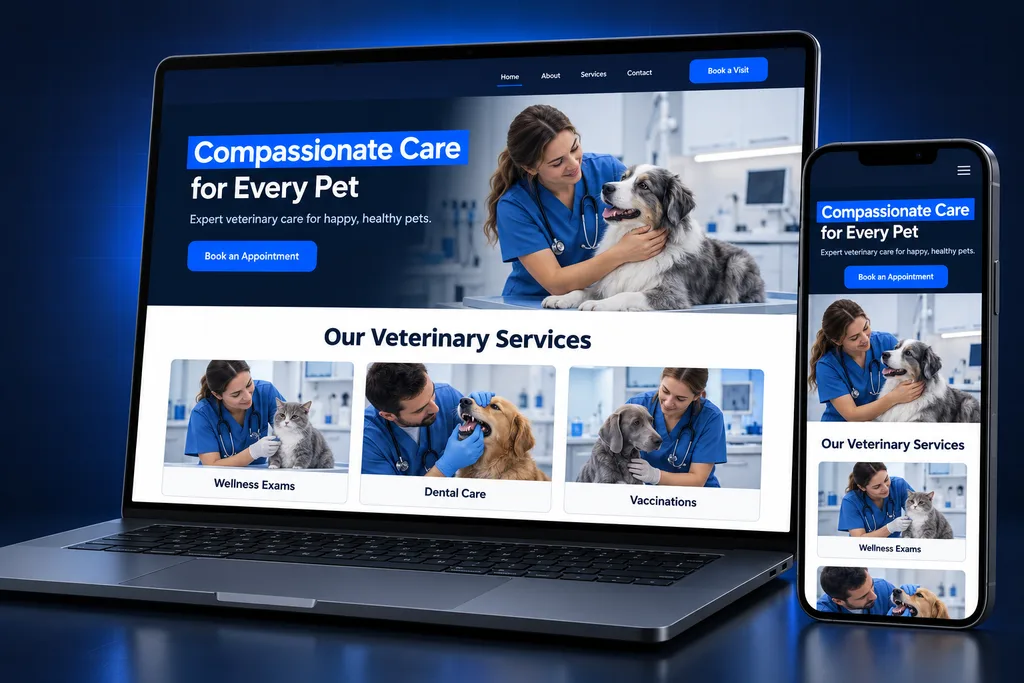
Our GoHighLevel veterinary snapshot is a prebuilt client-outreach account for general practices and animal hospitals: new-client booking, a puppy and kitten welcome, wellness-plan renewals, after-hours replies and review requests.
What's inside
What Ships in Our Vet Clinic Snapshot
Every asset is aimed at the owner relationship: the person who books, pays and reads your messages.

New-Client Booking
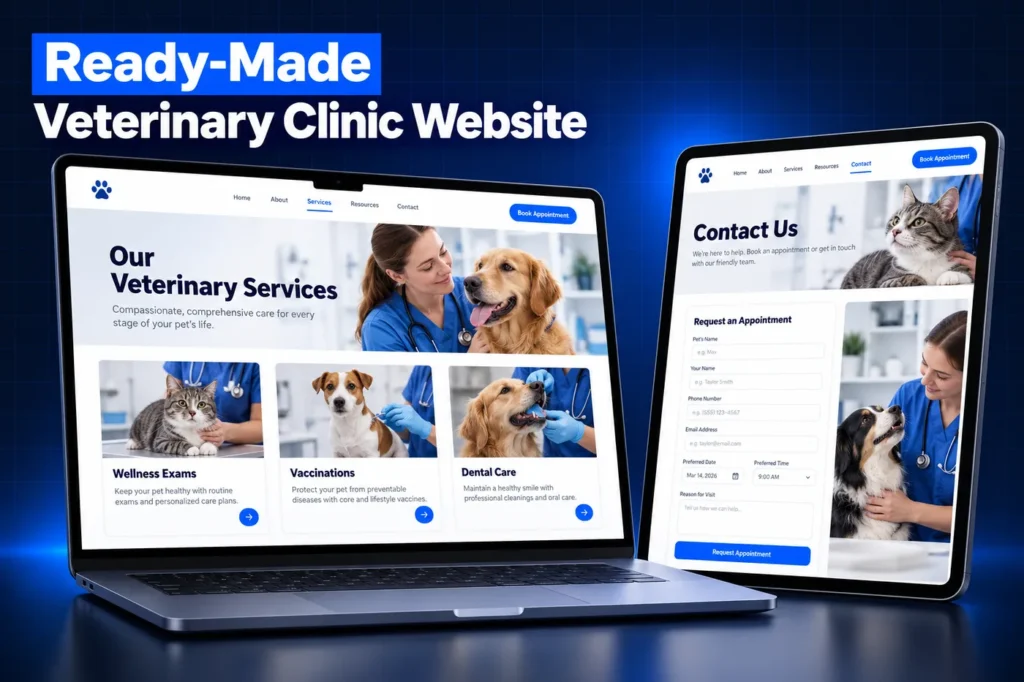
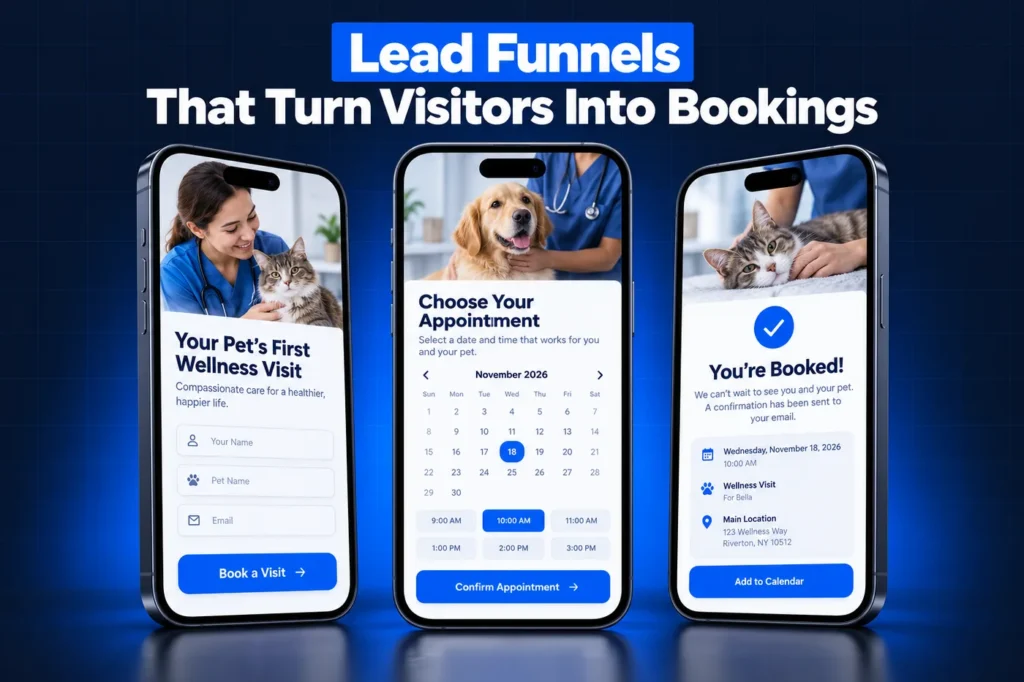
A first-visit calendar and short intake form let families new to the area or to pet ownership book online, with clear visit preparation notes.

Puppy and Kitten Welcome
A welcome series for owners of young animals answers common early questions and makes the next visit easy to book, without giving medical advice.

Wellness-Plan Renewals
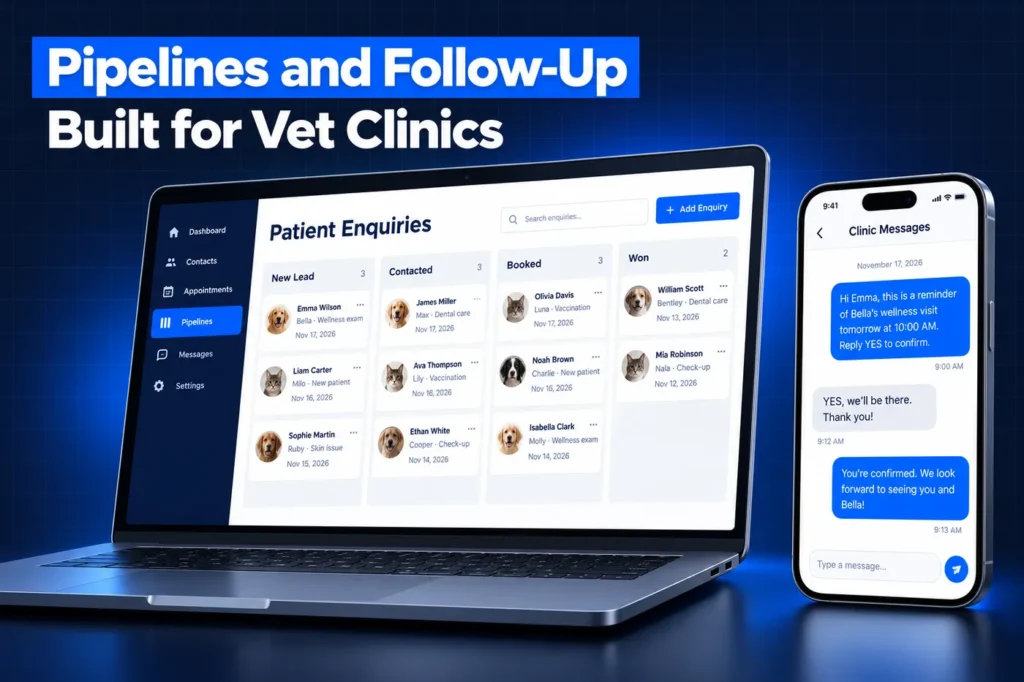
A renewal pipeline shows which plans are close to expiry and who has been contacted, so the front desk calls before a plan lapses.

After-Hours Replies
Calls and texts outside opening hours get a clear message that points emergencies to the hospital or on-call line you choose.

Lapsed-Household Outreach
Owners who have not visited in a long time get friendly win-back messages that complement, rather than repeat, your PIMS reminders.

Review Requests
Owners are asked for a Google review after a visit, and any unhappy reply is routed to the practice manager before anything else happens.
What This Snapshot Covers and What It Leaves to the PIMS
A snapshot is a copy of a configured GoHighLevel account without the client data, and our snapshot explainer covers the idea in more depth. This one is built for the relationship side of a practice: winning new households, keeping wellness plans active and turning good visits into reviews.
The medical side stays where it is. Cornerstone, ezyVet, AVImark and similar systems keep histories, vaccine due dates and the reminders tied to them. The GoHighLevel veterinary snapshot deliberately ships without any due-date reminder messages, so owners never get two conflicting notices about the same vaccine.
If you want the strategy behind that split, including integration options with each PIMS, read our veterinary CRM guide. This page is about the prebuilt assets themselves.
Side by side
GoHighLevel Veterinary Snapshot Inventory by Asset Type
Asset type
What ships in the clinic build
Who uses it
Pipelines
New Client; Wellness Plan; Lapsed Household; Elective Service Inquiry for dental, surgery or boarding questions
Front desk and practice manager
Calendars
New-client first visit; tech or nurse appointment for simple services; callback request
Owners booking online
Forms and surveys
New-client and pet intake form; records-transfer request; post-visit satisfaction survey
New and existing owners
Funnel and website pages
New-client welcome page, wellness-plan explainer page, elective dental landing page, careers page
Ads, social posts and your main site
Email and SMS templates
Visit preparation, puppy and kitten welcome, plan renewal, lapsed-household check-in, after-hours reply, review request
Sent by the workflows below
Workflows, by outcome
New-client confirmation and prep, welcome series, renewal outreach, win-back, after-hours routing, review request with private feedback path
Run in the background
Pet record and fields
A Pet custom object linked to the owner, holding name, species, birthday and services of interest; clinic values such as hours, address and emergency partner
Everyone who reads a contact
Dashboard
New clients by source, second-visit bookings, plan renewals and review volume
Practice manager and owner
Fields are described here by purpose only. A feline-only clinic and a mixed practice track different things, so the final list is settled with you during setup.
A closer look
The Pet Record Travels With the Build
A clinic contact is the owner, but the patient is the animal, and many households have more than one. HighLevel's Custom Objects documentation uses a Pet object as its own example, and lists Custom Objects on all plans with up to 10 per location.
Custom Objects are among the assets a snapshot carries, so the Pet structure arrives ready when the build loads. The pets themselves do not: records are data, and data never moves in a snapshot. Your team, an import file or a scoped PIMS connection fills them in later.
We keep the Pet record deliberately thin. It exists to personalize outreach, such as a birthday note or a reminder about a plan, not to duplicate a medical chart.
How it works
Your Clinic Account, Live in 4 Steps
1
Clinic Review
We go through your services, wellness plans, PIMS, emergency referral partner and the tone your team uses with owners.
2
Tailor the Build
Pipelines, pages, templates and the pet record are adjusted to your species mix, plan names and clinic voice.
3
Load and Connect
The snapshot is loaded into your sub-account, then we connect your domain, clinic number, payments and A2P registration.
4
Test and Hand Over
We book test visits, trigger the after-hours reply and walk your front desk through the daily views.
Messages We Write for Clinics, and the Ones We Leave Out
Template wording is where most vet snapshots fall short. Generic copy written for dentists or gyms reads oddly to a worried pet owner, and anything that sounds like medical advice belongs to your veterinarians.

Included
booking confirmations, what to bring to a first visit, welcome notes for young animals, plan renewal notices, check-ins for households that have gone quiet and review requests.
Included with your sign-off
the after-hours message, because only your clinic can name the emergency hospital or on-call line that owners should use.

Left out on purpose
vaccine and wellness due-date reminders, lab result notices and anything about diagnosis or treatment. Those come from the PIMS or a clinician.
Marketing texts go only to owners who opted in on a form, and every number needs A2P 10DLC registration before it can text. Owner data is also covered by state privacy and veterinary practice rules; confirm with counsel how they apply to you, as this is general information and not legal advice.
Where the Snapshot Stops
A snapshot copies configuration, never live account activity. HighLevel's snapshots overview lists what moves and what does not. When the clinic build lands in your sub-account, these items still need setting up in that account:
✓ Owner contacts, appointments, conversations and existing reviews, which never transfer
✓ Stripe or other payment connections and any PIMS link, since integrations stay behind
✓ Phone numbers, A2P 10DLC registration and your domain
✓ Paid third-party apps and ad spend
Funnels and website pages arrive as drafts and stay offline until a custom domain is connected and they are published.
Clinic details are the last gap. Opening hours, the emergency partner, plan names and prices live in custom values and page copy, so they are filled in for your practice before any owner sees a message. Multi-location groups get one set per location, because each clinic often refers emergencies to a different hospital.
Installing the GoHighLevel Veterinary Snapshot
Agencies receive a share link and can create new clinic sub-accounts from it, or load it into an existing client account. Clinic owners usually let us do the import inside their own account.
Loading into a live account lets you pick which assets to add and decide, for each clash, whether to override or skip the existing item. Contacts are not deleted. A loaded snapshot cannot be unloaded, though individual assets can be removed by hand. The full process is in our snapshot installation guide.
Price and delivery depend on how much tailoring your practice needs, such as the number of locations and plan types, so we quote after the strategy call rather than list a fixed figure.
Red flags when buying a vet snapshot
Be wary of a resold import link with no named builder, templates that send vaccine reminders your PIMS already sends, after-hours copy with no emergency instructions, texts with no opt-out wording and no support after install. Our comparison of custom vs free GoHighLevel snapshots explains why tailoring matters.
Questions and answers
GoHighLevel Veterinary Snapshot FAQs
Straight answers before you book a call. Have a question that is not covered here? Ask us directly.
What is included in a GoHighLevel veterinary snapshot?

Ours includes four clinic pipelines, new-client and appointment calendars, intake and records-transfer forms, a post-visit survey, welcome and wellness-plan pages, template sets for prep, renewals, win-back and reviews, an after-hours reply, a Pet custom object and a practice dashboard. Each asset is tailored to your clinic before installation.
Will the snapshot send vaccine reminders?
No, by design. Your practice management software knows each pet's due dates and medical history, so it or its connected reminder service should send those notices. The snapshot handles everything around them: new clients, plan renewals, lapsed households, after-hours replies and reviews. That avoids duplicate or conflicting messages to the same owner.
Does the Pet record carry over when the snapshot is loaded?
The structure does. Custom Objects are on HighLevel's list of assets a snapshot copies, so the Pet object and its fields arrive ready. Individual pets are data and never transfer, so they are added by your team, an import or a scoped connection to your PIMS.
Can it connect to Cornerstone, ezyVet or AVImark?
Not out of the box. Snapshots never carry integrations, and we did not find a native HighLevel connector for those systems. Where a PIMS or connected tool can send data out, a connection is scoped as a separate task. See our veterinary CRM page for the options.
Do vet clinics need HighLevel's HIPAA package for this build?
Usually not. HIPAA covers human health care providers that conduct certain electronic transactions, and animal records generally fall outside it. Owner data is still covered by state veterinary practice and privacy laws, so keep clinical detail out of texts and confirm your obligations with counsel.
How is the after-hours message set up for my clinic?
We write the reply with your team and you approve the wording, because only your clinic can name the emergency hospital or on-call line owners should use. Non-urgent callers are invited to book the next day. Texting starts only once the clinic number has passed A2P 10DLC registration.
Ready when you are
Get a GoHighLevel Veterinary Snapshot Built for Your Clinic
Book a free strategy call and we will scope your clinic build around your PIMS. Or WhatsApp us at +1 (681) 276-7045.