
GOHIGHLEVEL SNAPSHOT FOR AUTO REPAIR SHOPS
GoHighLevel Auto Repair Snapshot for Independent Shops
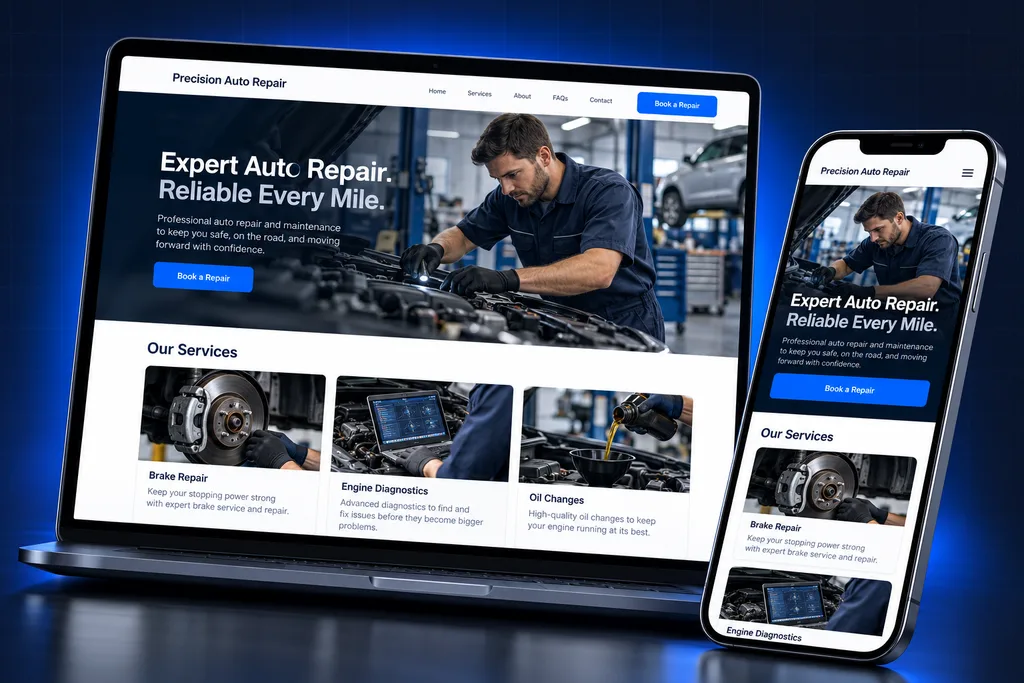
The GoHighLevel auto repair snapshot is a prebuilt account for independent shops, with booking calendars by service type, a declined-work pipeline, service reminders, fleet accounts and review requests.
What's inside
Inside the GoHighLevel Auto Repair Snapshot
Every asset maps to a front-counter job, from booking the car in to bringing it back for the work the customer postponed.

Service-Type Calendars
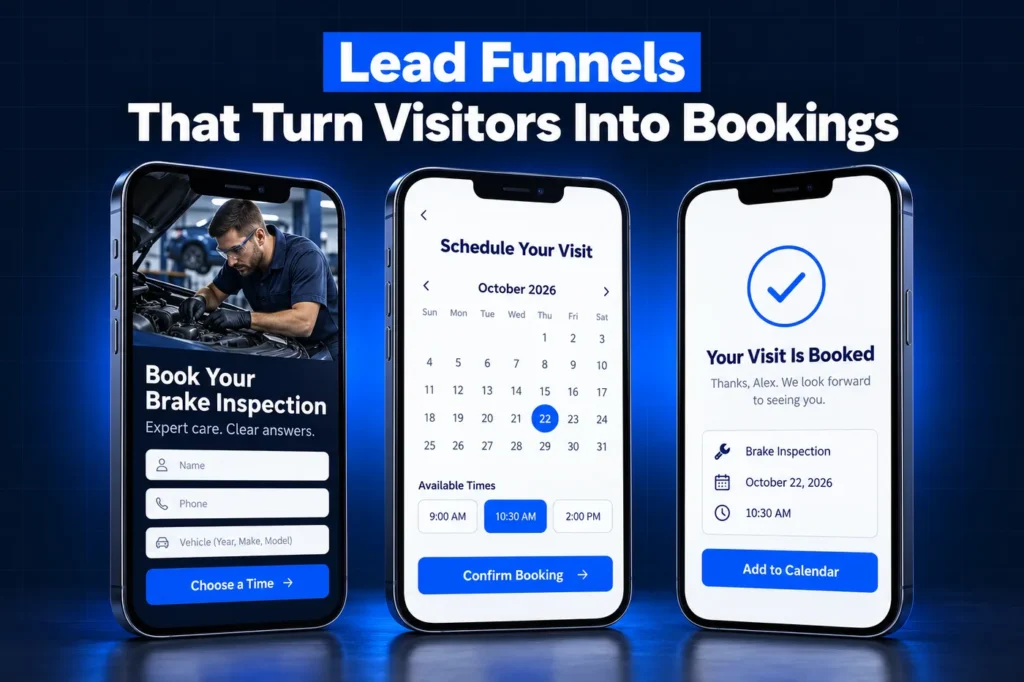
Separate booking calendars for quick service, diagnostics and tire work keep long jobs from landing in a slot meant for an oil change.

Declined-Work Pipeline
Recommended repairs a customer postponed get their own board, so brake jobs and timing belts are followed up instead of lost in old ROs.

Service Reminders
Customers hear from you when time or mileage says maintenance is due, with a link to book the next visit online.
Fleet Accounts
Commercial customers sit in a dedicated pipeline linked to a company record, so several vehicles and approvers stay in one place.

Shop Landing Pages
Pages for brakes, diagnostics and general repair, each with a short request form and a click-to-call button for mobile visitors.

Review Requests
After the car is picked up, the customer gets a request pointing to your own Google profile, written in your shop's voice.
Side by side
GoHighLevel Auto Repair Snapshot Contents
A HighLevel snapshot copies an account's structure, not its customers. This one is built for independent repair shops and tailored before install, so the service list, wording and links are yours on day one. New to the format? Our page on GoHighLevel snapshots explains how they work.
Area
Included in the build
Why a shop needs it
Pipelines
New Appointments; Declined Work; Fleet Accounts
Walk-in jobs, postponed repairs and commercial customers each get a clear owner
Calendars
Quick service, diagnostic appointment, tires and alignment, drop-off
Bookings respect how long each job really takes
Forms
Service request, fleet account inquiry, after-visit feedback survey
The advisor knows the vehicle and the concern before the car arrives
Pages
Brakes, diagnostics and general repair landing pages
Search and map traffic lands on a page about the problem the driver has
Templates
Booking confirmation, reminder, vehicle-ready notice, declined-work check-in, maintenance due, review ask
Advisors send the same clear message every time
Automations, by outcome
Booking confirmations and reminders, declined-work follow-up, time and mileage reminders, review requests
Follow-up happens even on a full-bay Friday
Custom fields and values
Fields grouped by purpose: the vehicle, the last visit, work recommended, fleet billing contact; shop values for hours, address and links
Templates personalize without an advisor retyping anything
Declined Work: The Pipeline Most Shops Don't Have
Every shop recommends work that customers put off: brakes at a few millimeters, a seeping water pump, tires near the wear bars. In most shop systems those notes sit on an old repair order and nobody calls back. The snapshot's Declined Work pipeline gives that money a home. Stages run from recommended, to declined, to follow-up, to scheduled and completed, with a closed stage for work done elsewhere or no longer needed. The advisor sees a short, current list instead of digging through history. Follow-up is written as a helpful reminder about safety and cost, not a hard sell. It ends with a booking link and an easy way to say no.

What the owner sees on the dashboard
The build includes a shared dashboard showing new bookings by source, open declined work and its estimated value, and how many postponed jobs came back. Dashboards and custom reports travel inside a GoHighLevel auto repair snapshot, while private dashboards do not, so we build these as shared views.
The numbers start empty on a new account and fill in as advisors move jobs across the boards. Nothing is estimated or back-filled for you.

Estimates and authorization stay in the shop system
GoHighLevel does not replace your written estimate or customer authorization. In California, for example, the Bureau of Automotive Repair allows electronic estimates and authorizations but requires every document in a repair transaction to be linked by a unique identifier such as the repair order number.
That is a job for your shop management software, which owns the RO. The snapshot handles reminders and booking around it. Rules differ by state, so confirm your requirements with counsel or your state regulator; this is not legal advice.
Calendars and Reminders Built Around the Bays
A single booking link causes trouble in a repair shop. An oil change and a no-start diagnosis cannot share the same slot length, and a tire job needs the alignment rack free.
✓
Quick service
short slots for oil changes, inspections and simple maintenance
✓
Diagnostic appointment
longer slots with a question about the symptom and warning lights
✓
Tires and alignment
sized to your equipment and staffing
✓
Drop-off
for customers leaving the car for the day rather than waiting
How it works
Your Auto Repair Account, Live in 4 Steps
1
Shop Review
We go through your services, bay capacity, hours, shop software and how your advisors handle estimates today.
2
Tailored Build
We shape the calendars, pipelines, pages and templates around your service list, pricing language and brand.
3
Install and Reconnect
We load the snapshot, connect your domain and phone numbers, and set up any customer import from your shop software.
4
Advisor Training
We test bookings and follow-up end to end, then show your service advisors how to work the boards.
Fleet and Commercial Accounts
Landscapers, plumbers, delivery services and property managers bring in several vehicles and expect one point of contact. Treating each driver as a separate retail customer makes billing and approvals messy.
The Fleet Accounts pipeline tracks commercial customers from inquiry to approved account and recurring service. HighLevel snapshots can carry company-level custom fields, so each fleet sits under one company record with its approver and billing contact, while drivers stay linked as contacts.
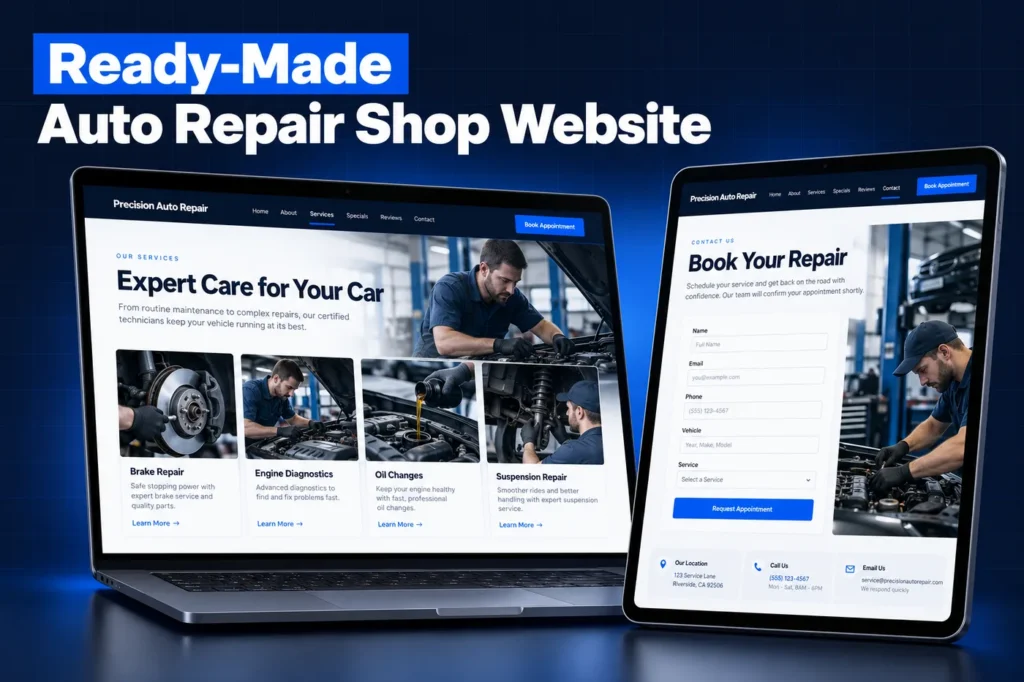
Fleet terms, pricing and invoicing remain in your shop system. The pipeline exists so nobody forgets to follow up on a fleet that asked for a quote three weeks ago.
A closer look
Tekmetric, Shopmonkey and Mitchell 1 Stay in Charge of the RO
Shop management software runs the repair order, parts, labor and invoicing. GoHighLevel runs the marketing and follow-up: booking, reminders, declined-work outreach, reviews and texting. We do not claim a native connection between them; any data flow is scoped for your system during setup.
Integrations are also on the list of things a snapshot never carries. Per the HighLevel snapshots overview, contacts, appointments, conversations, reputation data, Stripe and other third-party connections stay behind. Phone numbers, your domain and carrier registration through our A2P 10DLC registration service are set up for your shop after the load.
Loading the Auto Repair Snapshot Into Your Account
Before anything is installed, HighLevel lets the account owner view the list of assets inside a snapshot. We walk through that list with you so there are no surprises.

Existing sub-account
you choose which assets to import and whether to override or skip conflicts, and contacts are not deleted
Learn more →
Pages
funnels and websites arrive unpublished until your domain is connected
After loading
a snapshot cannot be unloaded, so conflicts are reviewed first
Step-by-step detail is in our snapshot installation guide. For the business case behind the build, see our auto repair CRM guide, and read custom vs free snapshots before choosing any GoHighLevel auto repair snapshot.
Questions and answers
GoHighLevel Auto Repair Snapshot FAQs
Straight answers before you book a call. Have a question that is not covered here? Ask us directly.
What is a GoHighLevel auto repair snapshot?

It is a saved GoHighLevel account setup made for repair shops: pipelines for new appointments, declined work and fleets, calendars by service type, forms, landing pages, templates and follow-up automations. Loading it gives a sub-account the full structure at once. We customize ours for each shop before installing it.
Does it connect to Tekmetric or Shopmonkey?
We do not claim a native connection, and snapshots never carry integrations. Your shop software keeps the repair orders, estimates and invoices. During setup we look at what your system can export or connect, then scope how customers and visit details reach GoHighLevel so reminders and declined-work follow-up have accurate data.
How do mileage-based service reminders work?
The reminder needs the last visit date and the odometer reading recorded at that visit. Those values come from your shop software. Once they are in the contact record, the build sends a maintenance due notice with a booking link. The intervals are agreed with you during the build to match the services you recommend.
Can customers approve estimates through GoHighLevel?
Estimates and authorizations belong in your shop management system, tied to the repair order. Several states, including California, have specific estimate and authorization rules. GoHighLevel handles booking, reminders and follow-up around the repair, not the legal authorization record. Check your state's requirements with counsel.
Will my existing customers come over with the snapshot?
No. Snapshots copy setup only, so contacts, past appointments and message history are not included. We import your customer list from a shop software export as a separate step, and we check text-message consent before anyone is added to reminder or follow-up campaigns.
How do I install the auto repair snapshot?
Agencies can create a sub-account from it or load it into an existing one and choose what to override or skip. Shop owners usually have us install it. Our snapshot installation guide covers both paths and what must be reconnected afterward.
Ready when you are
Get a GoHighLevel Auto Repair Snapshot Built for Your Shop
Book a free strategy call and we will scope your shop build around your services and shop software. Prefer to chat? WhatsApp us at +1 (681) 276-7045.