
GOHIGHLEVEL SNAPSHOT FOR RESTAURANTS
GoHighLevel Restaurant Snapshot for Reservations and Catering
A GoHighLevel restaurant snapshot gives your restaurant a ready marketing back office: catering and private-event inquiries, a VIP guest list and review requests in one account.
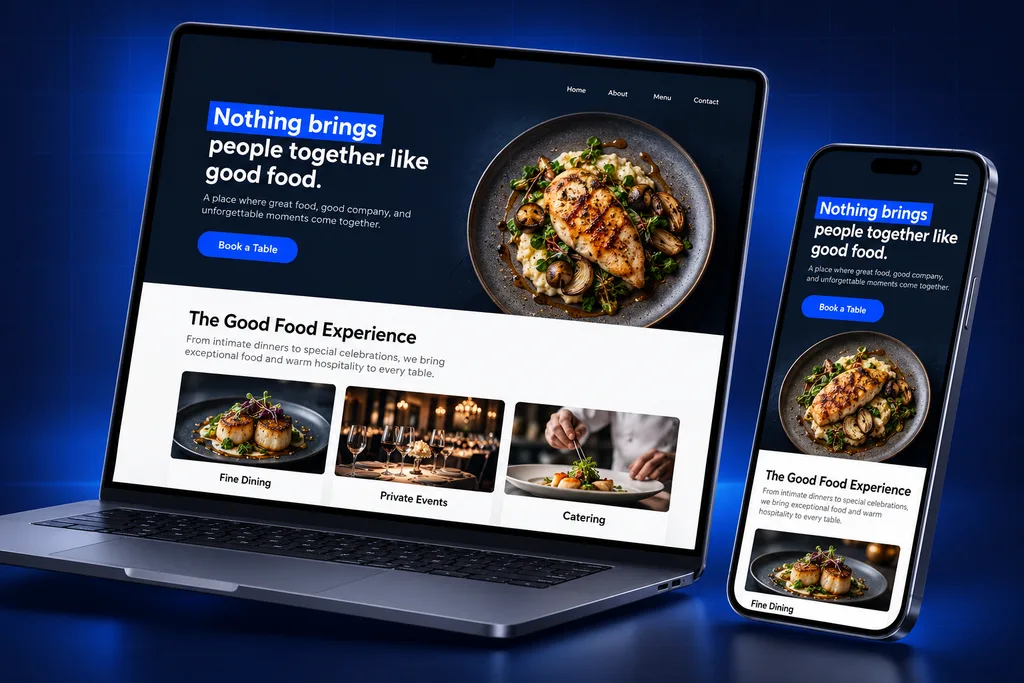
What's inside
What the GoHighLevel Restaurant Snapshot Delivers
Every asset targets revenue a restaurant can grow outside the dining room or win back from first-time guests.

Catering Pipeline
Office lunches and party trays move from inquiry to quote, deposit and delivery, with follow-up so no request goes cold.

Private Events
Rehearsal dinners, birthdays and buyouts get their own pipeline, inquiry form and calendar for walkthroughs or tastings.

VIP and Birthday Club
An opt-in page collects guests who want offers and birthday treats, with clear consent for texts and email.
QR Table Tents
Printable QR codes on tables and receipts send guests to the club sign-up or review page in one scan.

Review Requests
Guests who join or order catering get a polite review request that points to your own Google profile.
Reactivation Campaigns
Ready-to-edit email and SMS campaigns for slow nights, new menus and seasonal events go to opted-in guests only.
What a GoHighLevel Restaurant Snapshot Is For
Your POS runs orders and payments. Your reservation platform runs the floor. Neither one is great at chasing a catering quote, selling a private dining room or keeping in touch with a guest who visited once.
That is the gap a GoHighLevel restaurant snapshot fills. It sets up the pipelines, forms, calendars, templates and pages a restaurant needs for direct marketing, so the account is useful on day one. We build every version for a single client; it is not a stock file with someone else's menu in it.
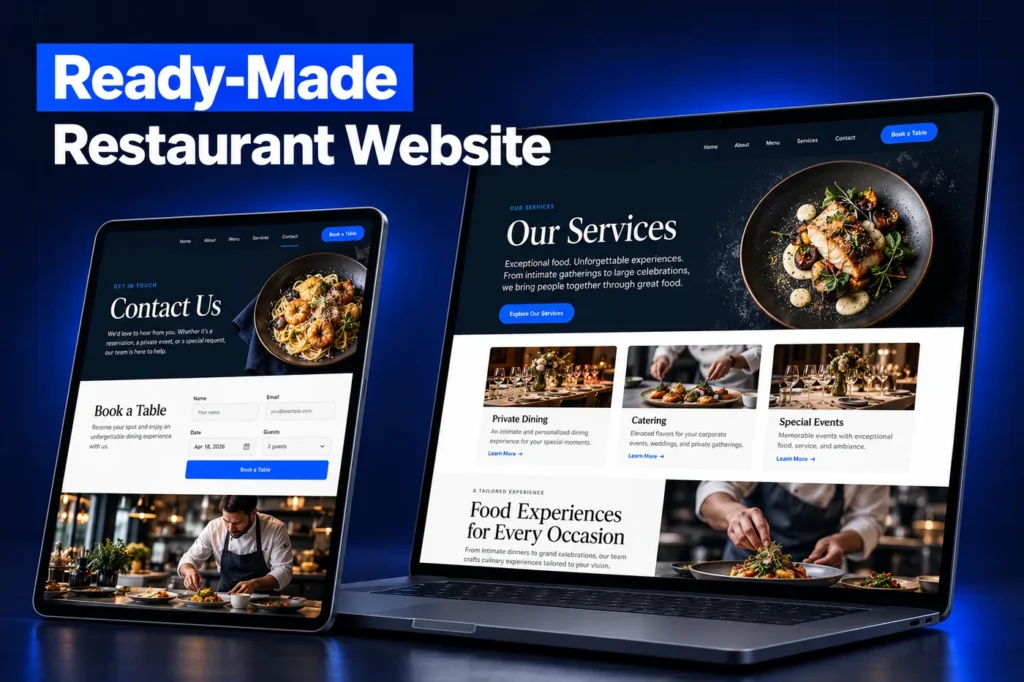
Side by side
The Restaurant Build Spec
Asset type
What we build
What it does for you
Pipelines
Catering Orders; Private Events and Buyouts
Shows every open quote and event, and what each is worth
Workflows
Inquiry acknowledgment, quote follow-up, event reminders, club welcome, birthday offer, review request
Guests hear back fast even during a dinner rush
Forms and surveys
Catering request, private event inquiry, VIP club sign-up, post-event feedback survey
Headcount, date and budget captured before the first call
Calendars
Event walkthrough and tasting calendar
Planners book a visit without back-and-forth
Templates
SMS and email for quotes, confirmations, club offers, slow-night promotions and seasonal menus
On-brand messages your manager can send in minutes
Custom fields and values
Event and catering details plus location info reused across templates
Update hours or an address once for every message
Funnels and pages
Catering menu page, private dining page, VIP club opt-in page, QR landing page
Pages built to convert, not just inform
A closer look
Catering and Private Events: The Pipelines That Pay
A single office catering account or a rehearsal dinner can be worth more than many regular covers, yet these inquiries often sit in a general inbox. The snapshot gives each one a stage, an owner on your team and a reminder to follow up.
Catering requests usually arrive through your website, Google Business Profile, phone calls and repeat office clients. Each source is tagged on arrival so you can see which channels bring the larger orders.
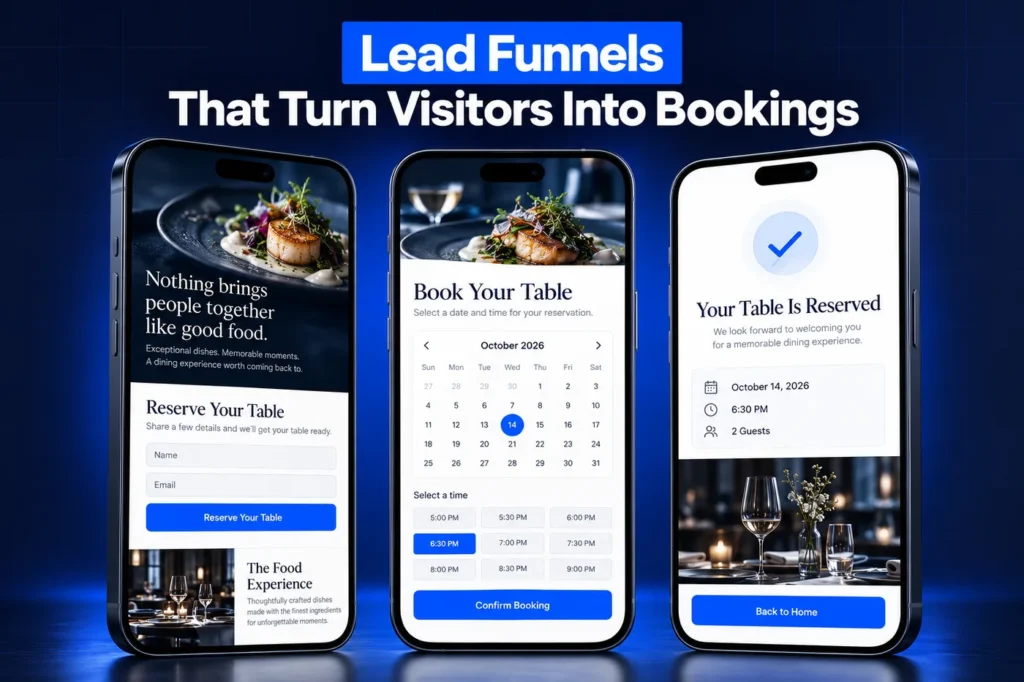
Catering stages run from new inquiry to quote sent, deposit received, confirmed and delivered. Private events add a walkthrough or tasting step before the contract, because planners usually want to see the room.
After the event, a short feedback survey and a review request go out, and the contact is ready for next year's party.
How it works
Your Restaurant Account, Ready in 4 Steps
1
Menu of Goals
We confirm which revenue matters most: catering, private events, the guest club or reviews.
2
Tailored Build
We build the snapshot assets with your menu language, photos, locations and offer rules.
3
Install and Connect
We load it into your sub-account, connect your domain and phone, and print-ready QR codes.
4
Staff Walkthrough
Managers learn how to answer inquiries, send campaigns and read the pipelines.
VIP Club Sign-Ups and QR Codes Done With Consent
Third-party delivery and reservation apps keep the guest relationship. A VIP or birthday club gives you a list you own. The snapshot includes an opt-in page plus table-tent and receipt QR codes made with HighLevel's QR code builder, which also tracks scans.
Consent is built in. Under the TCPA, marketing texts sent with automated systems generally need the guest's prior express written consent, so our sign-up forms use a clear, separate SMS checkbox and disclosure. Promotional email follows CAN-SPAM, including a working unsubscribe link and your physical address.
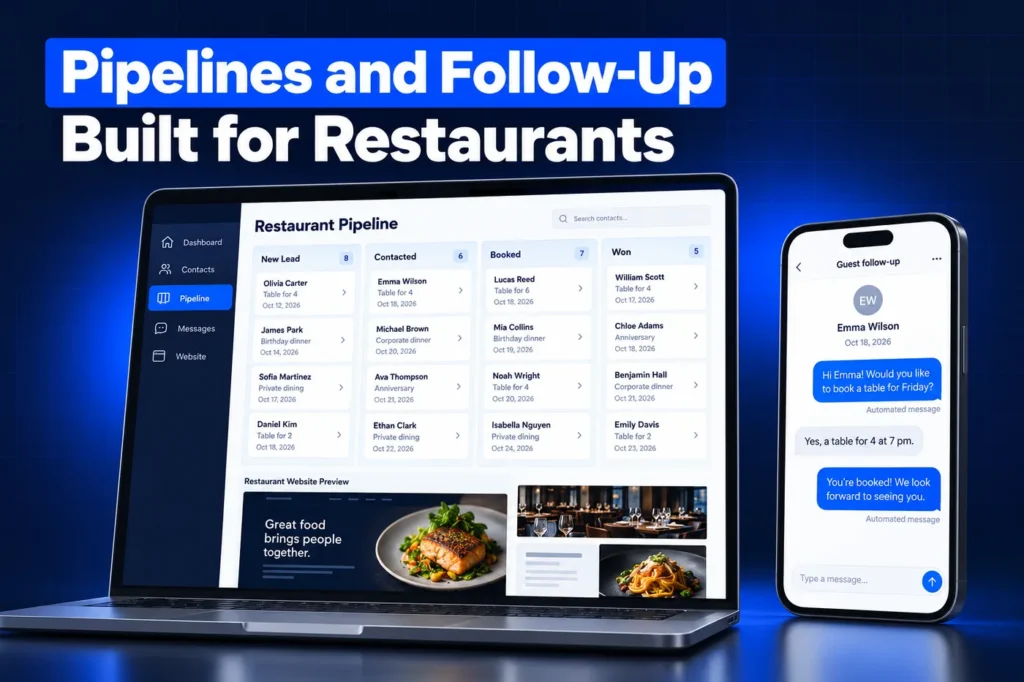
Texting from a local number also requires A2P 10DLC registration, which our A2P registration service handles. Rules change and some states add their own, so confirm your consent language with counsel; this is not legal advice.
Reviews, feedback and repeat visits
Diners check ratings before they book, and a steady flow of fresh reviews helps a restaurant stay visible in local search. The snapshot asks club members, catering clients and event hosts for a review at a natural moment, such as after their event or first club reward.
Private feedback comes first for events. A short survey gives a host the chance to tell your manager about a problem before it becomes a public one-star post, and your team can respond from the same conversation view.
Repeat visits come from staying in touch. Birthday offers, new menu announcements and slow-night promotions go only to guests who opted in, and every campaign in the GoHighLevel restaurant snapshot is ready to edit with your own dishes, dates and photos.
Toast, OpenTable and the Rest of Your Stack
We do not ask you to move reservations, ordering or payments into GoHighLevel. Toast, Square, OpenTable, Resy or whatever you use stays the system for tables and checks.
The snapshot does not include a connection to those platforms. If you want guest data to flow between systems, we review what your specific POS or reservation account allows and quote that separately, rather than promising a sync that may not exist on your plan.
Snapshot Limits: What Stays Behind
The HighLevel snapshots overview lists what a snapshot does not copy: contacts, appointments, conversations and messages, reputation data, Stripe and other integrations, and third-party account connections.
✓ A2P 10DLC registration and phone numbers are set up per business.
✓ Your domain must be connected before funnels and sites go live, because they load unpublished.
✓ Paid tools, such as your POS or a delivery platform, are never part of the snapshot.
✓ Existing guest lists are imported separately, with their consent status kept.
Installing Your GoHighLevel Restaurant Snapshot
Agencies receive the snapshot in their agency account and can create a new sub-account from it or load it into an existing one, choosing to skip or override conflicting assets. Single restaurants usually let us install it straight into their sub-account. A loaded snapshot cannot be unloaded, so we review the account first.
For every step, see the GoHighLevel snapshot installation guide. New to the idea? Start with what a GoHighLevel snapshot is, then compare custom vs free snapshots. Our full list of services is on the services page.
Questions and answers
GoHighLevel Restaurant Snapshot: Your Questions
Straight answers before you book a call. Have a question that is not covered here? Ask us directly.
What is a GoHighLevel restaurant snapshot?

It is a saved GoHighLevel account setup for restaurants, covering catering and event pipelines, inquiry forms, a VIP club opt-in, QR landing pages, templates and review requests. Loading it gives an account the full structure at once. We build each one for a specific restaurant instead of selling a generic copy.
Does it replace Toast or OpenTable?
No. Your POS and reservation platform keep handling orders, payments and tables. GoHighLevel handles marketing work those tools are not built for: catering follow-up, private event sales, a guest club you own and review requests. The two systems run side by side.
Can I text my VIP club members?
Yes, once they opt in and your number is A2P 10DLC registered. Our sign-up forms collect clear written consent for marketing texts, and opt-out requests are honored. Every message includes a way to opt out. Confirm your exact consent wording with counsel for your state.
Will my existing guest list come with the snapshot?
No. Snapshots copy setup, not contacts. We import your current list separately and keep each guest's consent status, so people who never agreed to texts are not added to SMS campaigns. Email-only guests stay on your email list as long as they have not unsubscribed.
Does it work for multiple locations?
Yes. Groups often use one sub-account per location so each site has its own phone number, reviews and staff access. The same snapshot can be loaded into each one, then tailored for local hours, menus and managers, and each location team can be given access to its own sub-account.
How is the restaurant snapshot installed?
Agencies can create a sub-account from the snapshot or load it into an existing one. Most single restaurants let us install it. The installation guide explains both routes, plus what to reconnect afterward: your domain, phone number, A2P registration and any integrations you rely on.
Ready when you are
Get a GoHighLevel Restaurant Snapshot Built Around Your Menu
Book a free strategy call to plan your catering, events and guest club build, or WhatsApp us at +1 (681) 276-7045.