
GOHIGHLEVEL SNAPSHOT FOR OUTPATIENT PT CLINICS
GoHighLevel Physical Therapy Snapshot for Outpatient Clinics
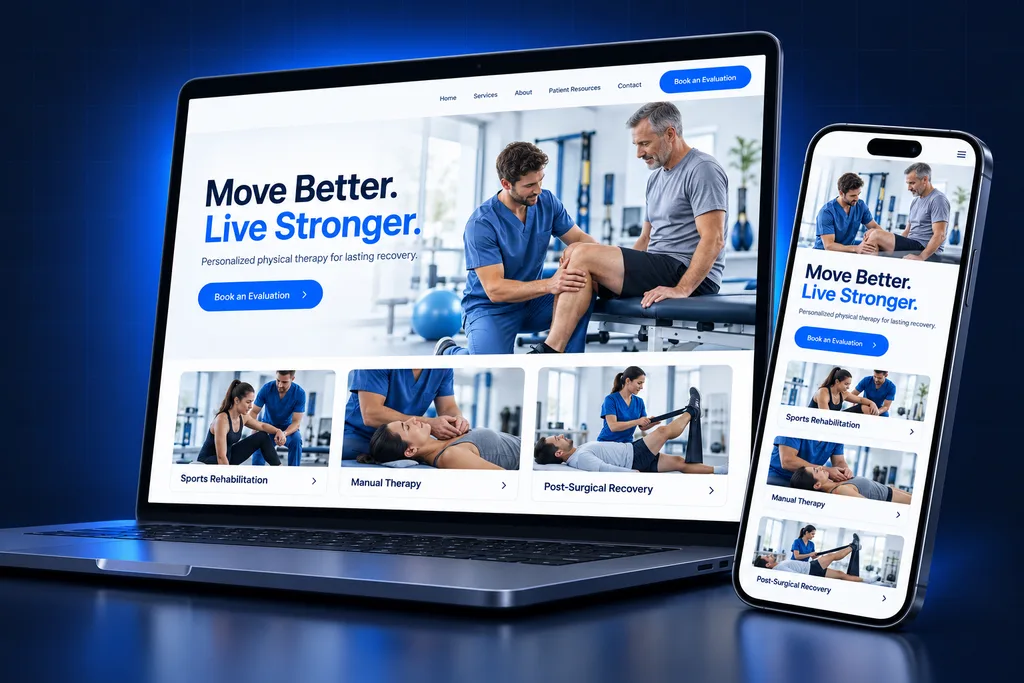
Our GoHighLevel physical therapy snapshot is the prebuilt asset set behind a PT clinic account. It includes referral and direct-access pipelines, evaluation calendars, plan-of-care reminders, a discharge-to-wellness funnel and review requests, all written without clinical details.
What's inside
Inside the GoHighLevel Physical Therapy Snapshot
Each asset arrives named, branded and ready to switch on once your phone, domain and texting registration are in place. The GoHighLevel physical therapy snapshot covers referral intake, a direct-access funnel and evaluation calendars. Plan-of-care nudges, a wellness offer after discharge and review requests complete the set.

Referral Intake Pipeline
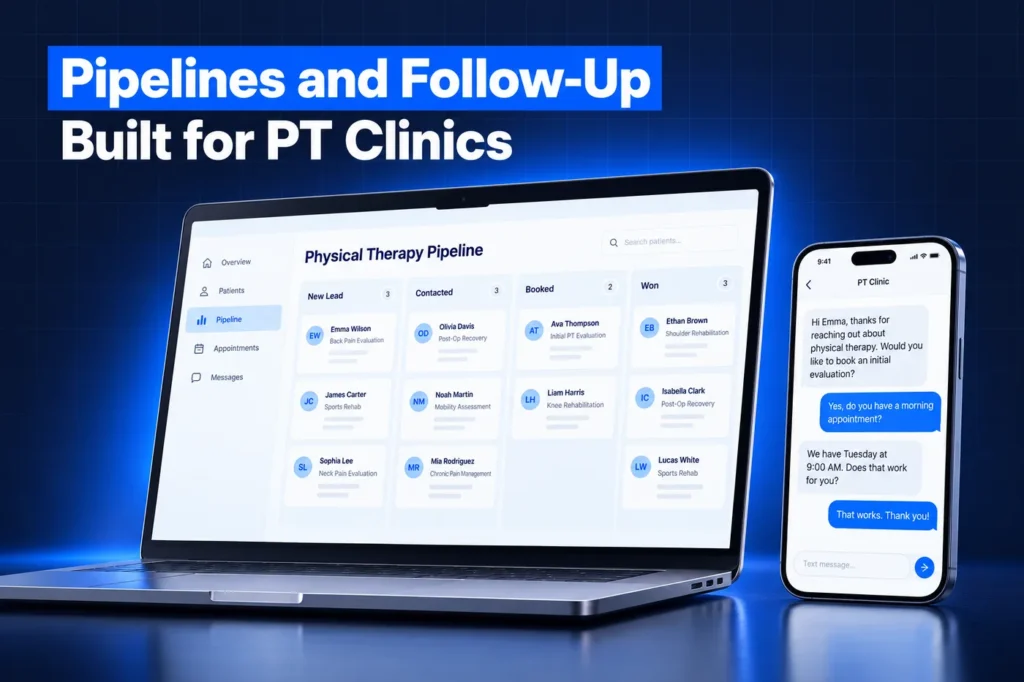
Physician referrals land on their own board, from received to evaluation booked to discharged, so unreached referrals stand out on sight.

Direct-Access Funnel
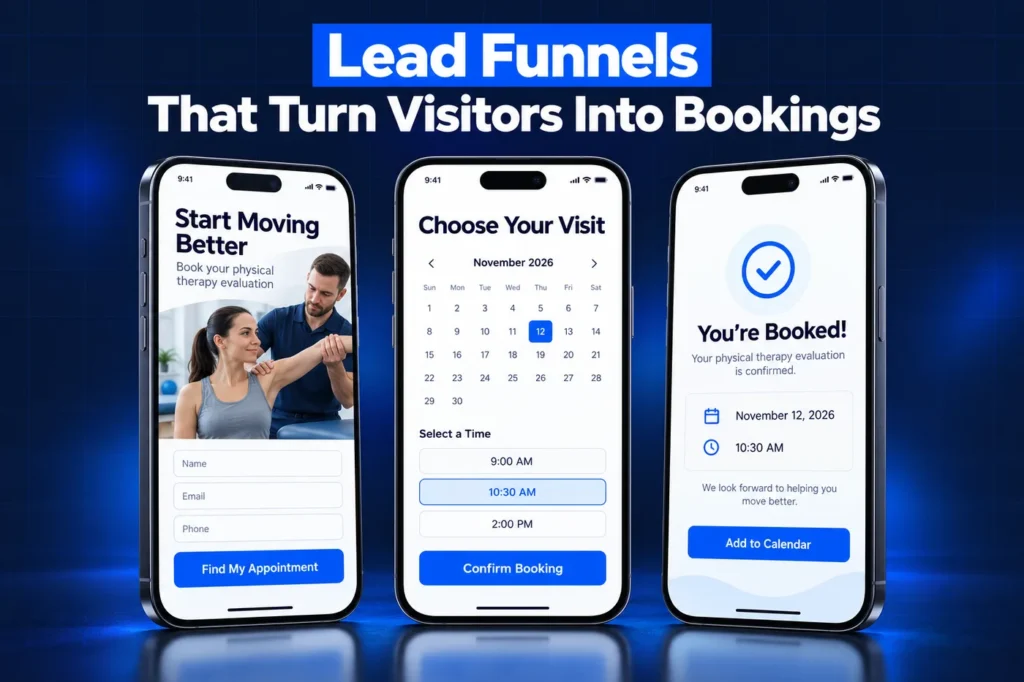
A self-referral landing page and short booking form for patients who find you on Google, with a reminder to check their insurance.

Evaluation Calendars
Initial evaluation calendars per therapist or per location, plus a shared calendar that spreads new patients across the team.

Plan-of-Care Nudges
Confirmations, reminders and a rebook prompt after a cancellation help patients finish the visits their therapist prescribed.
Wellness After Discharge
A cash-pay offer page for wellness visits, classes or return-to-sport sessions, sent only to patients who opted in to marketing.

Review Requests
A post-discharge review ask that sends unhappy replies to the clinic manager first, worded so patients are not prompted to share health details.
Side by side
What the GoHighLevel Physical Therapy Snapshot Loads Into Your Account
Think of a snapshot as a template of an entire sub-account: pipelines, calendars, pages and messages, minus the people. For the basics, read our GoHighLevel snapshot explainer. This one is our PT clinic build, and the table lists every asset by name and the outcome it produces.
Asset group
What is in the PT build
Outcome for the clinic
Pipelines
Physician Referral; Direct Access; Discharge and Wellness
Every new patient has a visible next step until the first visit happens
Calendars
Initial evaluation by therapist, shared new-patient calendar, free screen or workshop calendar
Patients book the right visit type without a phone call
Forms and surveys
Direct-access request, referring-office request, non-clinical pre-visit form, discharge feedback survey
The front desk gets scheduling details, not a medical history
Funnels and pages
Direct-access landing page, workshop sign-up page, discharge-to-wellness offer page
Ads and Google traffic land on pages built for one action
Automations, by outcome
Referral acknowledgment, evaluation confirmation, plan-of-care reminders, cancellation rebook, quiet-patient check-in, review request, wellness invitation
Follow-up continues on days the front desk is buried
Templates
SMS and email written without diagnosis, body part or treatment wording
Messages stay useful even if read on a shared phone
Custom fields and values
Fields for referral source, referring provider and preferred location; values for clinic address, parking and intake link
One change to a value updates every message that uses it
Reporting
Dashboard for referrals, evaluations booked and reviews received by source
The owner sees which referral sources are active
Fields are described by what they do. Your EMR still holds diagnosis codes, plans of care and visit counts, so the snapshot never duplicates that data.
A Snapshot Is the Asset Set; Your Clinic Sets the Strategy
Clinics often ask what this snapshot is. It is the box of prebuilt parts that runs patient acquisition inside GoHighLevel, next to your EMR. The strategy, meaning your locations, payers and referral sources, is shaped for each clinic. To compare it with our other builds, see the GoHighLevel snapshots page.
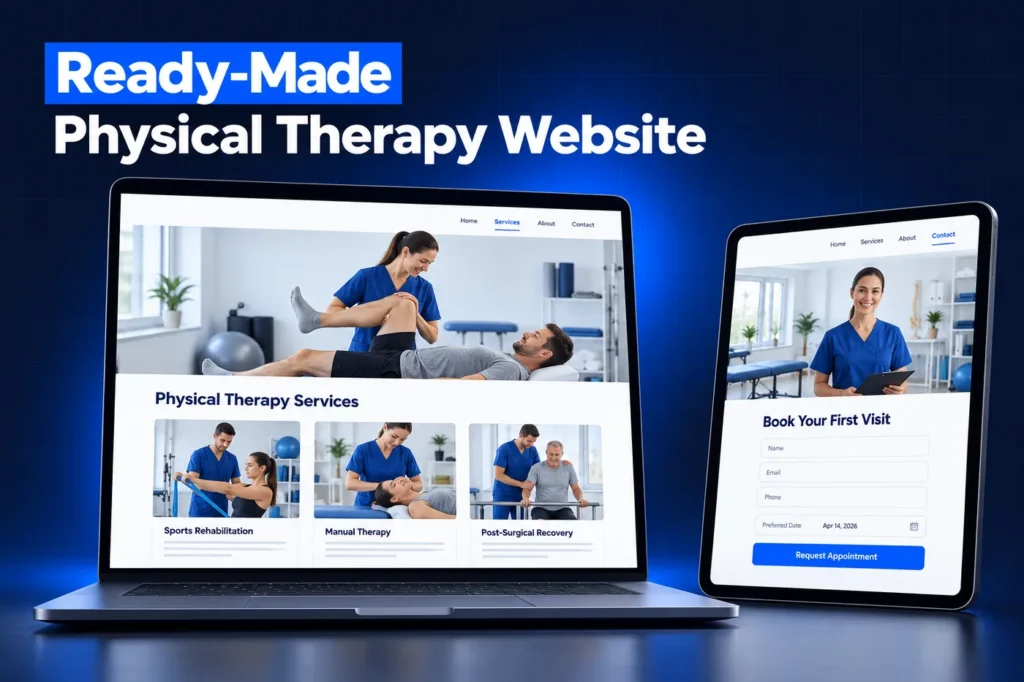
In practice, the GoHighLevel physical therapy snapshot saves build time on the parts every clinic needs. The work that remains is clinic-specific: your locations, your payers, your cash-pay services and the referring offices you work with. We do that work before install, so you never receive a generic template with another clinic's name in the footer.
What we change for each clinic
✓ Location names, hours, parking notes and the phone number patients should call.
✓ Therapist names and the visit types each one evaluates.
✓ Insurance wording on the direct-access page, based on what your billing team approves.
✓ Cash-pay programs you offer, such as dry needling, running analysis or small-group classes.
✓ Review destinations for each location.
A closer look
PHI-Free Templates and HighLevel's HIPAA Package
Every template in the build is written to avoid protected health information. A reminder says when and where the next visit is and how to reschedule. It does not say why the patient is coming in. Diagnoses, body parts and treatment notes stay out of every text and email.
That is a safety net, not a compliance program. HighLevel accounts are not HIPAA compliant by default. The HighLevel HIPAA Compliance package is a $297 per month add-on. It includes a signed Business Associate Agreement, encryption of ePHI, audit logs and enforced MFA. HighLevel lists contacts, notes, custom fields, texts, email, form submissions, calendars and invoices among the objects it treats as able to hold PHI.
Two details shape the install. The package cannot be cancelled or turned off once enabled, and each sub-account has to be switched on separately. A snapshot does not carry that setting, so we confirm HIPAA is active on the receiving sub-account before the forms go live. This is general information, not legal advice; confirm with counsel.
How it works
Your PT Snapshot, Installed in 4 Steps
Your PT snapshot is installed in four steps. We run a clinic intake on locations, therapists, payers, EMR and HIPAA status, then adapt the build to your clinic voice. Next we load it and connect your domain, phone line and texting registration. Last, we test evaluations and train your front desk.
1
Clinic Intake
We list your locations, therapists, services, payers and EMR, and confirm whether the HIPAA package is already active.
2
Adapt the Build
We rename pipelines, calendars and pages, rewrite templates in your clinic voice and remove anything you do not offer.
3
Install and Connect
We load the snapshot into your sub-account and connect your domain, clinic phone line, texting registration and review settings.
4
Test and Handover
We book test evaluations, check every form and message, and train your front desk on the boards.
Evaluations, Therapist Schedules and Workshops
The snapshot ships with two booking patterns. Referred patients usually book a specific therapist or location, so those calendars are separate. Direct-access patients often just want the soonest opening, so a shared calendar spreads them across the therapists you choose.
Many clinics also run free injury screens or community workshops on topics like back pain or running form. The workshop calendar caps seats per session and feeds attendees into the direct-access pipeline. If your EMR owns the real visit schedule, we keep follow-up visits there. GoHighLevel then handles only the first evaluation and the reminders you assign to it.
What Stays Behind When the Snapshot Is Installed
The HighLevel snapshots overview confirms that contacts, appointments, conversations, reputation data, and Stripe or other third-party connections do not transfer. The PT build therefore arrives without any patients, referral history or reviews. Phone numbers, your domain and texting registration are set up per account; we cover texting through our A2P 10DLC registration service.
The BAA itself also stays with your account and is signed by you, not shipped in a snapshot. If an agency manages your sub-account, that agency signs its own BAA with your clinic.
Agencies can load the build into a new sub-account or a live one. In a live account, HighLevel lets you pick which assets to load and decide whether to override or skip anything that conflicts. Clinic owners usually let us run the import. Both paths are walked through in our snapshot installation guide.
Questions to Ask Any PT Snapshot Seller
Use these five questions to test any PT snapshot before you buy it, including ours. They check whether the templates were written for a clinic, whether HIPAA is explained honestly and whether referral and direct-access patients are tracked apart. Good sellers answer each one in writing.
✓ Do the templates mention injuries, body parts or treatments? If yes, they were not written for a clinic.
✓ Does the seller explain that the HIPAA package and BAA are separate from the snapshot?
✓ Are referral and direct-access patients tracked separately, or dumped into one list?
✓ Does the review request avoid inviting patients to describe their condition?
✓ Who updates the build when your services or locations change?
We answer each of these in writing before you pay for a GoHighLevel physical therapy snapshot. Free downloads rarely pass this list. Our comparison of custom vs free snapshots explains what you give up with an anonymous import link.
Questions and answers
PT Snapshot: Questions, Answered
Straight answers before you book a call. Have a question that is not covered here? Ask us directly.
What comes in a GoHighLevel physical therapy snapshot?

Our build includes physician referral, direct-access and discharge pipelines, therapist and shared evaluation calendars, a workshop calendar, direct-access and wellness pages, non-clinical intake forms, plan-of-care reminder and rebook messages, review requests and a referral-source dashboard. Every asset is adapted to your clinic before installation.
Does the snapshot make my account HIPAA compliant?
No. A snapshot copies setup only. HIPAA coverage comes from HighLevel's HIPAA Compliance package, which includes a BAA and must be enabled on each sub-account. Our templates avoid clinical details as an extra precaution, but your clinic still needs its own HIPAA policies and should confirm its obligations with counsel.
Will it pull patients from WebPT or my EMR?
Not by itself. The snapshot contains no contacts, and we did not find a native HighLevel connector for the common PT EMRs. Most clinics keep the EMR as the clinical record and use GoHighLevel for leads, booking requests, reminders and reviews. Any data link is scoped as a separate project.
Can we use it across several clinic locations?
Yes. Calendars, pages and review settings are set up per location, and pipelines can show which location a patient chose. Some groups use one sub-account per location instead. We recommend a structure on the strategy call based on how your front desks and billing teams are organized.
How is this different from your PT CRM service?
The CRM service is the full consulting engagement: strategy, EMR boundaries, compliance and reporting for your clinic. The snapshot is the prebuilt set of pipelines, calendars, forms, pages and templates that speeds that build up. Many clinics start with the snapshot and add custom work as they grow.
Can the wellness funnel sell cash-pay packages?
Yes. The discharge-to-wellness page can take bookings or payments for programs you already offer, such as wellness visits or small-group classes. Payment connections are set up fresh after install. Extra offer pages can be added through our funnel building service.
Ready when you are
Get a GoHighLevel Physical Therapy Snapshot Built for Your Clinic
Book a free strategy call and we will map the snapshot to your locations and EMR. Or WhatsApp us at +1 (681) 276-7045.