
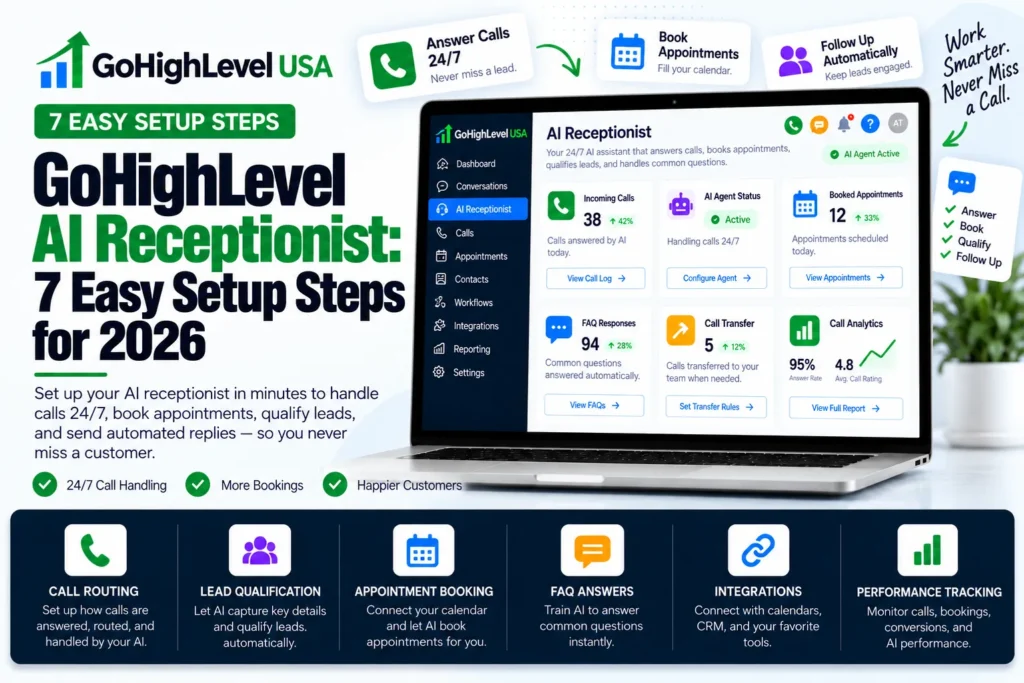
A GoHighLevel AI receptionist is a Voice AI agent inside HighLevel that answers your business phone and talks to callers in a natural voice. It books appointments and sends the details to your CRM. It works day and night.
This guide shows small business owners what a GoHighLevel AI receptionist can do, what it costs and the setup steps. It also covers how to stay safe with US calling rules. All prices come from HighLevel’s own pricing article.
What Is a GoHighLevel AI Receptionist?
A GoHighLevel AI receptionist is built with the Voice AI tool found under AI Agents in your HighLevel sub account. You give it a name, voice, script, and business facts. Then you connect it to a phone number. When someone calls, the agent picks up, answers questions, and takes action.
It can book a slot on your calendar, send a text, update a contact, or transfer the call to a real person.
Because it lives inside your CRM, every call creates or updates a contact record. You see the call summary and transcript right next to the lead, so your team always knows what was said.
Why Do US Service Businesses Need an AI Receptionist?
Plumbers, roofers, dentists, med spas, and law firms all have the same problem. The phone rings while the owner is busy on a job or with a client. That caller often hangs up and calls the next company on Google.
An AI receptionist fixes this gap. Here is what it gives a small service team:
- Every call answered: nights, weekends, and holidays included. If you only need a text reply to missed calls, our missed call text-back setup is the simpler first step.
- Booked jobs, not just messages: the agent can put appointments straight on your calendar.
- Clean lead data: names, numbers, and needs land in the CRM automatically.
- Fast follow up: a workflow can text the caller a confirmation right after the call.
- Lower cost: it costs far less than a full time front desk hire.
An AI receptionist does not replace your best people. It handles the simple, repeated calls so your staff can focus on hard questions and paying customers. For the wider trade-off on booking leads, see our AI appointment setter vs human setter comparison.
New to GoHighLevel? Try it free for 30 days
HighLevel's standard free trial is 14 days. Through our partner link you get 30 days plus HighLevel's free onboarding bootcamp. Rather have it built for you? Our US team sets up GoHighLevel accounts, websites, funnels and automations.
Partner link: we may earn a commission at no extra cost to you. Disclosure
What Can the GoHighLevel AI Receptionist Do on a Call?
A GoHighLevel AI receptionist can book appointments, transfer calls, send texts and update the CRM while it talks to a caller. The official HighLevel guide lists several actions you can add to a Voice AI agent. Each action is a skill your receptionist can use during the call.
| Action | What It Does | Example for a Service Business |
|---|---|---|
| Appointment Booking | Books a time on a HighLevel calendar | Schedules a free roof inspection |
| Call Transfer | Sends the call to a phone number | Passes an emergency leak to the owner |
| Send SMS | Texts the caller during the call | Sends a link to your price list |
| Update Contact Field | Saves answers to the contact record | Stores the service address |
| Trigger Workflow | Starts an automation | Adds the lead to a follow up sequence |
| Custom Action | Sends data to another tool by webhook | Creates a job in your field service app |
| Agent Transfer | Hands the call to another AI agent | Moves a billing question to a billing agent |
You can also link a knowledge base to your AI receptionist. This lets the agent look up your hours, service area, and common answers instead of guessing.
How Do You Set Up a GoHighLevel AI Receptionist?
You set up a GoHighLevel AI receptionist by creating a Voice AI agent, choosing its voice and basics, writing its prompt, adding actions and connecting a phone number. These steps follow the official HighLevel guide to creating Voice AI agents. The menu path is AI Agents, then Voice AI, then the Agent List tab.
- Create the agent. Click Create Agent and pick Create Custom Agent. You can also browse the marketplace for a ready template.
- Set the basics. Add an agent name, voice, model, language, and timezone. Write the welcome message and choose who speaks first.
- Write the prompt. This is the script that tells the agent who it is, what to ask, and what to avoid.
- Connect a knowledge base. Add your FAQ page, service list, and policies. Tell the agent when to search it.
- Add actions. Turn on Appointment Booking, Call Transfer, and Send SMS at minimum.
- Test it. Use the Web Call or Phone Call test. Call it like a real customer would, more than once.
- Deploy it. On the Deploy tab, pick your phone number, choose Answer Directly or Use as Backup, and set working hours.
The Use as Backup option is great for new users. Your team still answers first, and the AI receptionist only picks up the calls you miss.
Smart Settings to Check Before Going Live
Open the advanced settings and review call settings, agent behavior, voice settings, and post call options. Set a maximum call length so one long call does not run up your bill.
Also turn on call summaries and notifications. That way the owner gets a quick text or email after each important call.
How Much Does a GoHighLevel AI Receptionist Cost?
A GoHighLevel AI receptionist costs either usage-based pay per use pricing or an AI Employee plan with Voice AI minutes included. Pricing comes from the official HighLevel AI product pricing article. AI Employee plans are charged per sub-account, and usage rates depend on the voice and model you pick.
| Plan | Monthly Price | Voice AI Included |
|---|---|---|
| Pay Per Use | $0 subscription | Billed by usage |
| AI Employee Starter | $20 per sub-account (only for agencies on the $497 Founder plan) | Not included; Voice AI billed pay per use |
| AI Employee Growth | $50 per sub-account | 100 AI agent minutes per month |
| AI Employee Unlimited | $97 per sub-account | Unlimited Voice AI, inbound, outbound, and widget |
On pay per use, the official article lists the Voice Engine at $0.045 per minute. Text to speech voices add $0.015 to $0.170 per minute, based on the provider you pick.
Speech to speech models are priced differently. Google Gemini is listed at $0.10 per minute and OpenAI gpt realtime at $0.20 per minute.
Costs People Often Miss
- Your main HighLevel subscription is separate.
- Phone system charges for calls and texts apply on top of AI pricing.
- The Unlimited plan follows a fair use policy, so extreme usage can be limited.
- On the Growth plan, Voice AI pauses by default once the 100 included minutes are used, unless Extra Usage is turned on in AI Suite at pay per use rates.
- The $20 Starter plan does not include Voice AI minutes, so it does not cover an AI receptionist on its own.
For most busy shops, the Unlimited plan is the simplest choice because you never watch the minute meter. Prices can change, so always confirm on the official page before you quote a client.
How Do You Write a Great AI Receptionist Script?
A great AI receptionist script gives the agent a clear role, a fixed order of questions and firm limits on what it may say. The prompt decides how good your AI receptionist sounds. A short, clear script beats a long, messy one every time, and weekly transcript reviews keep improving it.
- Give it a role. Example: “You are Mia, the friendly receptionist for Bright Smile Dental in Austin.”
- List the questions in order. Name, phone, address, service needed, and best time.
- Set limits. Tell it never to quote exact prices or give medical or legal advice.
- Define handoffs. Say when to transfer, such as emergencies or angry callers.
- Keep answers short. One or two sentences per reply sounds more human on the phone.
- Confirm details. Have it repeat the phone number and appointment time back to the caller.
After launch, read the transcripts every week. Each odd answer shows you one line to add or fix in the prompt.
What Are Example GoHighLevel AI Receptionist Use Cases?
Example setups show how different US service businesses can use an AI receptionist in different ways. Home services, dental and med spa offices, and other local businesses each set different hours, questions and transfer rules. Each example uses the same features, just with a different script and different rules.
Home Services
An HVAC company sets the agent as backup after 5 PM. It books next day service calls and transfers true emergencies, like no heat in winter, to the on call tech.
Dental and Med Spa
A dental office uses the agent to book cleanings and answer insurance basics from the knowledge base. It sends a text with the address and new patient forms.
Law Firm Intake
A personal injury firm uses the agent to collect case basics and save them to contact fields. A workflow then alerts an intake lawyer to call back fast. Sorting callers by fit before a human calls back is covered in our guide to GoHighLevel AI lead qualification.
What Compliance Rules Apply to a GoHighLevel AI Receptionist?
Inbound AI receptionist calls are lower risk, but you still must follow the law on consent, recording and disclosure. Outbound AI calls carry much bigger rules, because the FCC treats AI voices as artificial voices under the TCPA. Check these points before you switch any agent on.
- TCPA and AI voices: In 2024 the FCC ruled that AI generated voices count as artificial voices under the TCPA. Outbound AI calls need proper prior consent.
- Call recording: Some states require every person on the call to agree to recording. Add a simple notice in your welcome message.
- Be honest: Let callers know they are speaking with a virtual assistant.
- Texting rules: If the agent sends SMS, your number needs A2P 10DLC registration in the US.
- Sensitive data: Healthcare and legal offices should check their own privacy duties before collecting private details.
This is general information, not legal advice. Ask your attorney if you plan outbound AI calling campaigns.
Common Mistakes to Avoid
Most failed AI receptionist setups break for the same few reasons: no testing, an empty knowledge base, no transfer option and nobody reading the transcripts. Avoid these and your agent will sound sharp from day one. Each mistake below is easy to fix before you go live.
- Going live without testing real customer questions.
- Leaving the knowledge base empty, which makes the agent guess.
- Skipping a transfer option for upset or urgent callers.
- Forgetting working hours, so the agent answers when staff should.
- Never reading transcripts after launch.
Final Thoughts
A GoHighLevel AI receptionist is one of the easiest ways to stop losing leads to missed calls. Start with backup mode, a short script, and three core actions, then improve it each week using real transcripts. Want it built right the first time?
Our GoHighLevel Voice AI setup service builds, trains and tests your AI receptionist, with calendars, workflows and A2P registration connected. You can also book a GoHighLevel consultant to review your current agent and script.
Frequently Asked Questions
Does GoHighLevel have an AI receptionist?
Yes. GoHighLevel’s Voice AI lets you build an AI receptionist inside a sub-account. The agent answers calls in a natural voice, uses a knowledge base for your facts, and can book appointments, transfer calls, send texts, update contact fields and trigger workflows while it talks to the caller.
How much does the GoHighLevel AI receptionist cost?
HighLevel bills Voice AI pay per use, or through AI Employee plans per sub-account: Growth at $50 a month with 100 AI agent minutes, and Unlimited at $97 a month subject to fair use. The $20 Starter plan does not include Voice AI. Phone system call charges are billed separately on every plan.
Can the AI receptionist answer only the calls my team misses?
Yes. When you deploy a Voice AI agent on a phone number, you can choose Answer Directly or Use as Backup. In backup mode your team answers first and the AI receptionist picks up the calls nobody answers, which is a lower-risk way to start and keeps staff in control.
Can a GoHighLevel AI receptionist book appointments?
Yes. Add the Appointment Booking action and connect a HighLevel calendar. The agent checks open slots during the call and books the caller directly. Pair it with confirmation texts or emails from a workflow so the customer gets the time and address in writing after the call.
Is it legal to use an AI receptionist for business calls?
Answering inbound calls with an AI receptionist is widely used, but disclosure, call recording consent and privacy rules still apply, and some states require all-party consent to record. Outbound AI calls fall under the TCPA artificial voice rules and need prior consent. Confirm your situation with an attorney.