
Last updated:
The go high level knowledge base can mean two things. First, it is the official HighLevel help center, a big free library of how to guides.
Second, it is a feature inside HighLevel AI that you fill with your own business facts so your chat and voice bots answer questions correctly.
This guide covers both. You will learn how to find answers fast in the help center, and how to build your own AI knowledge base in 7 easy steps. Every feature below was checked against the official HighLevel help docs.
What Is the Go High Level Knowledge Base?
People use the phrase go high level knowledge base for two different tools. It helps to know which one you need before you start clicking around.
| Meaning | Where It Lives | Who Uses It | Main Job |
|---|---|---|---|
| Help center | help.gohighlevel.com | Agency owners and users | Explains how every HighLevel feature works |
| AI Knowledge Base | AI Agents, then Knowledge Base, inside a sub account | Your Conversation AI and Voice AI agents | Gives your bots the facts about your business |
The help center teaches you. Your own go high level knowledge base inside AI Agents teaches your bots. Most busy business owners end up using both.
Not sure which one you need? Ask yourself one question: do I want to learn HighLevel, or do I want my bot to learn my business?
How Do You Use the Official Go High Level Knowledge Base to Get Answers Fast?
The official help center sits at help.gohighlevel.com. It has articles, screenshots and videos for almost every part of the platform, from workflows to phone numbers to payments.
Search Smart
- Use the exact feature name, like “Conversation AI” or “Web Crawler”.
- Add a task word, like “set up”, “attach” or “limits”.
- Look at the article date. HighLevel changes fast, so newer articles are safer.
- Read the “prerequisites” part first. It often explains why something is missing in your account.
When the Articles Are Not Enough
HighLevel lists its support channels in an official article called 24/7 Customer Support Options. Here is what it says you can use:
- Live chat: Click the blue question mark at the top right of the app on desktop. You can pick AI Support Chat or Agent Chat.
- Zoom support: Join a queue and get screen share help from a live agent.
- Phone support: Mainly for sales, billing or login issues. The agency admin must be verified.
- Tickets: Opened through chat, Zoom or a web form, then handled by email.
- Self help: The help center, the official YouTube channel, live Q&A events and a Facebook community group.
One key detail: the same article says only agency admins and agency users can reach support. If you are a client in a sub account, ask your agency for help first.
New to GoHighLevel? Try it free for 30 days
HighLevel's standard free trial is 14 days. Through our partner link you get 30 days plus HighLevel's free onboarding bootcamp. Rather have it built for you? Our US team sets up GoHighLevel accounts, websites, funnels and automations.
Partner link: we may earn a commission at no extra cost to you. Disclosure
What Does the AI Go High Level Knowledge Base Do?
The second meaning of go high level knowledge base is the AI feature. It is a store of business facts your AI agents search before they reply.
This helps the bot give answers based on your real content instead of guessing.
HighLevel says connected AI tools use this content for retrieval based answers. Your Conversation AI bot (for chat and text) and your Voice AI agent (for phone calls) can both use it.
Here is an important difference from the official docs. A Conversation AI bot can use more than one knowledge base at the same time. A Voice AI agent supports one knowledge base per agent. So plan your content before you build.
What Can You Add to a Go High Level Knowledge Base?
You can feed your go high level knowledge base several types of sources. Each one fits a different kind of information.
| Source | What It Takes | Best For | Key Note From the Docs |
|---|---|---|---|
| Web Crawler | Website pages | Service pages, policies, about pages | Example limit of up to 4,000 web URLs per knowledge base |
| FAQs | Question and answer pairs you type | Common questions with exact answers | Great for prices, hours and rules |
| File Upload | DOC, DOCX and PDF | Guides, menus, service sheets | Only selectable text is read; images and scanned pages are skipped |
| Rich Text | Content you write in the editor | Quick notes that are not on your site | Saved apart from uploaded files |
| Tables | CSV files | Product lists, price lists, inventory | Up to 50,000 rows and 50 MB; Excel files must be saved as CSV first |
The web crawler has three modes. “Exact URL” grabs one page. “All URLs with this Path” grabs one section. “All URLs in this Domain” grabs your whole site. You can read the full details in the official web crawler guide.
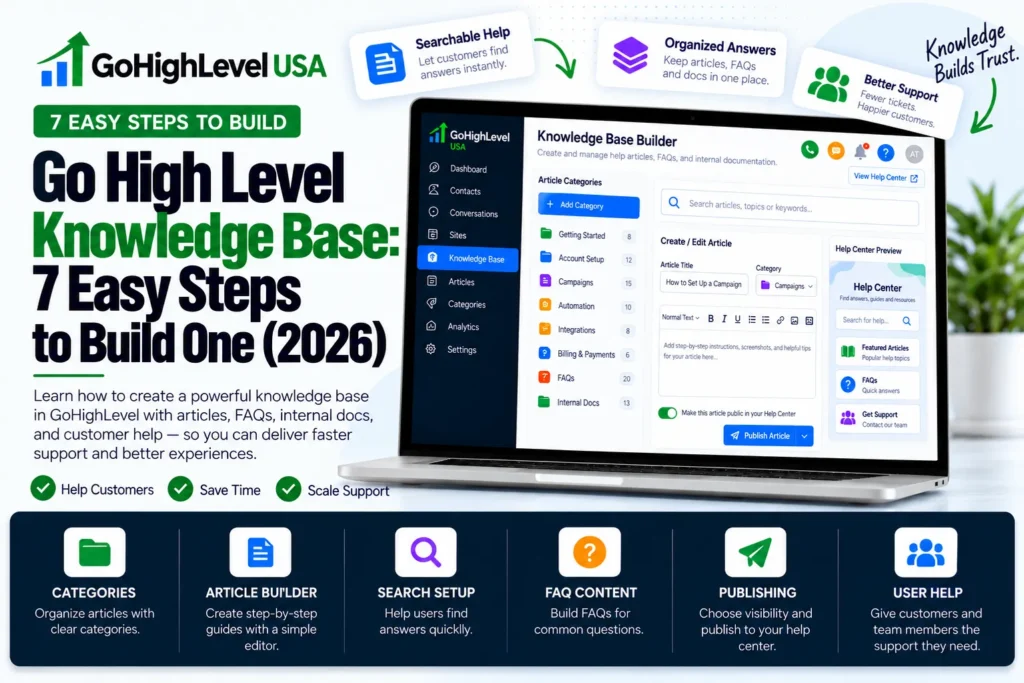
How Do You Build a Go High Level Knowledge Base in 7 Steps?
Follow these steps to build a go high level knowledge base inside your sub account. The menu names come straight from the HighLevel help docs.
- Open the Knowledge Base area. Go to AI Agents, then click the Knowledge Base tab. Create a new knowledge base and give it a clear name, like “Main Website”.
- Add your website. Open the Web Crawler tab and click Add Website. Pick a URL mode and type your starting URL.
- Pick the right pages. HighLevel reads your sitemap and shows the pages it found. Search, filter and tick only the useful ones. Then click Train Selected.
- Add FAQs. Type the questions customers ask most, with short and exact answers. Start with prices, hours, service areas and booking rules.
- Upload files and tables. Click Add Source, then choose File Upload for DOC, DOCX or PDF files. Choose Tables for CSV files like price lists.
- Attach it to your agent. Connect the knowledge base to your Conversation AI bot or your Voice AI agent. Remember that Voice AI uses one knowledge base per agent.
- Test and fix. Ask your bot real questions. HighLevel offers a Retrieval Tester to show which sources the AI used. Fix weak answers by adding a clearer FAQ.
Once trained, your go high level knowledge base is ready for live chats and calls.
Watch the progress cards while pages train. If a URL fails, the docs say you can retry it. Most files show as “Processed” within about a minute.
The Fast Way: Ask AI
HighLevel also lets you build a go high level knowledge base with Ask AI.
You type a prompt like “Create a Knowledge Base from my website and attach it to Conversation AI.” The official Ask AI guide says it asks for approval before it crawls any site.
This is a smart shortcut for a first draft. Still, check the pages it picks and add your own FAQs after.
What Are the Best Tips for a Strong Go High Level Knowledge Base?
A bot is only as good as what you feed it. These tips keep your go high level knowledge base clean and useful.
- Start small. Train your top service pages and 10 to 20 FAQs first. Add more after you see real questions.
- Skip junk pages. Leave out blog tag pages, login pages and old promos. They confuse the bot.
- Write FAQs like a customer talks. Use “How much is a roof repair?” not “Roof repair pricing structure”.
- Use text, not pictures. Files with scanned pages or text inside images will not be read.
- Clean your CSV. The tables guide asks for clear headers, no empty cells, no merged cells and no hidden formulas.
- Retrain after changes. When your prices or hours change, update the knowledge base the same day.
- Split by purpose. Since Voice AI takes one knowledge base per agent, build a focused one for each phone agent.
Can Agencies Get a White Label Knowledge Base?
Agencies often ask if they can brand a go high level knowledge base as their own.
Many agencies resell HighLevel under their own brand. The official help center is HighLevel branded, so some agencies want a help library that shows their own name instead.
HighLevel does not list a white label version of its help center in the docs we checked. Some outside companies offer one.
For example, Growthable advertises a white label GoHighLevel knowledge base with your logo, colors and custom address. Check their site for current terms before you sign up.
Your other choice is to write your own short guides for the tasks your clients do most. A small, focused library often helps clients more than thousands of articles they never read.
Which Common Mistakes Should You Avoid?
- Crawling your whole domain when only 20 pages matter.
- Uploading scanned PDFs that the system cannot read.
- Forgetting to attach the knowledge base to the agent after building it.
- Giving a Voice AI agent mixed content from many brands or locations.
- Never testing the bot with real customer questions.
- Asking HighLevel support for help from a client sub account instead of going through the agency.
Each of these mistakes makes a go high level knowledge base weaker. They lead to wrong answers or slow fixes. A quick review every month keeps your setup on track.
Final Thoughts
The go high level knowledge base is really two helpers. The help center shows you how HighLevel works. The AI version shows your bots how your business works.
Use the first to learn and the second to give customers fast, correct answers.
Your next step is simple. Pick your top 10 customer questions today and turn them into FAQs. Then train your 5 most important web pages and test your bot.
If you would rather have experts handle it, our done for you GoHighLevel setup team can build and test your AI knowledge base for you. You can also talk with a GoHighLevel consultant to plan the right setup for your business.