
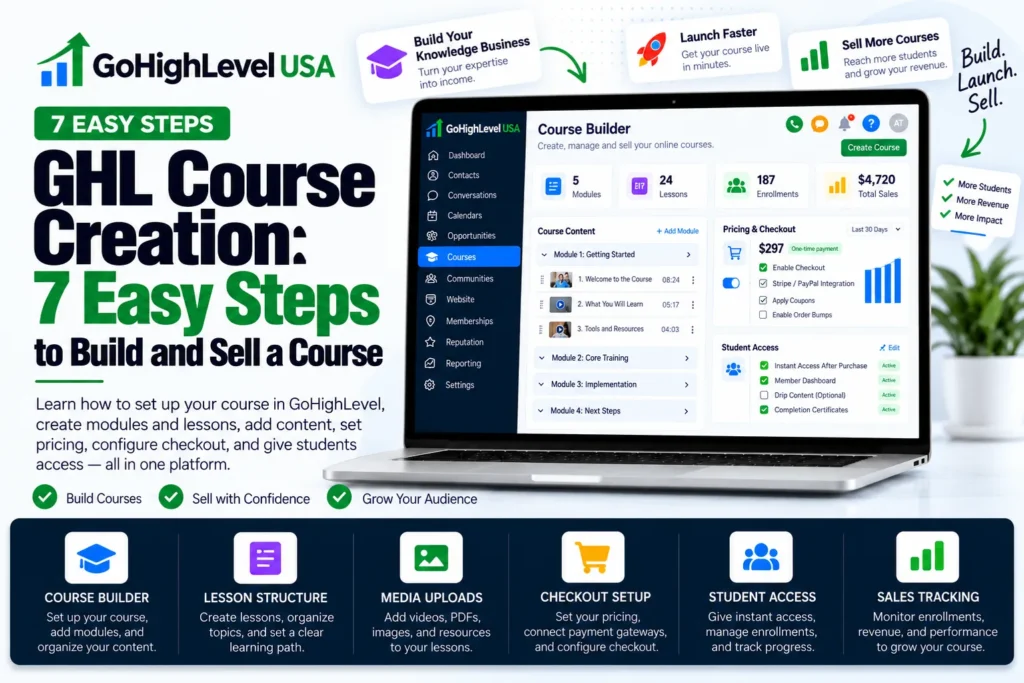
GHL course creation is the process of building, pricing and selling an online course inside the HighLevel Memberships area. You add modules and lessons, create an offer and share a link.
Everything lives in the same account as your CRM, funnels and email.
This guide walks you through GHL course creation in 7 easy steps.
You will also learn how the Ask AI helper works, how to price your course, and how to use communities and certificates. Every step below is checked against the official HighLevel help docs.
What Is GHL Course Creation and Why Use It?
HighLevel (often called GHL) is an all in one marketing platform. Its Memberships tool lets you host video lessons, files and quizzes. Your students log in to a private portal to learn. The big win is that you do not need extra tools.
Many course creators pay for one app to host lessons, another for email and another for checkout pages. With GHL course creation, those parts sit in one place.
Here is what that means for you:
- One login for your course, contacts, funnels and payments.
- Automatic access after a student buys, with no manual setup.
- Workflows that can tag buyers, send welcome emails and follow up.
- Built in tools such as quizzes, drip content, communities and certificates.
What Do You Need Before GHL Course Creation Starts?
Before GHL course creation starts, you need a clear topic and student goal, an outline of modules and lessons, your recorded content and a connected payment provider. A little planning saves a lot of time. Before you click anything in HighLevel, get these items ready.
- A clear topic and student goal. Write one sentence about what students will be able to do at the end.
- An outline. List your modules, then the lessons inside each one.
- Your content. Record videos, write lesson notes and prepare any PDF worksheets.
- A payment provider. Connect one in your Payments settings so you can take money.
- A finished sub-account. Business profile, sending email domain and branding should be in place first. Our GoHighLevel sub-account setup guide lists what a complete build includes.
- A course thumbnail. A clean cover image makes your course look trustworthy.
Good planning makes GHL course creation faster and less stressful. Do not wait for perfect videos. A simple, clear lesson beats a fancy one that never ships.
New to GoHighLevel? Try it free for 30 days
HighLevel's standard free trial is 14 days. Through our partner link you get 30 days plus HighLevel's free onboarding bootcamp. Rather have it built for you? Our US team sets up GoHighLevel accounts, websites, funnels and automations.
Partner link: we may earn a commission at no extra cost to you. Disclosure
How Does GHL Course Creation Work Step by Step?
GHL course creation works in a fixed order: create the course product, add modules and lessons, build an offer, connect payments and publish. The steps below follow the official HighLevel Getting Started: Launch a Course guide. Menu names can shift a little over time, so look for the closest match in your account.
Step 1: Create the Course Product
Go to Memberships, then Courses, then Products. Click Create Product and pick Start from Scratch. Add a title, a short description and your thumbnail.
You will also choose a pricing type here. HighLevel offers Free, One Time and Recurring. Then click Create Course.
Step 2: Add Modules and Lessons
Open the course editor. Create a module for each main topic, then add lessons inside it. You can upload videos, add text and attach files for download.
Use drag and drop to put lessons in the best order. Save often as you build. Clear structure is the heart of good GHL course creation.
Step 3: Add Quizzes or Assessments
Quizzes help students check what they learned. They also keep people active in your course. Add a short quiz at the end of each module to start. Quizzes are an easy way to make GHL course creation more interactive.
Step 4: Set Up Drip Content
Drip content releases lessons on a schedule instead of all at once. This stops students from feeling overwhelmed. HighLevel can notify learners as soon as new drip content unlocks, inside the portal and by email.
Step 5: Create Your Offer
An offer is what a student buys or joins. Go to Memberships, then Courses, then Offers, and click Create Offer. Fill in the details, attach your course product and set the price.
One offer can hold one course or a bundle of several. This lets you build different packages from the same lessons.
Step 6: Connect Payments
Change the offer from Draft to Published. You can then share the offer link, or attach the offer to a product in Payments so it works in your funnels and stores.
HighLevel says the offer must be published first, or it will not show in the product list.
When someone buys, they get access to the course right away. See the official guide on attaching a product to a course offer for details.
Step 7: Publish and Share
Copy your offer link and share it in emails, on landing pages and on social media.
Then test the full buying path yourself, because testing is the last step of GHL course creation. Buy with a test card, log in as a student and click through every lesson.
Can AI Speed Up GHL Course Creation?
Yes. HighLevel has an Ask AI helper for courses. You chat with it in plain words, and it builds parts of your course for you, such as the outline, lesson content and quizzes. You still review everything it creates before students see it, because AI drafts need editing.
According to HighLevel, Ask AI can:
- Create a full course outline with modules, lessons and a logical flow.
- Write lesson content with formatting.
- Build quizzes and assessments from your lesson material.
- Help manage supported course settings.
- Help create offers for your course.
There are limits too. Ask AI cannot delete courses, modules, lessons or assessments. It also does not replace the course editor, and it asks before big changes.
The best tip is to treat AI as a fast first draft. Give it your topic, audience and course length.
In GHL course creation, your own voice is what makes students trust you. Review every lesson, add your own stories and fix anything that sounds generic before you publish.
How Should You Price Your Course?
Pricing is a key part of GHL course creation. HighLevel supports free, one time and recurring prices, and you can add more than one price to the same product. Choose the model that matches how long students need you: a single skill, an ongoing membership or a free starter course.
| Pricing Model | Best For | Example Use |
|---|---|---|
| Free | Building trust and growing your list | A short starter course that leads to a paid offer |
| One Time | A course with a clear start and finish | A complete training on one skill |
| Recurring | Ongoing content and coaching | A monthly membership with new lessons each month |
| Bundle Offer | Selling more value at once | Two or three courses sold together in one offer |
A simple path many creators use is a free mini course first, then a paid main course. Workflows can tag free students and send them a special offer later.
How Do Communities Fit Into GHL Course Creation?
HighLevel Communities is a group space where members post, comment and chat. It works a lot like a private social network for your students. HighLevel now lets you sell paid courses inside communities. Admins create a course in the Learning tab and set a one time or subscription price.
There is also a test mode to check payments before you go live.
Adding a community to your course can help in a few ways:
- Students get answers from each other, not just from you.
- People feel part of a group, so they stay longer.
- You can post updates and wins to keep energy high.
Can You Give Certificates in HighLevel Courses?
Yes. HighLevel has a Credentials area under Memberships where you design certificate templates. You map fields like the student name and the issue date. Certificates are a nice final touch in GHL course creation. Students can download their certificate or share it on LinkedIn, Facebook, X and WhatsApp.
A public link lets anyone view it without logging in. You can also set an expiry date if your training needs renewal.
Certificates give students a reason to finish. They also act as free marketing when shared online.
What Are the Best Tips for GHL Course Creation Success?
The best GHL course creation tips are short lessons, a quick first win, a welcome workflow and downloadable worksheets. Building the course is only half the job. These tips help students finish the course, see results and come back to buy your next offer.
- Keep lessons short. Aim for videos under 10 minutes when you can.
- Start with a quick win. Make lesson one easy and useful so students feel progress.
- Use a welcome workflow. Send login details and a clear first step right after purchase. If the welcome message never arrives, our guide on why a GoHighLevel workflow is not working shows where to look.
- Add worksheets. Downloadable files turn watching into doing.
- Check your reports. Look at which lessons students skip and improve them.
- Brand the portal. Use your logo and colors so it feels like your own school.
- Answer buyer questions fast. People often call or text before they buy a course. A missed-call text-back replies when you can’t pick up, so those questions don’t go cold.
What Mistakes Should You Avoid?
Small slips during GHL course creation can cost you sales. The most common are leaving the offer in Draft, skipping a test purchase and publishing raw AI content. Watch out for these common problems, and check each one before you announce the course to your list.
- Leaving the offer in Draft. Buyers cannot join until it is published.
- Skipping a test purchase. Always buy your own course once to check access.
- Publishing raw AI content. HighLevel itself says to review everything AI creates first.
- Too much content at once. Use drip content to keep students moving.
- No follow up. Students who stall need a friendly email reminder. Past buyers who never finished are also a good audience for a win-back campaign when your next course launches.
Course launch stuck or half built? Get it finished
If your GoHighLevel course is half built, buyers aren’t getting access, or welcome emails never send, the problem is usually the offer, payment or workflow setup. Those are fixable in an afternoon once someone traces the full buying path from checkout to the first lesson.
- Our done for you GoHighLevel setup service can build your course, offers, funnels and workflows for you.
- Already built but broken? Our sub-account audit and rebuild finds what blocks access and gives you a fixed quote.
- Prefer to plan first? Talk to a GoHighLevel consultant, or compare plans on our services and pricing page.
Frequently Asked Questions
Where do you create a course in GoHighLevel?
Courses live in the Memberships area of a GoHighLevel sub-account. Go to Memberships, then Courses, then Products, and create a product from scratch. Add modules and lessons in the course editor, then create an offer under Offers and publish it so buyers can get access through its link or a payment product.
Can you charge for a course in GoHighLevel?
Yes. HighLevel course products support free, one-time and recurring pricing, and an offer can bundle one or several courses. Connect a payment provider in Payments first. The offer has to be published before you can attach it to a product, which lets buyers get access automatically after checkout.
Can AI build a course in GoHighLevel?
HighLevel’s Ask AI helper can draft a course outline, write lesson content, build quizzes and help set up offers through a chat. It asks for confirmation before major changes and cannot delete courses, modules, lessons or assessments. Treat its output as a first draft and edit every lesson in your own voice.
Can you sell a course inside a GoHighLevel community?
Yes. HighLevel Communities lets admins add a course from a group’s Learning tab and make it free, gated or paid. Paid courses can use a one-time fee or a recurring subscription. A test mode lets admins run a payment with test card details before the course goes live to members.
Does GoHighLevel give course completion certificates?
Yes. You design certificate templates in the Memberships credentials area and map fields such as the student name and issue date. Students can download their certificate or share it, and each one has a public link that anyone can view without logging in. The credential page includes a button for adding it to LinkedIn.