
GOHIGHLEVEL SNAPSHOT FOR FINANCIAL ADVISORS
GoHighLevel Financial Advisor Snapshot for Seminars and Reviews
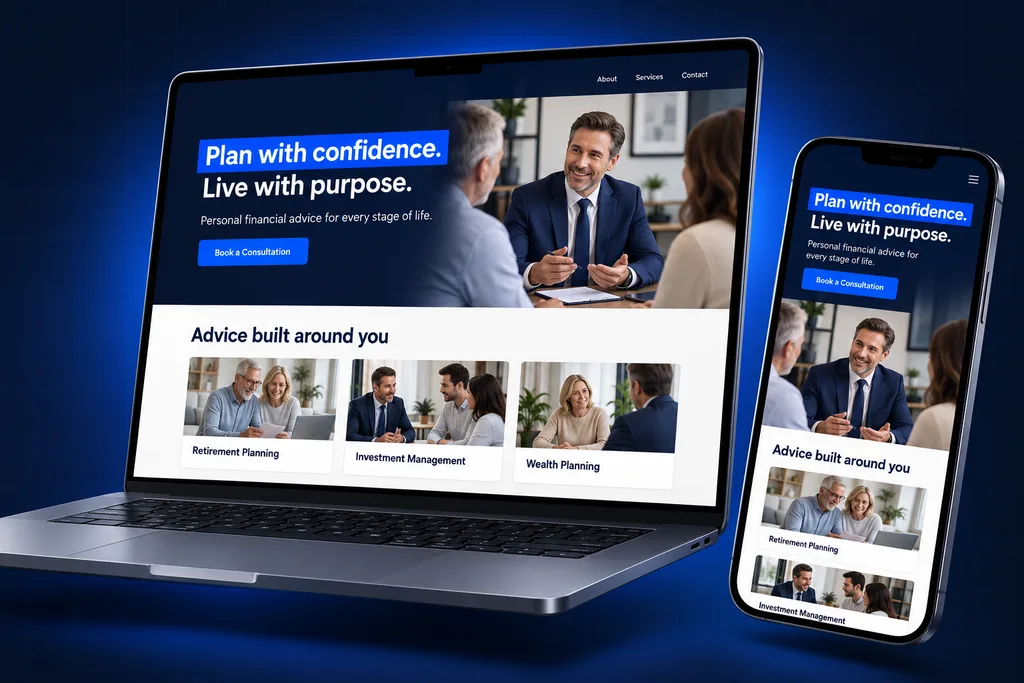
Our GoHighLevel financial advisor snapshot gives RIAs and independent advisors a ready event engine: seminar and webinar registration funnels, a prospect pipeline, discovery and review-meeting calendars, and client-event invitations.
What's inside
What the GoHighLevel Financial Advisor Snapshot Ships With
Each asset supports one job an advisory practice already does by hand: filling events and turning attendees into first meetings.

Seminar Registration Funnel
A dinner or classroom event page collects registrations against a seat cap, then confirms the venue, date and parking details for each guest.
Webinar Funnel
Registration, confirmation and broadcast pages for live or on-demand webinars, so prospects who cannot attend in person still enter your pipeline.

Prospect Pipeline
Households move from first registration through attendance, discovery meeting and proposal to paperwork, with the source of each one recorded.

Meeting Calendars
Separate calendars for first discovery conversations and for existing-client reviews, each with its own length, buffer and confirmation copy.

Client Event Invitations
Invitation pages and RSVP tracking for appreciation dinners, educational evenings and bring-a-guest events aimed at current households.

Compliance Holding Area
Emails, texts and pages ship as drafts in a review folder, and the automations that send them stay unpublished until your reviewer signs off.
Side by side
Contents of the GoHighLevel Financial Advisor Snapshot
Think of a snapshot as a packaged template of pipelines, pages and messages that HighLevel can load into a different sub-account. If the idea is new, our guide to GoHighLevel snapshots explains it. The GoHighLevel financial advisor snapshot is narrow on purpose: it handles events, first meetings and review scheduling, and nothing that belongs in a client file.
Asset type
What ships in the build
Reviewed by your compliance team?
Pipelines
Prospect Households; Client Service and Reviews
No, internal only
Funnels and pages
In-person seminar registration, webinar registration and replay, discovery-meeting request, client event RSVP
Yes, before publishing
Calendars
Seminar seats (class style), discovery meeting, annual review, client event check-in
Confirmation wording only
Forms and surveys
Event registration, meeting request, post-event feedback survey
Yes
Email and SMS templates
Event confirmations and reminders, missed-event follow-up, meeting confirmations, review-meeting invitations
Yes, every one
Workflows, by outcome
Seat confirmation, attendee follow-up, no-show replay offer, review-season invitations, advisor alerts
Sending content yes; logic no
Custom fields, by purpose
How the household found you and which event they joined, never account data
No
Dashboards
Registrations to attendance to first meetings, by event and source
No
Events First: The Seminar and Webinar Assets
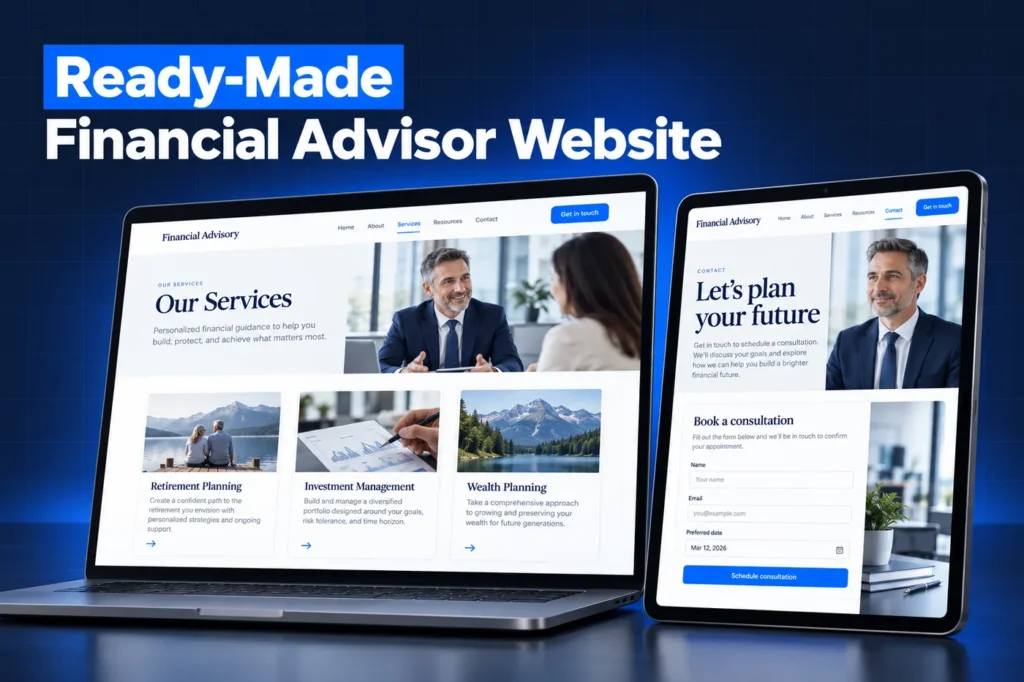
Most of the build serves the event calendar, because that is where an independent practice meets new households in volume. In-person sessions use a class-style calendar, which HighLevel designs for one-to-many bookings with a seat count per slot. When the room is full, registration closes on its own.
Online sessions use HighLevel's webinar funnels, which support both live events streamed through a link such as Zoom or YouTube Live and on-demand recordings. Registrants who miss a live session get a replay offer and an invitation to the next date instead of being dropped.
A short post-event survey asks attendees which topic mattered most to them, such as Social Security timing, required distributions or rolling over a workplace plan. Those answers are saved on the household record so the advisor can open the discovery meeting with the right subject instead of a generic pitch.
After each event, attendees are invited to book a discovery meeting. Advisors receive an alert when someone books or replies, so a warm household is never left waiting on a generic queue.
A closer look
Two Pipelines, One for Prospects and One for Clients
The Prospect Households pipeline follows a practice's real sequence: registered, attended or missed, discovery booked, discovery held, proposal presented, paperwork in progress, and handed to the book of record. Lost prospects stay in a long-term education stage rather than being deleted.
Firms with several advisors can route first meetings through a round robin calendar, which hands each booking to the first listed team member who is free at that time. Solo practices simply keep one calendar per meeting type.
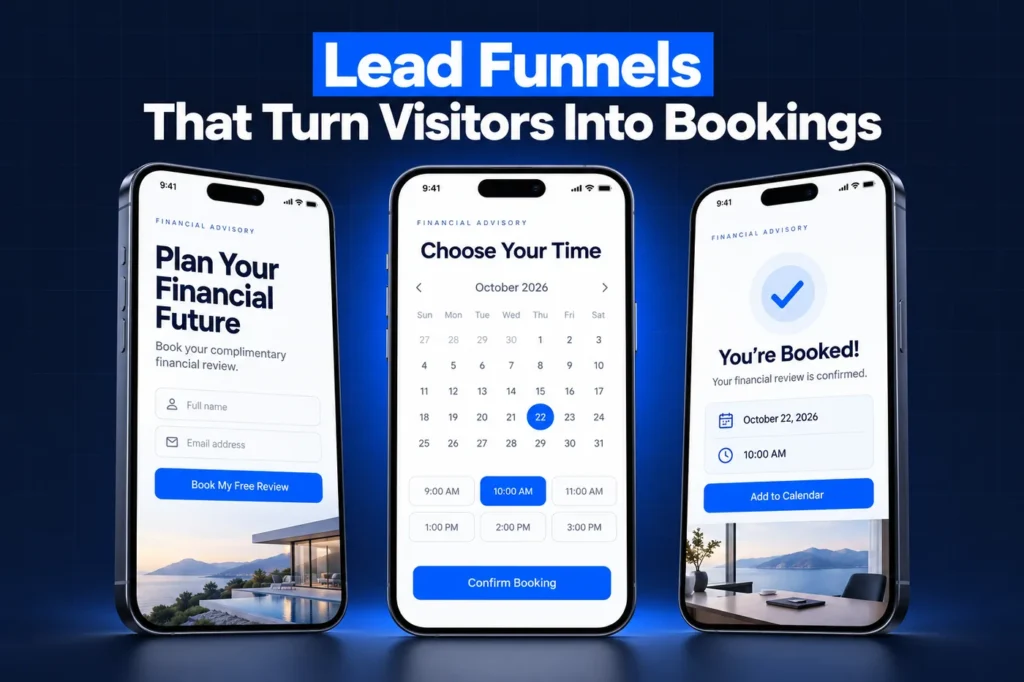
The Client Service and Reviews pipeline holds only scheduling status for current households, such as review due, invitation sent, meeting booked and meeting held. Holdings, notes and service history stay in the wealth CRM. For the full case on running GoHighLevel beside Redtail or Wealthbox, see our financial advisor CRM page.
How it works
Your Advisor Account, Live in 4 Steps
1
Registration Check
We confirm whether you are SEC-registered, state-registered or tied to a broker-dealer, because that decides which review rules shape the templates.
2
Reword and Submit
Pages and messages are rewritten for your firm and handed to compliance as a single review package.
3
Load and Connect
After approval we import the build, connect your domain and sending numbers, and finish A2P registration.
4
Test an Event
We run a mock registration through to a booked discovery meeting and walk your team through the dashboards.
Templates Written for a Compliance Desk
Nothing in the snapshot promises returns, quotes performance or uses client praise. That is a deliberate starting point, not a compliance guarantee, because the rules differ by registration.

SEC-registered advisers
Rule 206(4)-1 forbids claims you cannot back up and expects any mention of benefits or results to be balanced by the matching risks and limits. A message to more than one person offering advisory services can count as an advertisement.
Broker-dealer representatives
under FINRA Rule 2210, a written piece reaching more than 25 retail investors in 30 days is a retail communication that generally needs principal approval before use. The rule also prohibits predicting or projecting performance.

Testimonials
both regimes demand specific disclosures, so review requests are left switched off until your compliance team decides how to handle them.
Recordkeeping also comes before launch. SEC Rule 204-2 and Exchange Act Rule 17a-4 require certain communications to be preserved, so your firm picks a capture method for every text and email the account sends before the first one leaves. This is general information, not legal advice; confirm with counsel.
What No Snapshot Can Carry Into Your Account
HighLevel's snapshots overview lists what transfers and what stays behind. Contacts, appointments, conversations and message history never move, which suits advisors: no prospect data travels between accounts. Stripe and other third-party connections, private dashboards and reputation data are also left out.
Three things are set up fresh in your own account: your domain, your sending phone numbers and the carrier filing handled by our A2P 10DLC registration service. Any link to a wealth CRM, archiving tool or video platform is configured separately and scoped on its own.
Installing It: Agency Link or Done-for-You Load
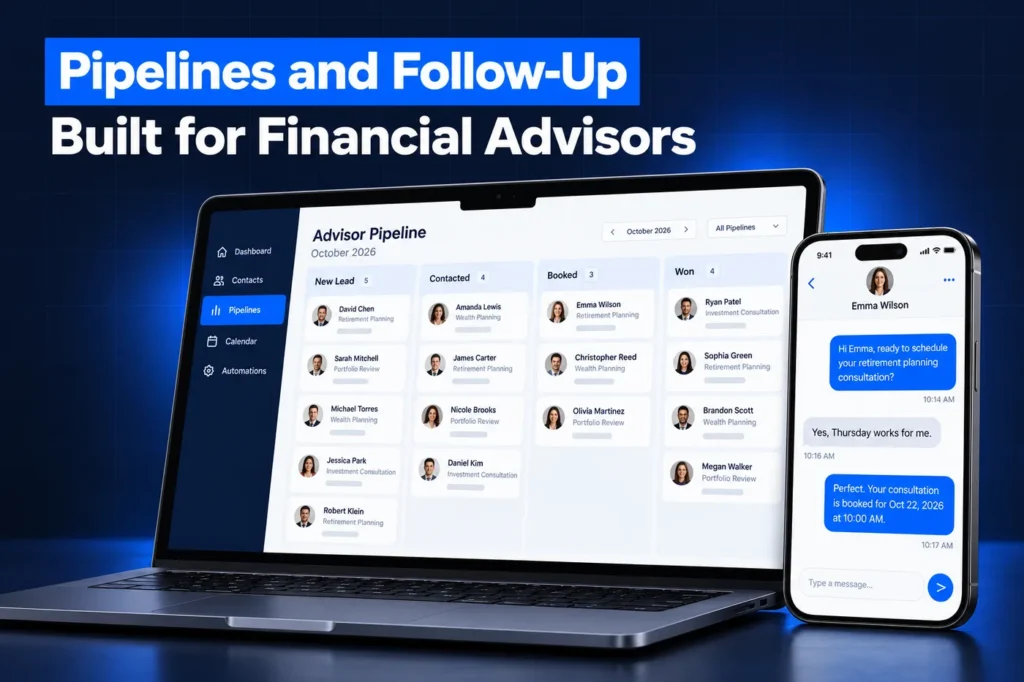
Agencies that serve several advisors receive a share link and can apply the build when creating a new sub-account. Loading into an account that already has assets lets you pick which items to bring in and choose, conflict by conflict, whether to override or skip. Once applied, a snapshot cannot be unloaded as a unit, although individual items can be deleted by hand.
Single firms usually let us do the import once compliance has approved the review package. Funnel pages land in draft form, so prospects cannot reach them until your domain is attached and each page is published. Our snapshot installation guide walks through both routes in detail.
Warning signs in an advisor snapshot for sale
✓ Pages showing returns, projections or "beat the market" wording
✓ Automated review or testimonial requests switched on by default
✓ Forms asking for account numbers, balances or Social Security numbers
✓ No plan for preserving texts and emails
✓ A seller who calls the template "pre-approved" for your firm
Questions and answers
Advisor Snapshot FAQ: Events, Compliance and Setup
Straight answers before you book a call. Have a question that is not covered here? Ask us directly.
Which assets come with the GoHighLevel financial advisor snapshot?

Ours includes seminar and webinar registration funnels, a class-style seat calendar, discovery and annual-review calendars, a prospect pipeline, a client-service pipeline for review scheduling, registration and feedback forms, draft email and SMS templates, and event dashboards. Every page and message is rewritten for your firm and sent to compliance before anything goes live.
Are the templates already approved by compliance?
No snapshot can be pre-approved for your firm, because approval depends on your registration, your supervisory procedures and your reviewer. We write conservative copy without performance figures or testimonials, then deliver it as a review package. Automations that send messages stay unpublished until your compliance team signs off.
Does the snapshot sync with Redtail or Wealthbox?
Not on its own. Snapshots never carry integrations, and the build is designed to run beside your book-of-record CRM rather than replace it. Prospects are handed over once paperwork starts. If you want an automated connection, we check what your wealth CRM plan allows and scope it as separate work.
Can I run live and recorded webinars with it?
Yes. HighLevel webinar funnels support live sessions streamed through a link such as Zoom or YouTube Live, as well as on-demand recordings that registrants can watch after signing up. The snapshot includes registration, confirmation and replay pages, plus reminder templates your reviewer approves before they send.
Will texts sent from the account be archived?
GoHighLevel keeps conversation history, but that is not the same as a books-and-records archive. SEC and FINRA recordkeeping rules can apply to business texts and emails, so your firm should choose a capture method before launch. Sending numbers and addresses are then set up around the tool your compliance team chooses.
Do state-registered advisers need a different version?
The asset list stays the same, but the review rules come from your state securities regulator rather than the SEC Marketing Rule. We adjust disclosures and wording to whatever your compliance consultant requires. Our advisor CRM page explains how registration type changes the setup.
Ready when you are
Get a GoHighLevel Financial Advisor Snapshot Built for Your Firm
Start with a free strategy call to map your event calendar, review season and compliance steps. Or WhatsApp us at +1 (681) 276-7045.