
GOHIGHLEVEL SNAPSHOT FOR PROPERTY MANAGERS
GoHighLevel Property Management Snapshot for Owner and Rental Leads
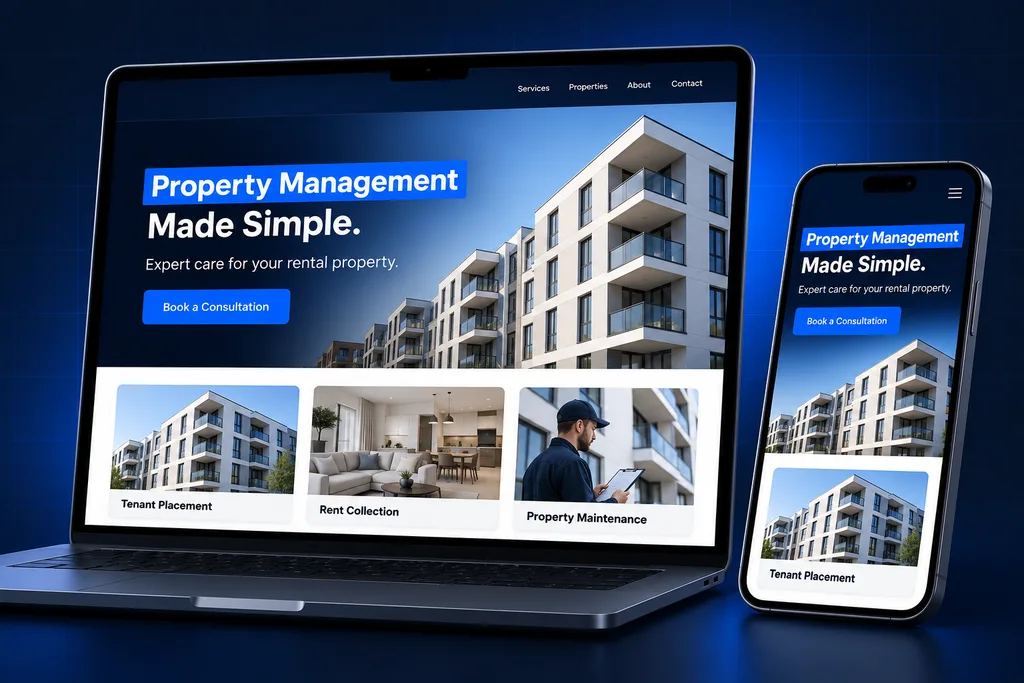
This GoHighLevel property management snapshot is a ready-made front office for residential management companies, with an owner-lead pipeline and rental-analysis funnel, rental-prospect follow-up, a showing calendar, renewal reminders and vendor intake.
What's inside
Inside the GoHighLevel Property Management Snapshot
The assets are grouped around the three people a management company talks to every day: owners, renters and vendors.

Rental Analysis Funnel
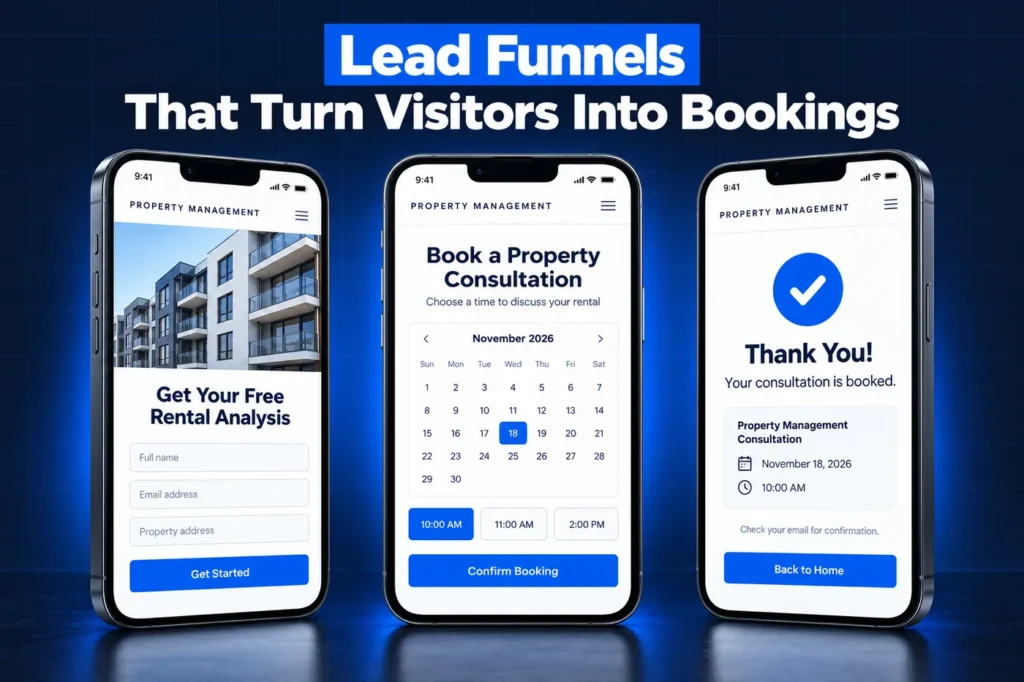
A landlord-facing page and form request property details for a rental analysis, giving your business developer a qualified owner lead to call.

Owner Proposal Template
A management agreement template in Documents and Contracts lets you send a proposal for e-signature and see when it has been signed.

Rental-Inquiry Follow-Up
Prospects who ask about a listing get a prompt reply with the showing link, and those who toured but did not apply get a nudge.

Showing Calendar
Prospects book showings with the right leasing agent, and confirmations and reminders go out so fewer tours end in a no-show.
Renewal Reminders
Residents near lease end hear from your team in good time, and owners get a heads-up before the renewal conversation starts.
Vendor Intake Form
Contractors apply through one form covering trade, service area and insurance details, so your maintenance coordinator works from a clean list.
Why Property Managers Start From a Snapshot
A management company has three audiences, and a blank GoHighLevel account gives you none of the structure they need. Owners want proof you can fill units, renters want a showing time today, and vendors want to know whether you will send them work.
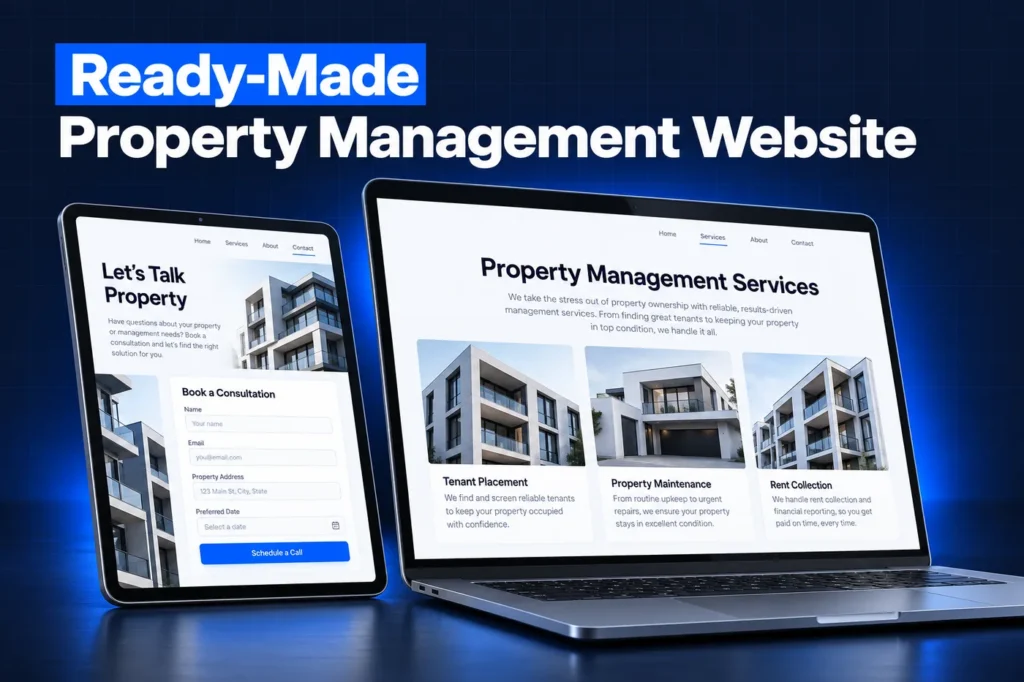
A snapshot is a configured account template without contacts, explained in more detail in our guide to GoHighLevel snapshots. The GoHighLevel property management snapshot loads all three audiences' pipelines, pages and messages at once, so your team adapts a working system instead of designing one from scratch.
For the strategy behind it, including KPIs and integration choices, see our property management CRM page. This page lists what the prebuilt asset set contains.
Side by side
GoHighLevel Property Management Snapshot Asset Map
Asset type
Owner side
Leasing side
Vendor side
Pipeline
Owner Leads, from inquiry to signed agreement and onboarding
Rental Prospects, from inquiry to showing, application and move-in
Vendor Onboarding, from applied to active
Forms
Rental analysis request; owner onboarding checklist
Pre-showing questions about move date and unit interest
Vendor intake with trade, area and insurance details
Calendars
Owner consultation call
Showing calendar shared across leasing agents
None needed
Pages
Rental analysis funnel, management services page
Available rentals hub that links to your listing site
Vendor application page
Documents
Management agreement template for e-signature
None; leases stay in your property software
None
Templates
Analysis delivery, proposal follow-up, welcome after signing
Inquiry reply, showing confirmation, post-tour nudge, renewal notice
Application received, approval notice
Workflows, by outcome
Owner lead alert, proposal chase, onboarding welcome
Instant inquiry reply, showing reminders, renewal outreach
Intake acknowledgment
Custom fields are grouped by purpose: property details for owner leads, move timing for renters and trade coverage for vendors. A dashboard ties the three pipelines together, so the principal sees new doors, tours and vendor gaps in one view.
A closer look
Rental Analysis Funnel and Owner Agreement
Owner leads are the most valuable contacts in the account, because each signed agreement is recurring management revenue. The rental analysis funnel is the build's main owner offer, built with the same tools as our GoHighLevel funnels service.
Once the analysis is delivered, the owner side moves to a consultation call and a proposal. Documents and Contracts are on HighLevel's list of assets a snapshot copies, so the agreement template arrives with the build. Your attorney's wording and your fee schedule replace our placeholder text before anything is sent.
Onboarding after the signature
A signed owner moves into onboarding with a checklist form for keys, current leases, utilities and preferred contact method. The welcome message tells the owner what happens next while your staff sets the property up in the accounting system.
How it works
Your Management Account, Live in 4 Steps
1
Portfolio Call
We review your markets, fee structure, leasing process, vendor needs and the property software you use today.
2
Adapt the Assets
Pages, templates, the agreement and pipelines are adjusted to your brand, service area and how you split owner and leasing work.
3
Install and Connect
After import into your sub-account, we hook up your domain, leasing and office lines, payment provider and A2P registration.
4
Test and Train
We submit test owner and renter leads, book a showing and walk your team through the pipelines.
Showings, Applications and Renewals
Leasing is the high-volume side. The showing calendar lets prospects pick a time with an available agent, and reminder messages go out before each tour so fewer showings end in no-shows.
Applications themselves stay in your property software, where screening and payments already run. The snapshot links prospects to that application and tracks whether they started it, so agents know who to call.
Renewal reminders work from the lease-end date your team records on the resident's contact. Residents hear about renewal in good time, and the owner gets a note before the offer goes out.
Vendor intake and the maintenance bench
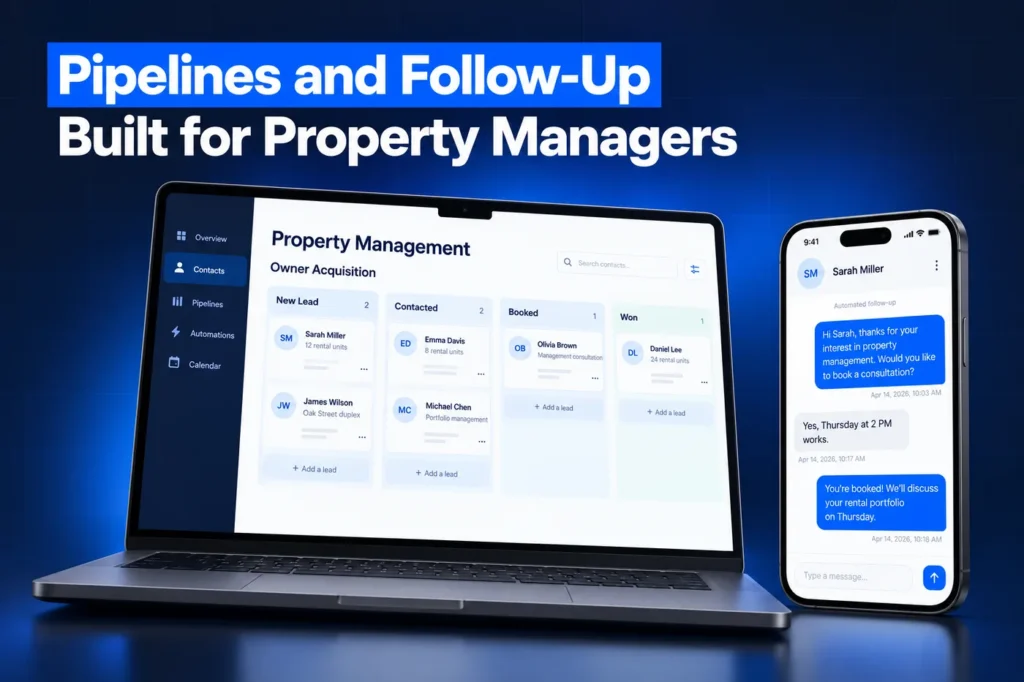
Work orders stay in your property software, but finding good contractors is a relationship job. The vendor pipeline shows who has applied, whose insurance paperwork is still missing and who is approved for which trade and area. When a plumber retires or an HVAC company stops answering, your coordinator can see the backup options in one place.
Fair Housing Review Built Into the Templates
A template is sent hundreds of times, so its wording carries real risk. The Fair Housing Act's advertising rule, 42 U.S.C. 3604(c), bars housing ads and statements that show a preference based on race, color, religion, sex, handicap, familial status or national origin.
✓ Inquiry replies describe the unit, rent, availability and how to apply, never the ideal tenant.
✓ Listing pages avoid phrases about who the property suits.
✓ Any AI assistant added later gets the same wording rules.
Many states and cities add protected classes such as source of income. Have your attorney approve final templates for your markets; this is general information, not legal advice.
What You Reconnect and How It Installs
HighLevel's snapshots overview sets the limits. A snapshot never carries contacts, appointments, conversations, reputation data, payment connections or integrations. Phone numbers, A2P 10DLC registration through our A2P registration service, your domain and any AppFolio or Buildium connection are set up inside your own account. Funnels arrive as drafts until the domain is connected.
Agencies receive a share link and can create sub-accounts from it or load it into an existing client account, choosing to override or skip each conflicting asset; contacts are not deleted. Owners usually let us import it. A loaded snapshot cannot be unloaded, so read our snapshot installation guide first. Price and delivery are quoted after the strategy call, based on markets and tailoring.
Red flags when buying a property management snapshot
✓ Listing replies that describe the kind of tenant wanted instead of the unit
✓ A sample management agreement presented as ready to send without legal review
✓ Rental-inquiry texts with no opt-out wording or consent capture on the forms
✓ Promises of a full AppFolio or Buildium sync, which no snapshot can carry
✓ An import link from a seller who offers no updates or support after install
Questions and answers
Property Management Snapshot: Questions, Answered
Straight answers before you book a call. Have a question that is not covered here? Ask us directly.
What is included in a GoHighLevel property management snapshot?

Ours includes owner, leasing and vendor pipelines, a rental analysis funnel, an owner consultation calendar, a shared showing calendar, owner onboarding and vendor intake forms, a management agreement template, renewal and post-tour templates and a combined dashboard. Every asset is adapted to your markets, fees and brand before it goes live.
Does the snapshot replace AppFolio or Buildium?
No. Leases, rent, trust accounting, screening and owner statements stay in your property software. The snapshot covers the front office: winning owners, answering rental inquiries, booking showings and onboarding vendors. Snapshots do not carry integrations, so any data link to your accounting system is scoped separately.
Are the templates Fair Housing safe?
We write them to describe the property, rent, availability and application steps rather than the type of tenant wanted, which follows the advertising rule in the Fair Housing Act. Local laws add protected classes, so your attorney should approve the final wording for your markets before the account goes live.
Can multiple leasing agents share the showing calendar?
Yes. The showing calendar can be shared across your leasing agents, so prospects see open times and each booking lands with an available agent. You decide which agents, properties and time windows are bookable, and every showing is logged on the prospect's record in the rental pipeline.
Will my existing contacts be affected if I load it into my account?
No. Loading a snapshot into an existing sub-account adds the assets you select, and for each conflicting item you choose to override or skip it. Contacts are not deleted. A loaded snapshot cannot be unloaded, though individual assets can be removed by hand afterward.
Does the management agreement template come with the build?
Yes. Documents and Contracts are among the assets a HighLevel snapshot copies, so a management agreement template arrives ready to edit. Our placeholder text is replaced with your attorney-approved agreement and fee schedule before any owner receives it. See the installation guide for the import steps.
Ready when you are
Get a GoHighLevel Property Management Snapshot Built for Your Doors
Book a free strategy call and we will scope your owner and leasing build. Or WhatsApp us at +1 (681) 276-7045.