
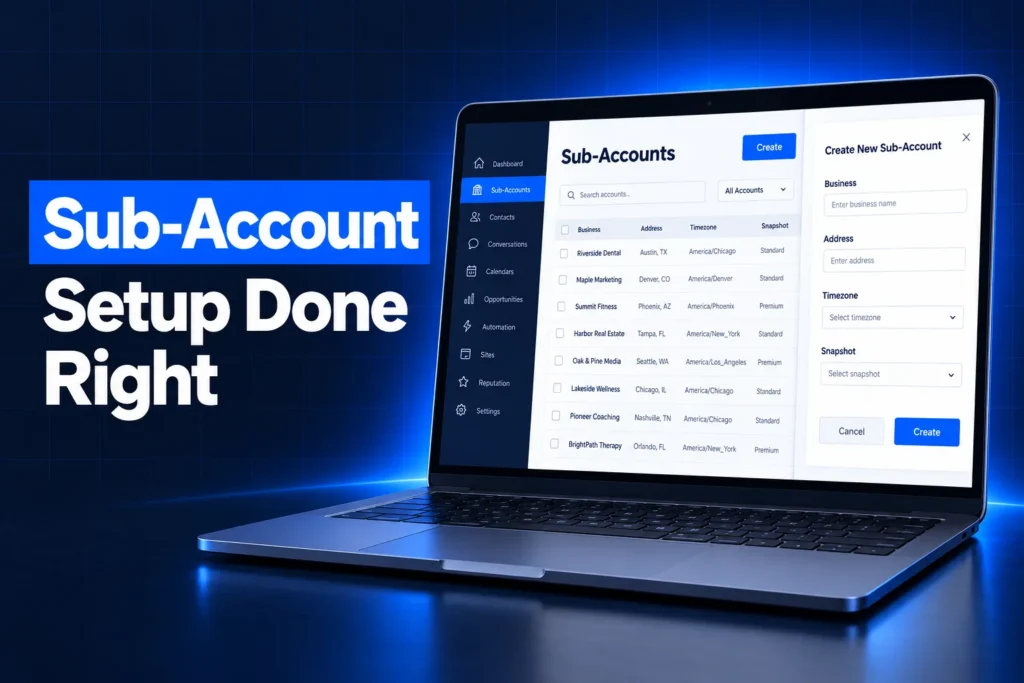
A GoHighLevel sub account setup is the work of turning a new, empty location into a working client account: business profile, time zone, phone number, A2P 10DLC registration, a sending domain for email, users, calendars, integrations and a snapshot. Creating the sub-account takes a minute. Setting it up properly is what decides whether texts deliver, emails land and bookings show at the right time.
This guide explains what a sub-account is, how creation works from agency view, which settings must be right on day one, how phone, email and A2P work per sub-account, and what a professional build includes compared with doing it yourself.
What is a GoHighLevel sub-account?
A GoHighLevel sub-account is a separate workspace inside your agency account, built for one business. HighLevel also calls it a location. Each sub-account has its own contacts, conversations, pipelines, calendars, workflows, phone numbers, sending domain and users, so one client never sees another client’s data.
- Agency account: the top level you log into as the agency. It holds billing, snapshots, the sub-account list and agency settings.
- Sub-account (location): the client workspace. Almost all day-to-day work, from the inbox to the opportunities board, happens here.
- Client or own account: on supported plans, HighLevel asks whether a new sub-account is a client’s account or your own agency sub-account, which you can use to market your agency.
Because everything that touches a customer lives at the sub-account level, most delivery problems we see trace back to a sub-account that was created quickly and never configured.
How many sub-accounts does each GoHighLevel plan include?
GoHighLevel’s Starter plan at $97 per month includes up to 3 sub-accounts, while the Unlimited plan at $297 and the Agency Pro plan at $497 include unlimited sub-accounts. There is no base fee per sub-account, but usage and optional add-ons are billed per sub-account on top of the plan.
| Plan | Monthly price | Sub-accounts | Notes for setup |
|---|---|---|---|
| Starter | $97 | Up to 3 | Fine for a single business or a small test |
| Unlimited | $297 | Unlimited | Phone and email rebilling at cost |
| Agency Pro | $497 | Unlimited | SaaS mode, rebilling with markup, API sub-account creation |
- Usage costs: LC-Phone calls and texts, LC-Email sends and AI usage are charged per sub-account.
- Add-ons per sub-account: examples on HighLevel’s pricing page include WhatsApp ($10/month), Listings and the AI Employee bundle.
- Annual billing: each plan is also offered yearly at a lower effective monthly price.
If you are unsure which plan fits your business or agency, our GoHighLevel service plans and pricing page shows how we package setup on top of the HighLevel subscription.
New to GoHighLevel? Try it free for 30 days
HighLevel's standard free trial is 14 days. Through our partner link you get 30 days plus HighLevel's free onboarding bootcamp. Rather have it built for you? Our US team sets up GoHighLevel accounts, websites, funnels and automations.
Partner link: we may earn a commission at no extra cost to you. Disclosure
How do you create a sub-account in GoHighLevel?
You create a sub-account in GoHighLevel from agency view: open the Sub-Accounts tab, click Create Sub-Account, choose whether to start from a snapshot, then find the business through the Google-powered listing search or add the details manually. You can also start from Account Snapshots and create a new account directly from a saved snapshot.
- Open agency view and go to the Sub-Accounts tab.
- Click Create Sub-Account and pick the regular account type.
- Choose a snapshot if you have one ready, or continue without one.
- Search for the business listing so the name, address and phone fill in from Google, or choose to add the account manually.
- Confirm the details and the sub-account appears in your list.
Two details matter here. Only one snapshot can be applied at creation, and funnels and websites from a snapshot arrive as drafts until a domain is connected and they are published. If you plan to build many accounts from one template, read our guide on how to create a snapshot in GoHighLevel before you start creating accounts.
Should you use the listing search or add the account manually?
The listing search is faster and pulls in the public name and address, but it copies whatever is on Google, including old phone numbers or a trading name that differs from the legal name. For any business that will register for A2P, check the business profile afterwards against the IRS paperwork rather than trusting the import.
Which settings must be right on day one?
The settings that must be right on day one of a GoHighLevel sub account setup are the business profile and time zone, the legal business information used for A2P, the phone number, the email sending domain, users and permissions, and calendar availability. Mistakes here cause failed registrations, wrong appointment times and messages from the wrong sender.
| Area | Where it lives | What goes wrong if skipped |
|---|---|---|
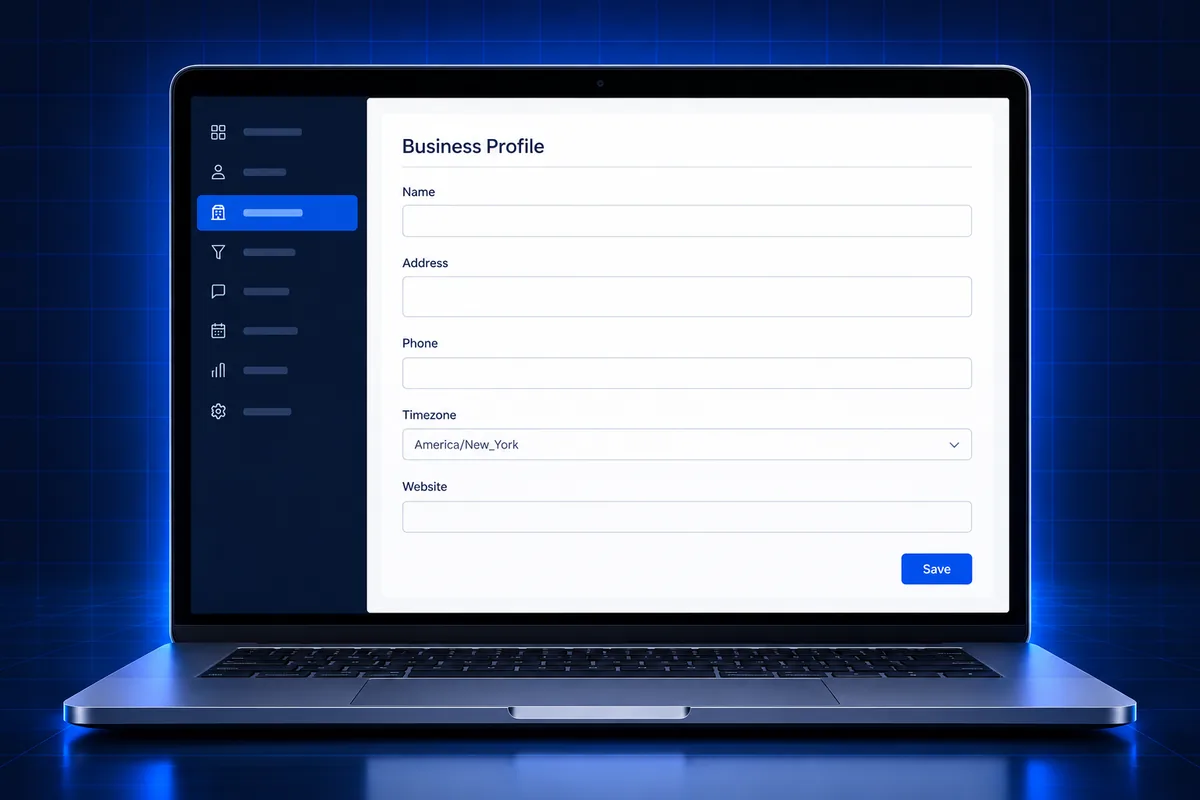
| Business profile and time zone | Settings, Business Profile | Appointments and scheduled sends fire at the wrong local time |
| Legal business information | Business Profile, Business Information | A2P brand rejected for a name or EIN mismatch |
| Phone number | Settings, Phone System | No texting or calling, or texts blocked until registered |
| Email sending domain | Settings, Email Services | Emails sent from a shared domain and more likely to hit spam |
| Users and roles | Settings, My Staff | Staff see too much, or cannot reach the inbox and calendars |
| Integrations and payments | Settings, Integrations and Payments | Reviews, calls and payments not connected to the CRM |
Why do the business profile and time zone matter so much?
The Business Profile holds the general information, the physical address with the time zone and language, and the business information section with legal entity type, industry and registration details. The time zone drives every calendar slot and every time-based message, so a wrong value quietly breaks reminders and booking pages.
How should users and permissions be set?
Staff are added under My Staff with an Admin or User role, and User roles can be narrowed with granular permissions and assigned-data settings. Give the owner admin access, give staff only the inbox, contacts and calendars they need, and never share one login between several people.
How do phone, email and A2P work per sub-account?
Phone numbers, A2P 10DLC registration and email sending domains are all handled per sub-account in GoHighLevel. Each client buys its own LC-Phone number, registers its own brand and campaign with The Campaign Registry through the Trust Center, and connects its own dedicated sending domain with SPF, DKIM and DMARC records.
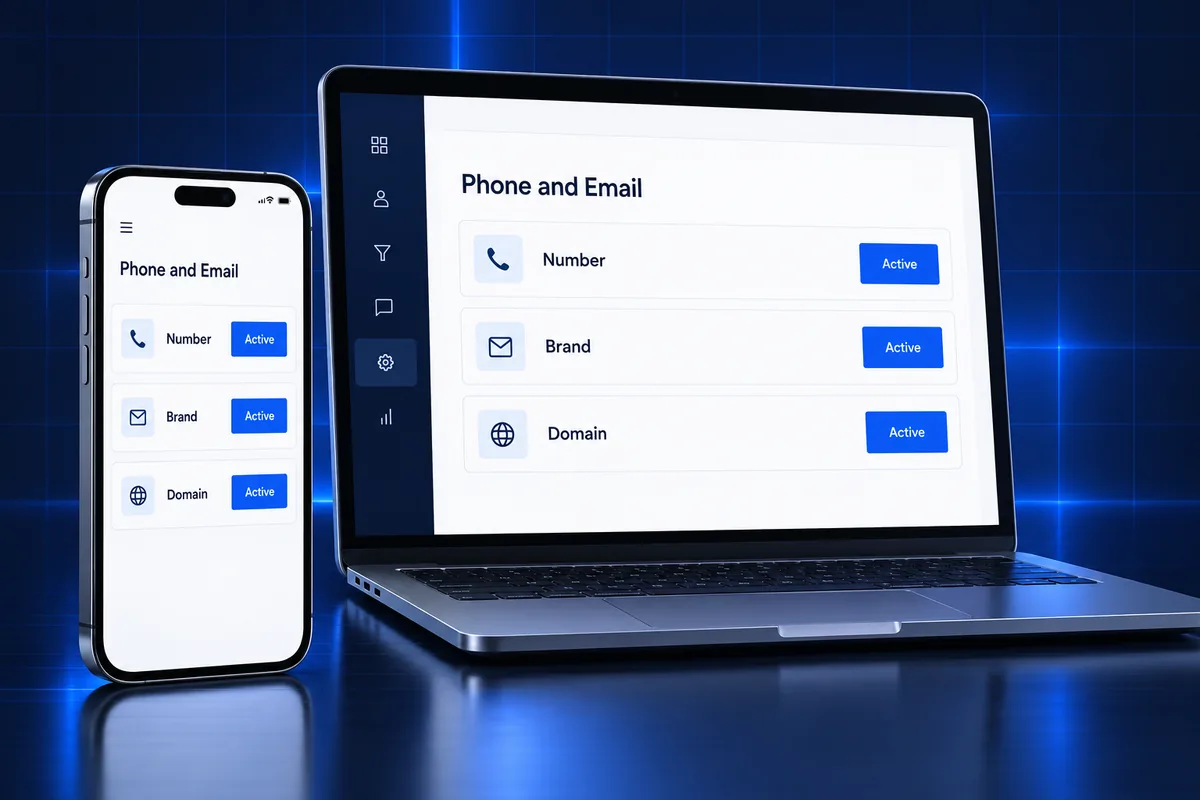
- LC-Phone numbers: bought inside the sub-account under the phone system settings. A US local number still needs an approved A2P 10DLC campaign before it can text reliably, and a toll-free number needs toll-free verification.
- A2P 10DLC: started from the Trust Center tab. US brands need the EIN exactly as it appears on the IRS CP-575 or 147C letter, DUNS numbers are not accepted, and the address cannot be a P.O. box. A2P status is tied to the sub-account, not to the number.
- LC-Email: a dedicated sending domain is added under Email Services. HighLevel recommends a subdomain when the root domain already runs Google Workspace mail, and starting DMARC at p=none while the domain warms up.
Because A2P is the step most likely to stall a launch, many owners hand it off. We handle A2P 10DLC registration for GoHighLevel sub-accounts for a $50 flat service charge, with carrier fees paid separately. Our A2P 10DLC registration guide covers fees, documents and rejection reasons in detail.
What does a sub-account need before you submit A2P?
- The legal name and EIN that match the IRS record, with no commas or extra words added.
- A live website on the business’s own domain, with privacy and terms pages.
- A clear opt-in on the website form or chat widget that matches the campaign description.
- A business address and phone number that match the profile and the website footer.
Should you load a snapshot into a new sub-account?
Loading a snapshot into a new sub-account is the fastest way to give it tested pipelines, forms, calendars, email templates and workflows. A snapshot copies the build, not the client’s data or connections, so phone numbers, A2P registration, integrations and the sending domain still have to be set up for each account.
- Load it at creation when the account is new, so you are not merging into existing assets.
- Replace every custom value such as business name, booking link and review link, or messages will carry template placeholders.
- Re-check workflows after loading, because a workflow can reference a calendar, user or form that needs to be reselected in the new account.
- Publish funnels and websites only after the domain is connected.
Our ready-made GoHighLevel snapshots are built per industry and installed as part of a setup, so the sub-account starts with a working pipeline instead of empty menus. For what a snapshot copies and skips, see what a GoHighLevel snapshot is.
What are the most common sub-account setup mistakes?
The most common GoHighLevel sub-account setup mistakes are a wrong time zone, a business name that does not match the EIN, texting before A2P approval, sending email from a shared domain, leftover snapshot placeholders and staff given full admin access. Each one is quick to prevent and slow to fix later.
- Wrong time zone: bookings and reminders drift by hours, and clients blame the calendar.
- Name and EIN mismatch: the most common reason we see A2P brands rejected.
- Texting too early: unregistered US local numbers get filtered or blocked by carriers.
- No dedicated domain: email reputation is shared, and DMARC alignment fails.
- Template placeholders: custom values left from the snapshot show up in live messages.
- Over-permissioned users: staff can export contacts or edit workflows they should not touch.
- Integrations left half-connected: Google Business Profile, Facebook or Stripe show as connected but were authorized by someone who later left.
Deleting a sub-account to start again is not a clean reset. HighLevel offers a 24-hour undo window, after which deletion is permanent, and LC-Phone numbers and A2P campaigns in that account are lost. Pausing is safer, but paused workflows return as drafts and must be republished.
What does a professional GoHighLevel sub-account setup include?
A professional GoHighLevel sub account setup includes the account creation, verified business profile, phone number, A2P 10DLC submission, dedicated email domain with DNS records, user roles, calendars, integrations, an installed snapshot with every custom value replaced, and a test of each lead path before handover.
| Task | Do it yourself | Done for you |
|---|---|---|
| Create sub-account and profile | Quick, but legal details are often wrong | Checked against the EIN paperwork |
| Phone and A2P 10DLC | Risk of rejection and re-vetting fees | Prepared and submitted, rejections handled |
| LC-Email domain | DNS records are the usual sticking point | SPF, DKIM, DMARC added and verified |
| Snapshot and custom values | Placeholders and broken references | Installed, customized and tested |
| Testing and handover | Often skipped | Forms, calendars, texts and emails tested |
Our plans range from a self-serve option with $0 setup to done-with-you and done-for-you builds; the current ranges are on our GoHighLevel services page. If you prefer to do the build yourself, use the day-one table above as your checklist.
Sub-account already set up and still not working?
If your sub-account was set up by a freelancer or a past agency and texts fail, emails land in spam or bookings show wrong times, the fix is usually a settings audit rather than a rebuild. Our GoHighLevel sub-account audit and rebuild reviews the profile, A2P status, domains, users and workflows and gives you a fixed quote to fix what is broken.
If you are moving an existing sub-account between agencies instead, read our guide to a GoHighLevel sub-account transfer first, since some items do not move with the account.
Frequently Asked Questions
How much does a GoHighLevel sub-account cost?
HighLevel charges no base fee per sub-account. Starter at $97 per month includes up to 3 sub-accounts, and the Unlimited and Agency Pro plans include unlimited sub-accounts. Each sub-account still pays for its own usage, such as LC-Phone texts and calls and LC-Email sends, plus any add-ons you enable for it.
How do I create a subaccount in GoHighLevel?
From agency view, open the Sub-Accounts tab and click Create Sub-Account. Choose a snapshot if you have one, then search for the business listing or add the details manually. You can also go to Account Snapshots and create a new account from a saved snapshot. Afterwards, check the business profile and time zone.
Does each GoHighLevel sub-account need its own A2P registration?
Yes. A2P 10DLC registration is done inside each sub-account through the Trust Center, using that business’s legal name and EIN. The A2P status is tied to the sub-account, not the phone number, so a new client account needs its own brand and campaign before its US local number can text reliably.
Can I load a snapshot after the sub-account is created?
Yes, a snapshot can be loaded into an existing sub-account, but you then choose how to handle assets that already exist there. Loading at creation is cleaner because there is nothing to overwrite. Either way, replace the custom values and re-check every workflow, form and calendar reference after the load.
What happens if I delete a GoHighLevel sub-account?
HighLevel gives a 24-hour undo window after you delete a sub-account; after that the deletion is permanent. Phone numbers and A2P campaigns in that account are lost, so disconnect integrations and export what you need first. If you only want to stop activity, pausing the sub-account is the safer option.
How long does a GoHighLevel sub-account setup take?
Creating the sub-account takes minutes, and the core settings can be done in a working session. The longer parts depend on outside approvals: A2P 10DLC vetting by carriers, DNS changes for the email domain and integrations that need the owner’s login. Our A2P preparation takes 24 to 48 hours before submission.