
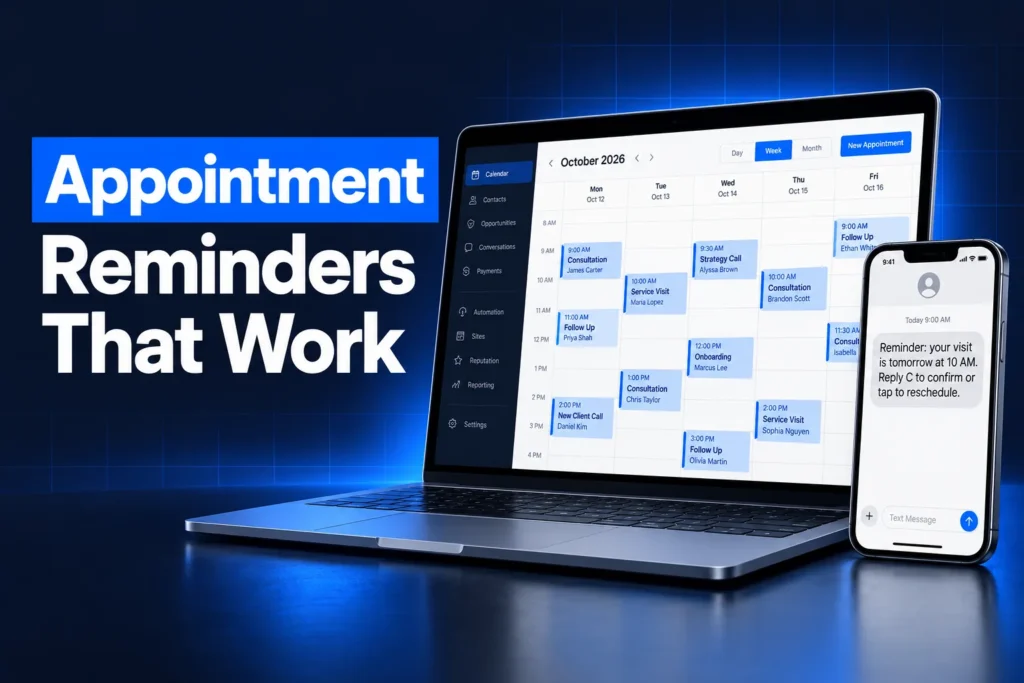
A GoHighLevel appointment reminder is an automatic email, SMS, WhatsApp or in-app message that a calendar sends before a booked appointment. You set reminders in each calendar’s Notifications tab, choose how far in advance they go out, and use workflows when you need confirm-or-reschedule replies, voicemail drops or no-show follow-up.
This guide covers what the built-in calendar notifications can do, when to move reminders into workflows, which channel suits which business, and how to recover the no-shows that still happen. It also covers the A2P, WhatsApp and consent rules that decide whether a reminder is delivered at all.
How do GoHighLevel appointment reminders work?
GoHighLevel appointment reminders work at the calendar level. Each calendar has a Notifications tab with message types for bookings, cancellations, reschedules, reminders and follow-ups. A reminder fires a set time before the appointment, on the channels you switch on, to the people you pick.
HighLevel lists six calendar notification types:
| Notification | When it sends |
|---|---|
| Appointment booked (unconfirmed) | Right after a booking that lands as unconfirmed |
| Appointment booked (confirmed) | On a confirmed booking, or when the status changes to confirmed |
| Cancellation | When the appointment is cancelled, marked no-show or marked invalid |
| Reschedule | When the date or time changes |
| Reminder | A set time before the appointment |
| Follow-up | A set time after the appointment |
The settings live under Calendars, Calendar Settings, then the calendar’s Notifications tab. Every notification type has its own email, in-app, SMS and WhatsApp tabs, so you can turn on only the channels you need.
Which reminder channels does GoHighLevel support?
GoHighLevel supports appointment reminders by email, SMS, WhatsApp and in-app notification from the calendar settings. Workflows add more options, such as voicemail drops, internal alerts and Voice AI calls. The right mix depends on how your customers book and which channel they actually read.
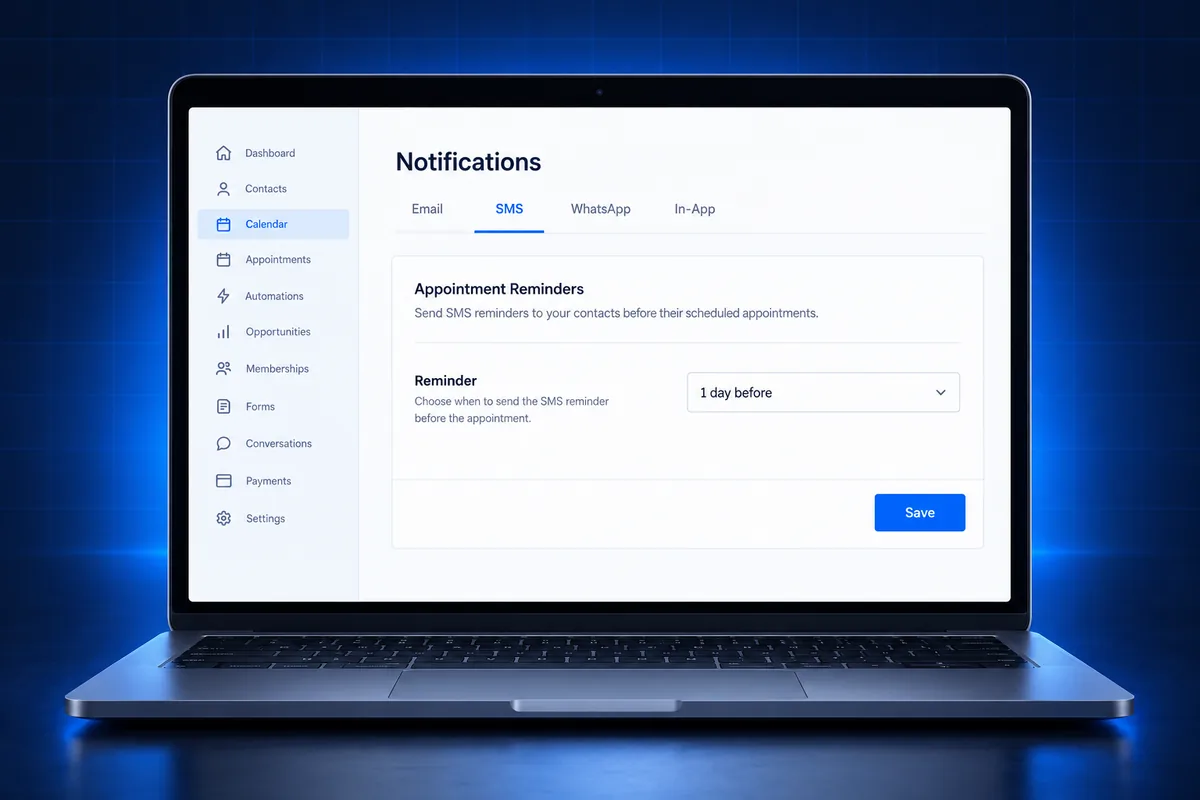
- SMS: the channel most people see first. Messages are billed per segment, so HighLevel recommends keeping them short. US texting from a local number needs an approved A2P 10DLC campaign.
- Email: carries the full details, the address, prep instructions and calendar links. HighLevel notes that calendar notification emails can go out even when email DND is on, while marketing emails still honor DND.
- WhatsApp: needs a connected, verified WhatsApp Business Account and approved templates only. Use “Fetch New Templates” in the notification tab after Meta approves one.
- In-app: alerts your own team, not the customer. Useful so the assigned user knows a booking changed.
- Voicemail drop and calls (workflows): HighLevel’s own guide describes voicemail drops in booking workflows. Outbound Voice AI and Conversation AI can also call or text to confirm, if your consent records cover it.
New to GoHighLevel? Try it free for 30 days
HighLevel's standard free trial is 14 days. Through our partner link you get 30 days plus HighLevel's free onboarding bootcamp. Rather have it built for you? Our US team sets up GoHighLevel accounts, websites, funnels and automations.
Partner link: we may earn a commission at no extra cost to you. Disclosure
Who receives each reminder?
GoHighLevel can send each appointment reminder to the contact, guests, the assigned user and any extra email addresses or phone numbers you add. Recipients differ by channel, so check each tab: SMS and WhatsApp go to the contact, the assigned user or additional numbers.
- Contact: the person who booked.
- Guests: extra attendees added to the booking (email).
- Assigned user: the team member who owns the appointment, so they get the same heads-up.
- Additional recipients: a front desk inbox or a manager’s phone.
Sending the assigned user a reminder is one of the cheapest no-show fixes. A rep who sees the appointment coming can call ahead instead of finding an empty chair.
How many appointment reminders should you send, and when?
Most businesses do well with a booking confirmation, one reminder the day before and one shortly before the appointment. Add more only for appointments booked far ahead or with costly prep. Too many messages invite opt-outs, which removes the channel for every future reminder.
Set the timing by appointment type rather than copying one pattern everywhere:
| Appointment type | Reminder focus |
|---|---|
| Same-day or next-day sales calls | Confirmation now, short reminder shortly before |
| Booked a week or more out | Confirmation, an earlier reminder, then day-before and same-day |
| In-home estimates or service visits | Day-before reminder with the arrival window and who is coming |
| Clinics, spas and consults with prep | Earlier reminder with prep steps, then a short day-of reminder |
| Webinars and group events | Email with the join link, then SMS close to start time |
HighLevel’s reminder settings use “how far in advance” timing, and follow-ups use “how long after”. Keep every message short and specific: who, when, where and how to change it.
How do customers confirm, reschedule or cancel?
Customers reschedule or cancel a GoHighLevel appointment through the reschedule and cancellation links you place in a reminder. HighLevel provides these as custom values. They only fill in when the message comes from an appointment record, so test them with a real booking, not a test send.
- Links:
{{appointment.reschedule_link}}and{{appointment.cancellation_link}}let people change the booking without calling. - Blank links: if a link arrives empty, the message wasn’t sent with appointment context. HighLevel points to appointment-based workflow triggers, such as appointment status or customer booked appointment.
- Reply-to-confirm: asking people to reply “YES” works best in a workflow that reads the reply and updates the appointment status, so your team sees who confirmed.
- Status matters: a booking left unconfirmed and a booking marked confirmed trigger different notifications. Decide which status new bookings start with.
A reschedule link is a no-show prevention tool, not a loss. Someone who moves the appointment is still a customer. Someone who can’t find a way to move it often just doesn’t show up.
Calendar notifications vs workflow reminders
Calendar notifications are the fastest way to send GoHighLevel appointment reminders, because they are set once per calendar. Workflows are better when reminders need branching, reply handling, voicemail drops or no-show recovery. Many accounts use calendar notifications for the basics and one workflow for everything else.
| Need | Calendar notifications | Workflow |
|---|---|---|
| Booking, reschedule and cancel messages | Yes | Yes |
| Timed reminders before the appointment | Yes | Yes |
| Different messages by service or rep | Per calendar only | Yes, with conditions |
| Reading a YES or STOP reply | No | Yes |
| Voicemail drop or AI call | No | Yes |
| No-show follow-up and rebooking | Follow-up message only | Yes, full sequence |
The common mistake is running both at once without noticing. A calendar reminder plus a workflow reminder means the customer gets two texts for one appointment. Pick one owner for each message.
How to recover no-shows in GoHighLevel
No-show recovery in GoHighLevel starts the moment an appointment is marked no-show. The cancellation notification can send automatically, and a workflow can follow up with a friendly rebooking message and a link. The goal is a new booking within days, before the lead goes cold.
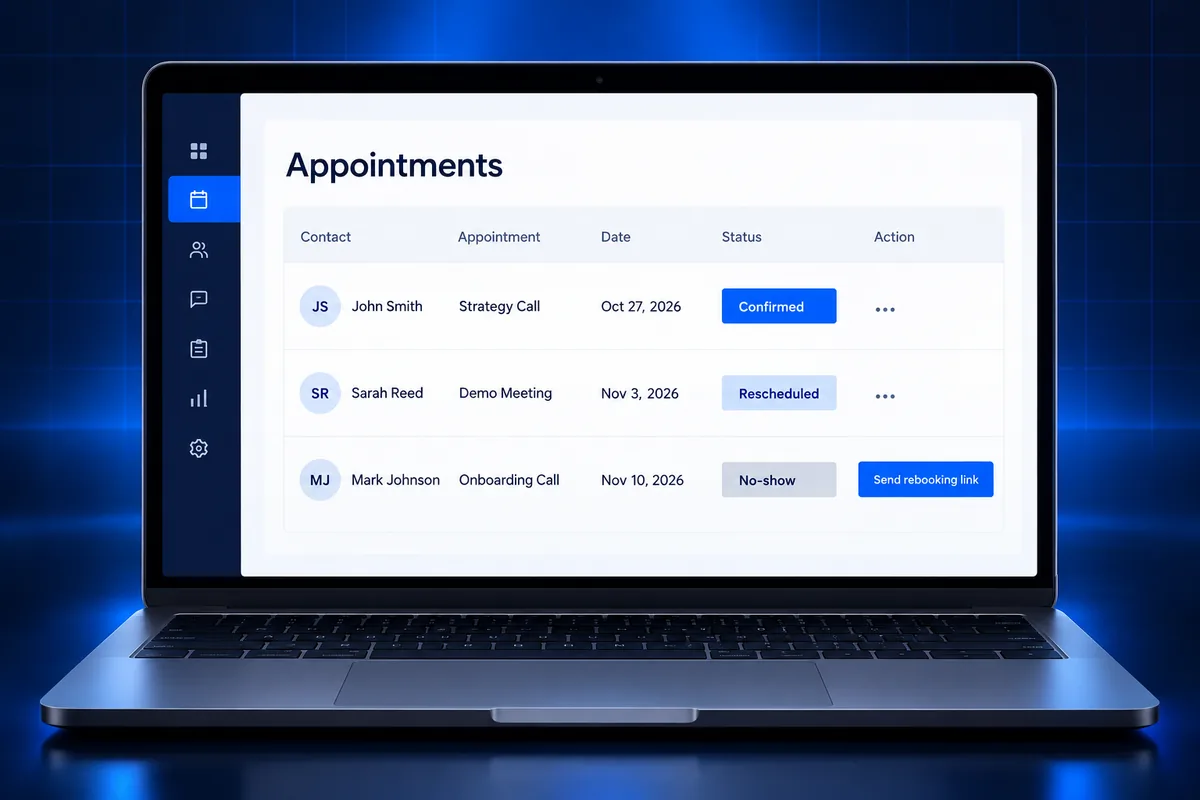
- Mark statuses honestly. Recovery only works if the team marks no-shows in the calendar instead of leaving them as booked.
- Make rebooking easy. Send the booking link, not a request to “call us back”.
- Answer the call-back. If they phone and nobody picks up, a missed-call text-back replies in seconds so the second chance isn’t lost.
- Stop after a few tries. People who don’t rebook move to a longer-term nurture, such as a win-back campaign.
Our guide on speed to lead explains why the first minutes after a booking or a missed call matter so much for show rates.
Reminder texts, A2P and consent rules
Appointment reminder texts in the US go through the same carrier rules as any business SMS. Your sending number needs an approved A2P 10DLC campaign or toll-free verification. People who reply STOP must stop getting texts, and reminders should stay about the appointment, not promotions.
- Register first. Unregistered 10DLC traffic is filtered or blocked, so reminders silently fail. Our workflow troubleshooting guide shows how to read failed SMS in the logs.
- Keep reminders informational. Adding offers to a reminder turns it into marketing, which needs stronger consent. Our TCPA texting rules guide explains the difference.
- Collect consent at booking. A clear SMS consent line on the booking form protects both the reminders and your A2P campaign.
- Respect quiet hours. Time reminders for the customer’s time zone, not your office’s.
This is general information, not legal advice. Confirm the consent rules for your business with counsel.
Why are GoHighLevel reminders not sending?
GoHighLevel reminders usually fail for a short list of reasons: the channel isn’t switched on for that calendar, the contact has DND on SMS or replied STOP, the number lacks A2P approval, or the WhatsApp template isn’t approved. Missing phone country codes also block SMS.
- Check the calendar’s Notifications tab for each channel, not just email.
- Confirm phone numbers are stored with country codes.
- Look at the message status in Conversations for carrier errors.
- For email, set a subject line; HighLevel says it is required for delivery.
- After a snapshot import, re-check each calendar’s notifications and sender details.
Still losing appointments to no-shows? Get the follow-up fixed
If appointments keep going unconfirmed, reminders arrive twice, or nobody follows up after a no-show, the calendar and follow-up setup needs work. We build the confirmation, reminder and rebooking flow as part of our speed-to-lead service, so every booked lead hears from you on time.
- See our speed-to-lead and missed-call text-back service.
- Texts not delivering? Get A2P 10DLC registration done for a $50 flat service charge, with carrier fees billed at cost.
- Compare plans on our services and pricing page.
Frequently Asked Questions
How do I set up an appointment reminder in GoHighLevel?
Open Calendars, then Calendar Settings, pick the calendar and go to its Notifications tab. Open the reminder notification, switch on the channels you want (email, SMS, WhatsApp or in-app), choose the recipients and set how far in advance it sends. Save, then book a real test appointment to check the message and links.
Can GoHighLevel send appointment reminders by text?
Yes. Each calendar notification has an SMS tab where you can pick or write a template and choose recipients. In the US, texts from a local 10DLC number need an approved A2P campaign, or they may be filtered. SMS is billed per segment, so short reminders cost less and read better on a phone.
Can I send appointment reminders on WhatsApp from GoHighLevel?
Yes, if the sub-account has a connected and verified WhatsApp Business Account. Calendar WhatsApp notifications can only use templates Meta has approved. After approval, use “Fetch New Templates” in the notification tab to load them. Recipients can be the contact, the assigned user or additional numbers you add.
Why is the reschedule link blank in my reminder?
The reschedule and cancellation links are custom values that need appointment data. If a message is sent without an appointment record, such as a test send or a workflow without an appointment trigger, the link comes out empty. Use appointment-based triggers and test with a real booking to see the links filled in.
Why are customers getting two reminders for one appointment?
Two reminders usually mean the calendar’s own reminder notification and a workflow reminder are both active for the same appointment. Choose one owner for each message. Keep simple timed reminders in the calendar, or switch them off there and run every reminder from the workflow instead.
What is the best way to reduce no-shows in GoHighLevel?
Combine a quick confirmation, a reminder the day before and one shortly before, an easy reschedule link and a reminder to the assigned team member. Then mark no-shows in the calendar so a follow-up can offer a new time right away. Fast replies to call-backs keep those second chances from being lost.