
Last updated:
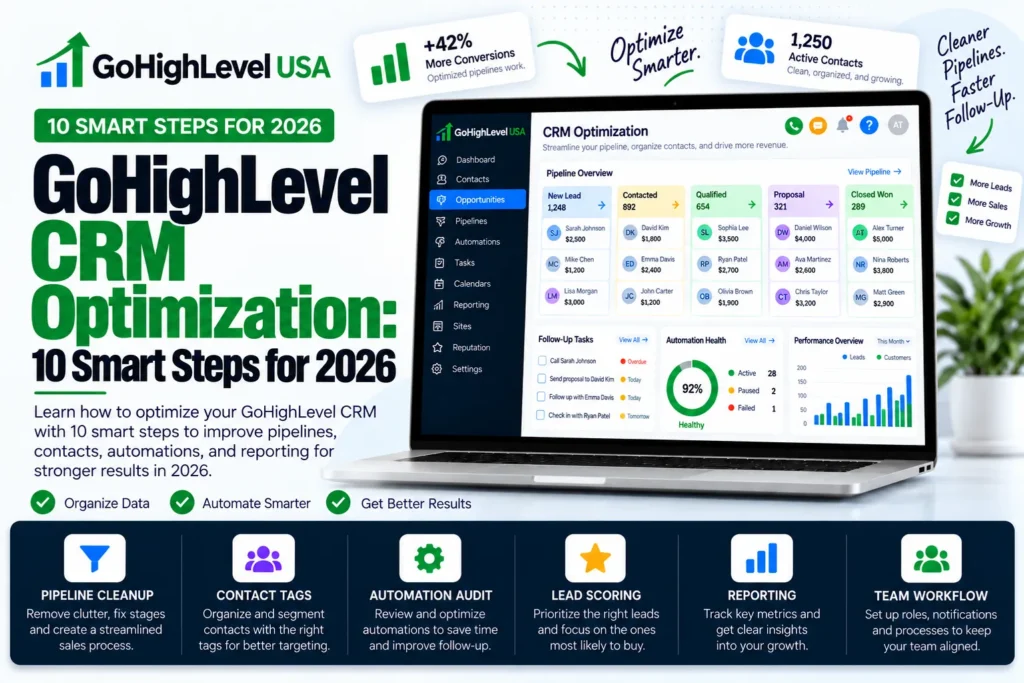
GoHighLevel CRM optimization means cleaning up and organizing your HighLevel account so every lead is easy to find, follow up, and close.
It covers your custom fields, tags, pipelines, workflows, scoring, lists, reports, and texting rules. When these parts work together, your team spends less time hunting for data.
Most US service businesses set up GoHighLevel fast and never go back. Over time the account fills with old tags, broken workflows, and messy stages.
This guide gives you a simple 10 step checklist to fix that, using real feature names from the official HighLevel help docs.
What Is GoHighLevel CRM Optimization and Why Does It Matter?
Think of your CRM like a garage. If tools are thrown everywhere, you waste time looking for a hammer. GoHighLevel CRM optimization puts every tool on the right hook so you can grab it in seconds.
A clean account helps in three big ways.
Your follow up gets faster, your reports become true, and your messages land in the inbox instead of spam. For a plumber, roofer, or dental office, that can mean more booked jobs from the same leads.
Here is a quick look at what each area fixes.
| Area | Common Problem | What Good Looks Like |
|---|---|---|
| Custom Fields | Duplicate fields with the same purpose | One field per data point, grouped in folders |
| Tags | Hundreds of random tags | A short list with a clear naming rule |
| Pipelines | Too many stages nobody uses | 5 to 7 stages that match your real sales steps |
| Workflows | Old drafts and loops | Named, tested, and reviewed every quarter |
| Lead Scoring | Every lead looks the same | Hot leads rise to the top |
| Smart Lists | Manual list building | Saved lists that update by themselves |
| Reporting | Numbers nobody trusts | A dashboard tied to clean pipeline data |
| Deliverability and A2P | Emails in spam, texts blocked | Dedicated domain and approved A2P campaign |
Your 10 Step GoHighLevel CRM Optimization Checklist
This GoHighLevel CRM optimization checklist works best in order. Each one builds on the last, so do not skip ahead to workflows before your fields and tags are clean.
Step 1: Audit Your Custom Fields
Go to Settings > Custom Fields. HighLevel lets you create two kinds: Contact fields and Opportunity fields. A contact field holds personal details like referral source. An opportunity field holds deal details like budget or timeline.
Be careful here. The official custom fields guide says a field cannot be switched between contact and opportunity once it is made. So pick the right type before you build.
- Delete or merge fields that store the same thing.
- Use folders to group related fields, like “Job Details” or “Insurance Info.”
- Pick the right field type, such as Dropdown, Date Picker, or Checkbox, so data stays clean.
Step 2: Clean Up and Rename Your Tags
Tags are labels you stick on contacts. They are great for triggers, but they get messy fast. Export your tag list and look for spelling twins like “roof lead” and “Roof Leads.”
Create one simple naming rule and stick to it. For example, start every tag with its purpose: “source facebook,” “service roofing,” or “status customer.” This makes filters and workflows much easier to build.
Clean tags are a quiet but key part of GoHighLevel CRM optimization.
Step 3: Simplify Your Pipelines
A pipeline shows where each deal sits. Many accounts have ten or more stages, but most teams only use four or five. Extra stages make reports look wrong and confuse staff.
Map your real sales path on paper first. A home service company might use New Lead, Contacted, Estimate Booked, Estimate Sent, Won, and Lost.
Then match your pipeline to that list and remove the rest. This one GoHighLevel CRM optimization step often fixes broken reports.
Step 4: Review and Fix Your Workflows
Workflows run your automations. Open each one and ask a simple question: is this still needed? Turn off or delete drafts you will never use. Good GoHighLevel CRM optimization means fewer, better workflows.
- Give every workflow a clear name, like “New Lead Speed to Lead SMS.”
- Put workflows into folders by purpose.
- Test each one with a sample contact before publishing.
- Check that two workflows do not send the same message twice.
Step 5: Turn On Lead Scoring
Lead scoring helps you see who is ready to buy. HighLevel calls this the Contact Engagement Score. It adds points when a lead opens an email, clicks a link, books an appointment, or fills out a form.
According to HighLevel’s own post on contact scoring, you set it up under Settings by clicking Manage Scoring, then you publish your rules. You can also subtract points for unsubscribes or spam reports.
Pair the score with workflows. HighLevel has a Contact Engagement Score trigger and a Modify Contact Engagement Score action. For example, when a lead reaches a set score, a workflow can alert your sales rep to call right away.
Step 6: Build Smart Lists
Smart Lists are saved views of your contacts that update on their own. The Smart Lists help article explains that they filter by tags, custom fields, activity, or opportunity stages.
Build a few lists your team will check every day. Good examples are “Hot Leads This Week,” “No Reply in 7 Days,” and “Past Customers for Reviews.” You can also share lists with admins and run bulk actions on them.
Step 7: Set Up Reporting You Can Trust
Reports only work when the data behind them is clean. That is why this step comes after fixing fields, tags, and pipelines. Now your numbers will mean something.
Build a simple dashboard with a few key widgets. Track new leads, booked appointments, won deals, and lead source. Look at it once a week and ask what changed. Trusted reports are the real reward of GoHighLevel CRM optimization.
Step 8: Clean Your Contact Database
Old and duplicate contacts hurt your email results and waste money on texts. For GoHighLevel CRM optimization, use a Smart List to find contacts with no email and no phone, or contacts that never engaged.
- Merge duplicate contacts so each person has one record.
- Tag cold contacts and move them to a slower nurture list.
- Remove contacts who asked not to be contacted.
New to GoHighLevel? Try it free for 30 days
HighLevel's standard free trial is 14 days. Through our partner link you get 30 days plus HighLevel's free onboarding bootcamp. Rather have it built for you? Our US team sets up GoHighLevel accounts, websites, funnels and automations.
Partner link: we may earn a commission at no extra cost to you. Disclosure
How Does GoHighLevel CRM Optimization Improve Email and SMS Delivery?
Even a perfect CRM fails if your messages never arrive. This is where many US businesses lose leads without knowing it. The last two steps of the checklist fix delivery.
Step 9: Improve Email Deliverability
Set up a dedicated sending domain in your email settings instead of using a shared one. Many teams use a subdomain, like mail.yourbusiness.com, so the main domain stays safe.
Add the DNS records HighLevel gives you, and keep your list clean from Step 8.
Avoid sending big blasts to old contacts who never opened an email. Slow and steady sending builds a better sender name. Deliverability is the part of GoHighLevel CRM optimization most people forget.
Step 10: Finish A2P 10DLC Registration
If you text customers from a regular 10 digit US number, you need A2P 10DLC approval. In HighLevel, go to Settings > Phone System > Trust Center and open the Brand and Campaigns card.
The official A2P campaign registration guide says your brand must be approved first. Then you register a campaign with your opt in method, sample messages, and live privacy policy and terms pages.
After approval, check that your phone number shows the “A2P Verified” label. If you get stuck, our GoHighLevel consultant team can review your setup with you.
How Often Should You Do GoHighLevel CRM Optimization?
A good rule is a full review every three months. Small checks can happen weekly. Here is a simple GoHighLevel CRM optimization schedule you can copy.
- Weekly: Check your dashboard and Smart Lists for stuck leads.
- Monthly: Review new tags and custom fields your team added.
- Quarterly: Audit every workflow, pipeline stage, and scoring rule.
- Yearly: Recheck your A2P details and sending domain if your business info changed.
Put these dates on your calendar. Regular GoHighLevel CRM optimization keeps small messes from turning into big ones.
What Mistakes Hurt GoHighLevel CRM Optimization?
Even smart teams make the same few GoHighLevel CRM optimization errors. Watch out for these while you work through the checklist.
- Building workflows first. Clean fields and tags come before automation.
- Too many people with admin access. Limit who can create new fields and tags.
- No testing. Always run a test contact through a workflow before going live.
- Ignoring opt outs. Respect STOP replies and unsubscribes every single time.
- Texting before A2P approval. Messages from unregistered numbers may be blocked.
Fixing these mistakes is often the fastest win in any GoHighLevel CRM optimization project. Many owners see better follow up within a week.
Final Thoughts
GoHighLevel is powerful, but only when it is organized. Start with custom fields and tags, then fix pipelines and workflows. After that, add lead scoring, Smart Lists, and clean reports, and finish with email and A2P setup.
Your next step is simple. Block two hours this week and complete Steps 1 to 3.
If you would rather have experts handle the full GoHighLevel CRM optimization for you, take a look at our done for you GoHighLevel setup services.
We help US service businesses get a clean, fast CRM that turns more leads into paying customers.