
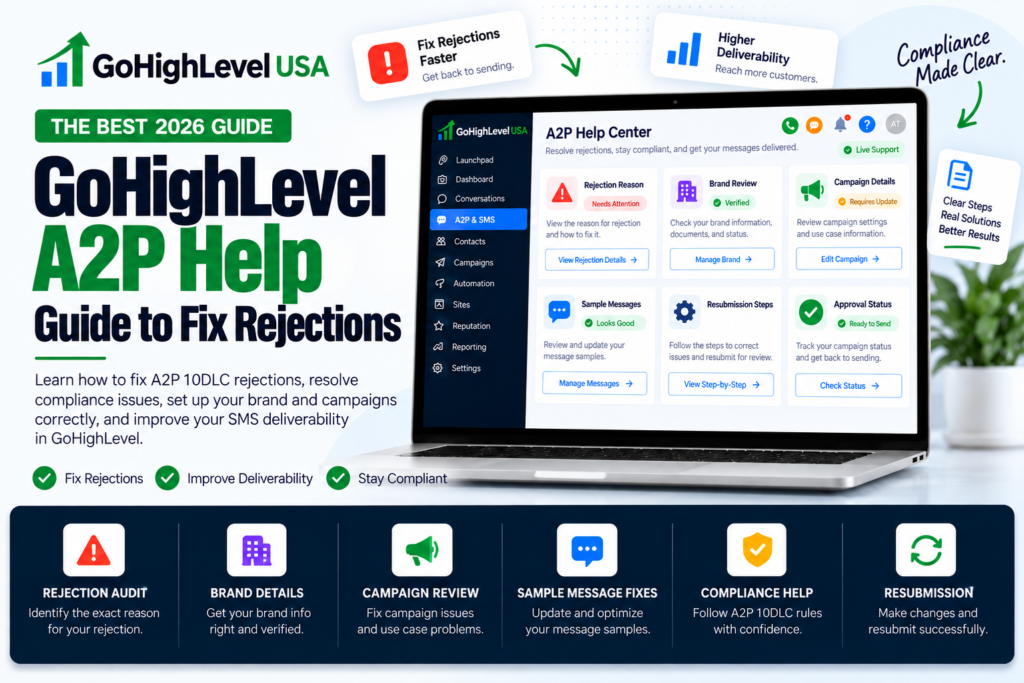
Your texts are stuck. Your campaign says “Rejected.” Your client is asking why their reminders never went out. If that sounds like your week, this GoHighLevel A2P help guide is for you.
We will walk through why A2P campaigns fail, what each common error code means, and the exact fixes that get you approved. Everything here comes from HighLevel’s own help center, so you can trust it.
What Is A2P 10DLC, in Plain Words?
A2P means “application to person.” It is any text sent from software, like GoHighLevel, to a real person’s phone. 10DLC means a normal 10 digit local phone number.
US phone carriers want to know who is sending texts and why. So every business must register a brand and a campaign before texting from a local number. If you skip it or get rejected, carriers block or filter your messages.
Most people who search for GoHighLevel A2P help are not stuck on the idea. They are stuck on a rejection. So let’s go there.
Where to Check Your A2P Status in GoHighLevel
Open the sub account and go to Settings > Phone System > Trust Center. Look at the Brand and Campaigns area. You will see one of these states:
- Pending: carriers are still reviewing. Wait.
- Approved: you are good to text.
- Rejected or Failed: you get a reason code. This is what you fix.
Write down the code. Every piece of GoHighLevel A2P help below starts with that code.
The Most Common Rejection Codes and Their Fixes
HighLevel lists dozens of codes. These ten come up again and again.
- 30909, message flow cannot be verified: explain every way people agree to get texts. Name the form, the page, and the checkbox.
- 30924, missing disclosure: add message type, how often you text, “Msg and data rates may apply,” and “Reply STOP to opt out” right next to the checkbox.
- 30925, missing or pre checked box: add an SMS consent checkbox that starts unchecked.
- 30908, no privacy policy: publish one and link it inside your message flow.
- 30932, data shared with others: your privacy policy must say mobile information will not be shared with third parties for marketing.
- 30919, not enough business info on the website: show your company name, services, contact details, privacy policy, and a mention of your SMS program.
- 30893, weak sample messages: write real samples with your business name, brackets like [First Name], and opt out words.
- 30892, public link shorteners: remove bit.ly and TinyURL links. Use full HTTPS links.
- 30911, copy and paste content: every field and every sample must be different.
- 30971, personal email: use a business email, like name@yourcompany.com, not Gmail.
Bookmark this list for quick GoHighLevel A2P help later. Fix the exact thing the code names. Do not change ten other things at once, or you may create a new problem.
How to Fix Your Opt In Form
The opt in form is one of the most common reasons for rejection. Good GoHighLevel A2P help always starts here. Your form needs all of these:
- A checkbox for SMS that is not checked by default.
- Your business name, so people know who will text them.
- What kind of texts they will get, like appointment reminders.
- How often you will text, like “up to 4 messages a month.”
- “Msg and data rates may apply.”
- “Reply HELP for help. Reply STOP to opt out.”
- A link to your privacy policy and terms.
Two more rules trip people up. First, texting must be optional. People must be able to submit the form without saying yes to texts. Second, keep marketing texts and service texts as separate choices.
Here is a simple consent line you can adapt:
“I agree to receive appointment reminders and service updates by text from [Business Name]. Up to 4 messages a month. Msg and data rates may apply. Reply HELP for help or STOP to opt out. See our Privacy Policy.”
How to Fix Your Website and Privacy Policy
Carriers visit your website. If it looks empty, they reject you. Your site must:
- Load with no login and no errors.
- Show the same business name you registered.
- Describe what you sell and how to contact you.
- Link to a public privacy policy.
Your privacy policy needs one key sentence. It should say that mobile phone numbers and SMS consent will not be shared or sold to third parties for marketing. Without it, you will likely see code 30932.
This part of GoHighLevel A2P help is easy to skip, but carriers check it every single time.
If your client only has a single form page, build a real page first. A form only site gets code 30920.
How to Write Sample Messages That Pass
Sample messages show carriers what you will really send. Write two or three that match your use case. Follow these rules from HighLevel:
- Put your business name in at least one message.
- Put opt out words, like “Reply STOP to opt out,” in at least one message.
- Use brackets for changing details, like [First Name] or [Appointment Date].
- Use full HTTPS links only. No link shorteners.
- Make every sample different.
Clear samples are one of the quickest GoHighLevel A2P help wins, because they are fully in your control.
Good example: “Hi [First Name], this is Smile Dental. Your cleaning is on [Date] at [Time]. Reply C to confirm. Reply STOP to opt out.”
Use the Built In Compliance Check Before You Submit
HighLevel now has an AI powered A2P compliance validation step inside the campaign submission flow. It reviews your opt in form, privacy policy, and terms of service. It then shows what passed and what needs work.
Use it. It is GoHighLevel A2P help that runs right inside the submission form. But remember, a clean check does not promise approval. Carriers still make the final call.
What Does It Cost to Fix and Resubmit?
Good news. According to HighLevel’s fee page, resubmitting a rejected campaign costs $0. Here are the other fees, all passed through with no HighLevel markup:
- Sole proprietor or low volume standard bundle: about $24.50 one time.
- High volume standard bundle: about $71.91 one time.
- Each extra campaign: $15 vetting fee.
- Monthly campaign fee: $2 sole proprietor, $10 standard, $1.50 low volume mixed, $3 charity, $5 emergency.
Keep this in mind when you pay anyone for GoHighLevel A2P help. The carrier fees are the same no matter who submits the form. So a rejection costs you time, not extra fees. That is why it pays to fix things right the first time.
What If You Hit the Three Try Limit?
Brand registration has a limit. After 3 failed tries, HighLevel asks for proof of your business. You will need an IRS CP 575 EIN letter or a 147C letter. The business name and EIN must match that letter exactly, down to “LLC” or “Inc.”
This is a very common reason people look for GoHighLevel A2P help. Often the name has a tiny spelling difference, like a missing comma or “LLC.”
Rejections You Cannot Fix
Some content is simply not allowed on A2P texting. No edit will get it approved. HighLevel lists these, among others:
- Cannabis, CBD, and illegal drugs.
- Payday loans, debt relief, credit repair, and third party debt collection.
- Gambling, sweepstakes, crypto, forex, and stock tips.
- Adult content, hate speech, firearms, alcohol, and tobacco (the “SHAFT” group).
- Third party lead generation and MLM.
No GoHighLevel A2P help service can change these rules, so beware of anyone who promises it. If your client is in one of these areas, texting through a local number is not an option. Be honest with them early.
A Simple Checklist Before You Resubmit
- Business name matches the EIN letter exactly.
- Business email uses your own domain.
- Website is public, complete, and names the SMS program.
- Privacy policy says no sharing of mobile data for marketing.
- Checkbox is unchecked, optional, and has full disclosure text.
- Campaign description says who texts, who gets texts, what, and why.
- Two or three unique samples with brackets, name, and STOP words.
- No short links. HTTPS only.
This checklist is the heart of our own GoHighLevel A2P help process. Check every line. Then submit once, cleanly.
When to Get GoHighLevel A2P Help From an Expert
You can do all of this yourself. But if you have been rejected twice, or you manage many client accounts, expert GoHighLevel A2P help saves weeks.
Our team fixes forms, privacy pages, and campaign text as part of our done for you GoHighLevel setup. If you just need advice on one account, book time with a GoHighLevel consultant.
Final Thoughts
A2P rejections feel scary, but they follow clear rules. Read the code. Fix that one thing. Use the compliance check. Resubmit for free. Follow this GoHighLevel A2P help guide and you give your account its best chance of approval on the next try.
Save this page. The next time a client says “my texts are not sending,” you will know exactly where to look.
Sources: HighLevel: A2P Campaign Rejection Reasons and Fixes, HighLevel: A2P 10DLC Campaign Approval Best Practices, HighLevel: A2P 10DLC Messaging Fees, HighLevel: AI Powered A2P Compliance Validation.