
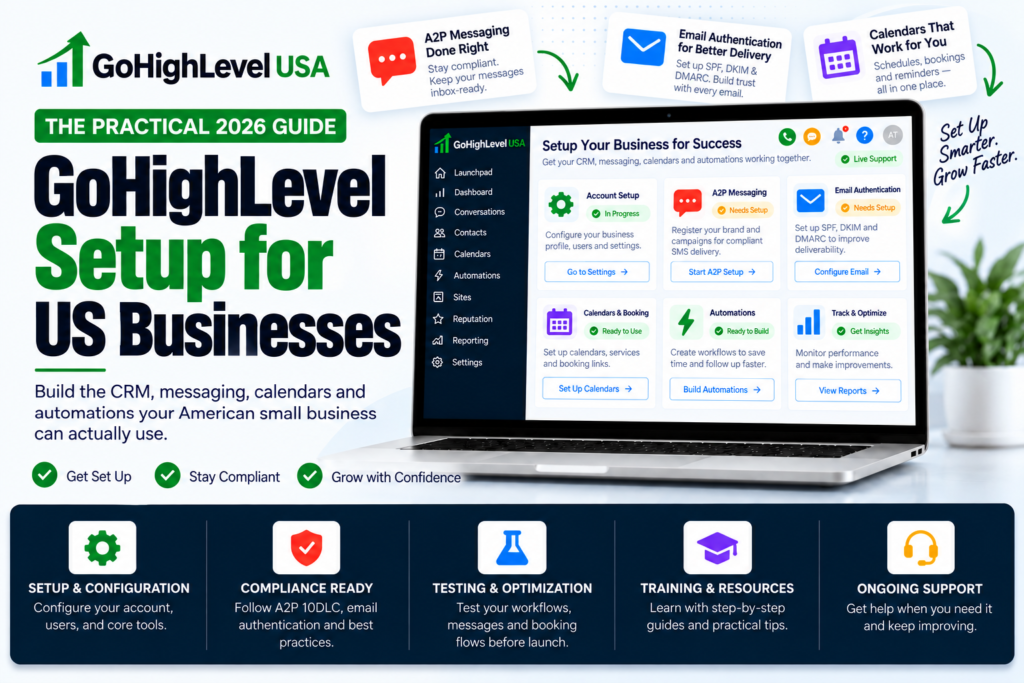
Quick Answer: A reliable GoHighLevel setup for US businesses should connect the CRM, pipeline, calendars, domains, email authentication, phone and messaging configuration, workflows, payments, permissions, and reporting around one documented customer journey. American small businesses should also plan consent, opt-out handling, A2P 10DLC registration, time zones, and testing before customer-facing automation goes live.
GoHighLevel can replace several disconnected tools, but the value comes from implementation rather than the number of features switched on. A clean setup gives every team member a clear next step and keeps the customer history in one place.
Why US Businesses Need a Structured Setup
US companies commonly use email, SMS, calls, web forms, social ads, calendars, and payments in the same sales process. Each channel has its own identity, deliverability, consent, and operational requirements. Connecting them without a plan can create duplicate contacts, inconsistent follow-up, and reporting gaps.
A structured setup begins with the business process: how a lead enters, who owns it, what qualifies an opportunity, how meetings are booked, what happens after a sale, and when a person must intervene.
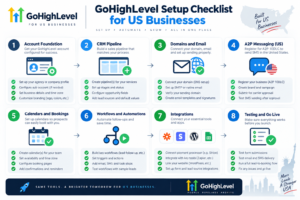
1. Configure the Account Foundation
Confirm the legal business name, address, website, time zone, currency, user roles, and notification preferences. Create a naming standard for workflows, calendars, forms, pipelines, tags, custom fields, and campaigns.
Give each employee only the access needed for their role. Document administrator ownership, integrations, and recovery information so the account does not depend on one person.
2. Build the CRM and Pipeline Around Real Decisions
Define the minimum contact fields required for useful follow-up and reporting. Avoid creating fields simply because they might be useful later. Decide how duplicates will be handled and which system is authoritative when data is synchronized.
Pipeline stages should represent meaningful sales decisions, such as New Inquiry, Contacted, Qualified, Appointment Booked, Proposal Sent, Won, and Lost. Define the entry and exit rule for every stage so reports remain consistent.
3. Connect Domains and Authenticate Email
Use an appropriate sending domain or subdomain and configure the DNS records required by the selected email service. SPF, DKIM, and DMARC help receiving providers verify authorized mail and give the business visibility into domain use.
Test the sender name, reply address, links, tracking, and message rendering. Start with expected, permission-based communication and monitor bounces, spam complaints, and engagement. Authentication supports deliverability, but it does not make unwanted mail acceptable.
4. Plan US SMS and A2P 10DLC Requirements
Businesses using application-to-person messaging over US local numbers should review current A2P 10DLC requirements, register accurate brand and campaign information, and describe the real messaging use case. The opt-in method, sample messages, website policies, and campaign details should agree.
Keep records of consent, identify the sender, provide expected message frequency where appropriate, and honor opt-out requests. Avoid purchased lists and do not treat a phone number as automatic permission to market.
If registration has been rejected, see the GoHighLevel A2P help guide for a practical review process. Requirements can change, so confirm current rules in official HighLevel and carrier documentation before launch.
5. Configure Calendars and Time Zones
Connect the correct user calendars and verify availability, buffers, meeting duration, assignment rules, and conflict checking. Display the visitor’s local time clearly and test bookings across US time zones.
Appointment confirmations and reminders should include the business name, date, time zone, location or meeting link, and a clear way to reschedule or cancel.
6. Build Workflows With Safe Handoffs
Start with a small set of high-value workflows:
- New-lead acknowledgement and owner assignment
- Appointment confirmation, reminder, cancellation, and no-show follow-up
- Pipeline task creation and stage alerts
- Customer onboarding after a completed sale
- Review requests after a verified service milestone
Every workflow should have a defined trigger, filters, timing, sender, stop conditions, exception handling, and owner. A reply, opt-out, complaint, payment issue, or unusual request should pause automation or alert a person.
7. Connect Payments and Critical Integrations
Connect only the tools the customer journey needs. Confirm ownership of payment accounts, calendars, domains, phone numbers, advertising connections, and external applications. Review which data moves in each direction and how duplicates or failures are handled.
Use test transactions where supported and verify receipts, taxes, refunds, fulfillment triggers, and internal notifications before accepting live payments.
8. Test the Complete Customer Journey
Create controlled test contacts and complete every path from the customer’s point of view. Submit forms on desktop and mobile, book and reschedule appointments, reply to messages, opt out, miss a meeting, complete a purchase, and check the final contact and opportunity records.
Also test failure cases: missing fields, unavailable calendars, invalid emails, failed payments, disconnected integrations, and unassigned users. Record the expected result for each test.
GoHighLevel for American Small Business
Small businesses do not need every feature on day one. A focused launch usually performs better:
- One clean pipeline
- One primary calendar
- One tested lead-capture form
- A short follow-up workflow
- Clear consent and opt-out handling
- A dashboard for response, appointments, pipeline, and revenue
Add complexity only after the team uses the core process consistently. For budget planning, review what a full GoHighLevel setup costs in 2026.
Common Setup Mistakes
- Importing large templates without reviewing workflows
- Using inconsistent names and duplicate custom fields
- Launching messages before domains and sender identities are ready
- Ignoring consent, opt-outs, quiet hours, and A2P requirements
- Failing to stop automation when a customer replies
- Giving every user administrator access
- Skipping mobile, time-zone, and failure-path testing
- Providing no documentation or staff training
Frequently Asked Questions
How long does a GoHighLevel setup take?
Timing depends on the number of funnels, workflows, integrations, locations, and approvals. A focused small-business setup can move faster than a multi-location system, but testing and external registrations should not be rushed.
Does GoHighLevel handle A2P registration automatically?
The platform provides a registration process, but the business remains responsible for accurate information, a valid use case, consistent opt-in evidence, and compliant messaging practices.
Can a US small business start with one workflow?
Yes. New-lead follow-up or appointment reminders are practical starting points when the trigger, owner, messages, and success metric are clear.
What should be documented?
Document account ownership, users, integrations, domains, numbers, fields, pipelines, workflows, sender identities, consent sources, testing, and shutdown procedures.
Launch a System Your Team Can Operate
The best GoHighLevel setup for US businesses is understandable, tested, and aligned with the real customer journey. Start with clean data and ownership, configure communication channels carefully, and keep human judgment in the process.
Visit GoHighLevel USA to request help planning, auditing, or implementing a reliable system for your American small business.